Solteq Kitchen Application installation on Android device
This example is made with a Oneplus phone using the Chrome browser. (Android versions: Oxygen 16.0.5 / Android 16 )
Samsung or other devices might have a slightly different UI/UX and installation procedure.
The Kitchen application is not available from the Playstore, but must be downlaoded and installed manually
-
Download the application from the link below
The same link is embedded in the following QR-code
The package downloads automatically when the link is visited
https://solteqposstorage.blob.core.windows.net/installation-media/SolteqCook.apk

-
The downloaded file will be SolteqCook.apk.zip. The file will be found in Downloads-folder on your device.It is possible that the file is automatically downloaded as .apk. It depends on the Browser and OS.

-
Change the files name and remove".zip" = SolteqCook.apk
Do not extract the file. The OS should now recognize the file as an Android Package file, that is installable.
-
Installation
Click the APK-file
The installation process might ask you:"Do you allow the following application (Filemanager in question) to install this file" -Yes / Allow
"The developer is unknown, do you want to continue" - Yes / Allow
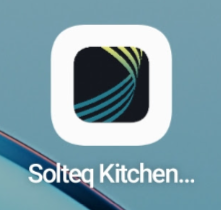
When the application is installed, you will see this icon among the installed apps
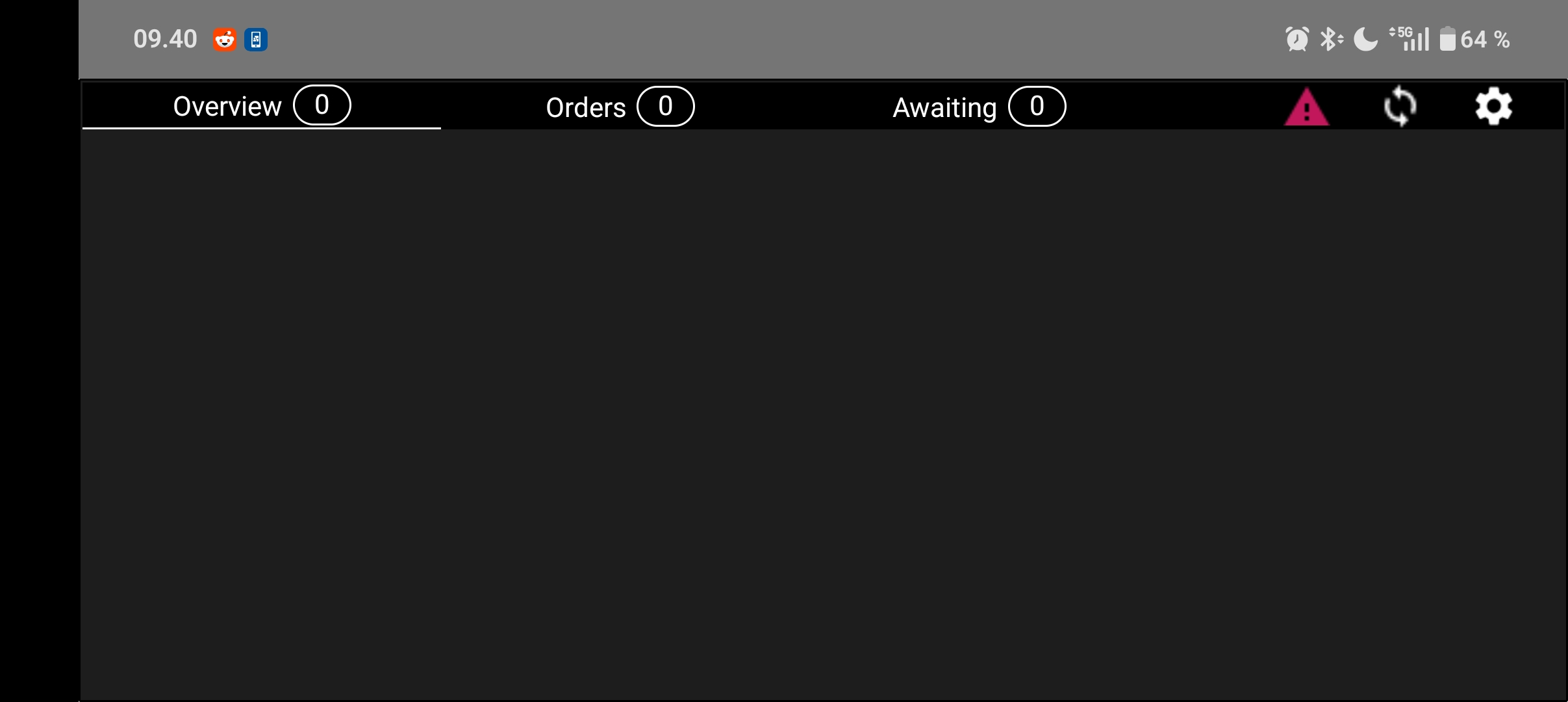
Open it, and make sure it looks like this.
-