
Several methods for logging in to the Back Office are supported by Solteq Commerce Cloud. To log in to the system, navigate to www.solteqpos.com.
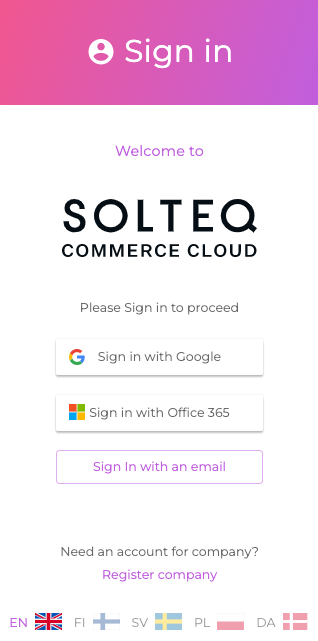
The supported login methods are displayed:
-
Google
-
Office365
-
e-mail and password (local user)
The recommended methods are using either Google G Suite or Microsoft Office 365 user management services, if either one is already in use. This way password administration, two-factor authentication, as well as permissions can be managed using these services.
After logging in you need to select the company whose Back Office you need to access. If the user has access to only one company, the system selects it automatically