
-
Navigate to https://www.solteqpos.com/
-
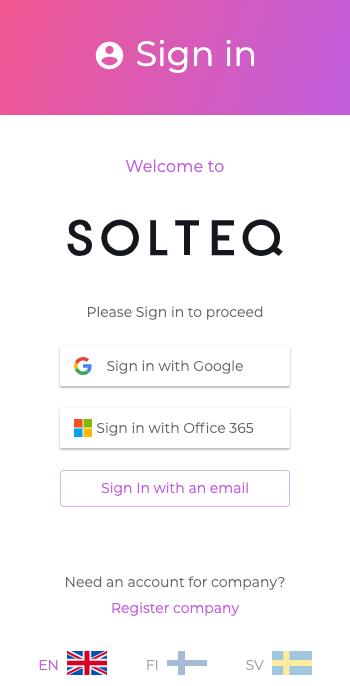
In the Sign in dialog, click the Register company link.
-
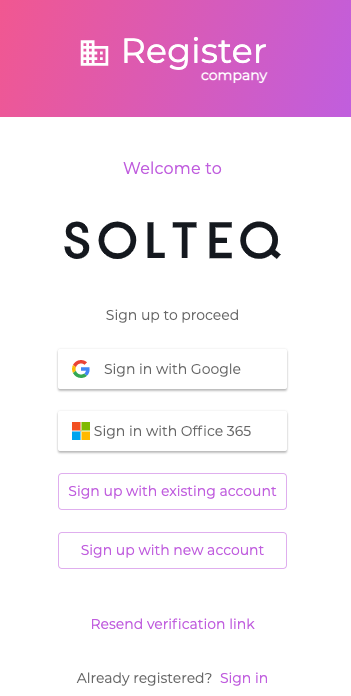
In the Register company dialog, either sign up by
-
using either your existing Google, Office 365, or Solteq Commerce Cloud account
-
creating a new account.
-
-
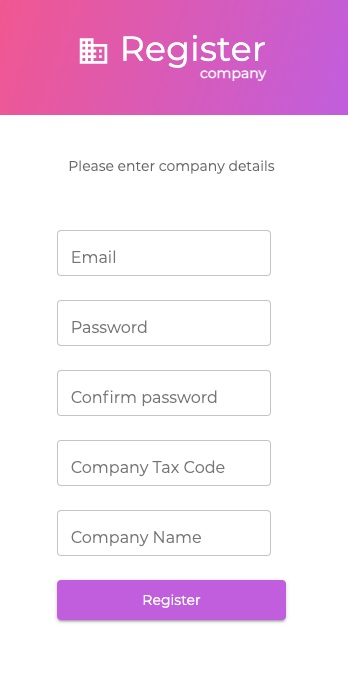
Enter your company details:
-
E-mail address
-
Password
-
Password confirmation
-
Company Tax Code
-
Company Name
-
-
Click Register. You will get an e-mail with a verification link to your e-mail address.
-
Click the verification link in the e-mail. Your company has now been registered in Solteq Commerce Cloud.