
See Self-Checkout Layout for instructions on how to create layouts for self-service checkouts.
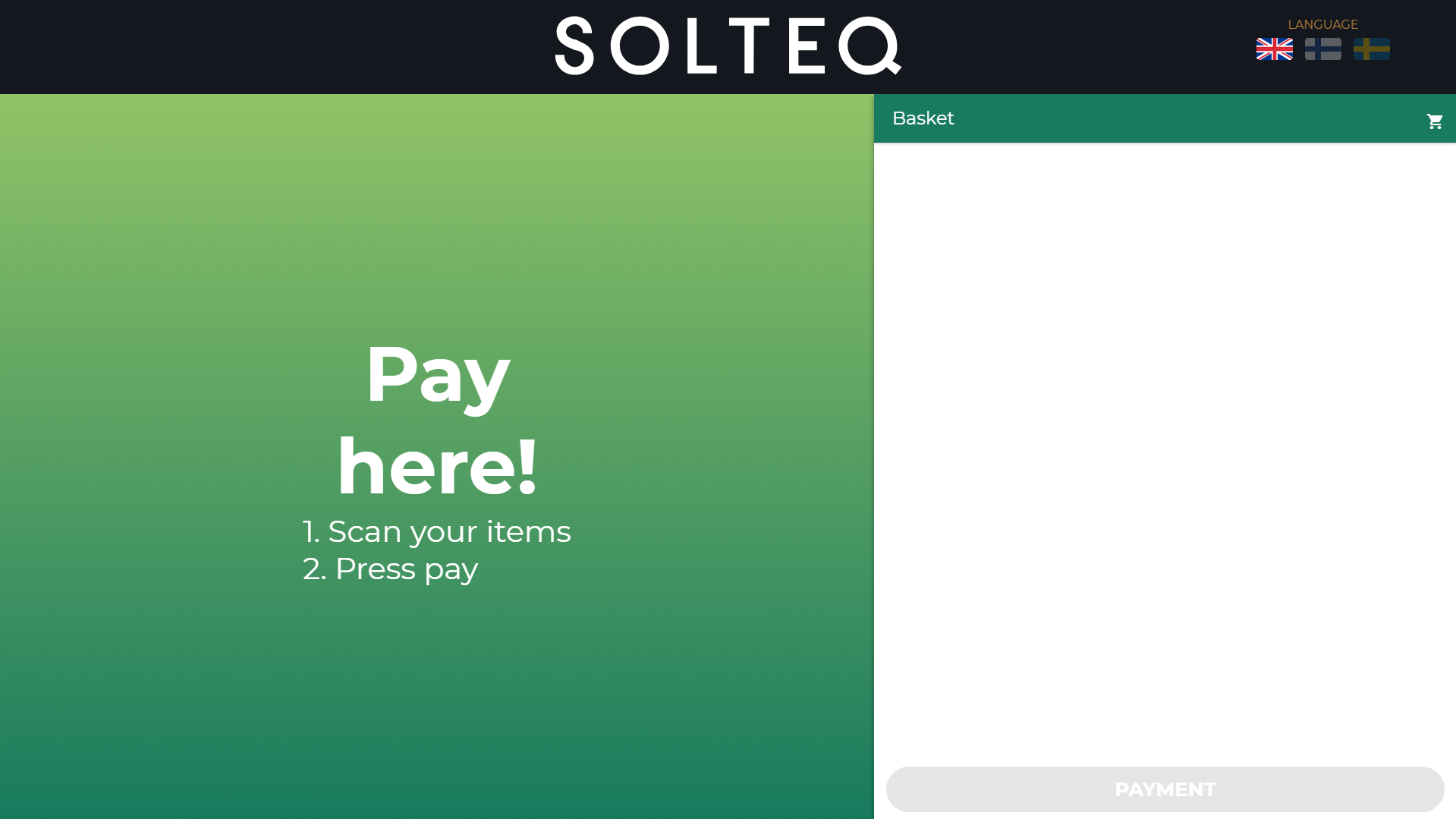
When the customer scans the product barcode, the product is added to the Basket. Products added to the Basket are displayed on the right-hand side of the screen; customer can delete products from the Basket if needed.
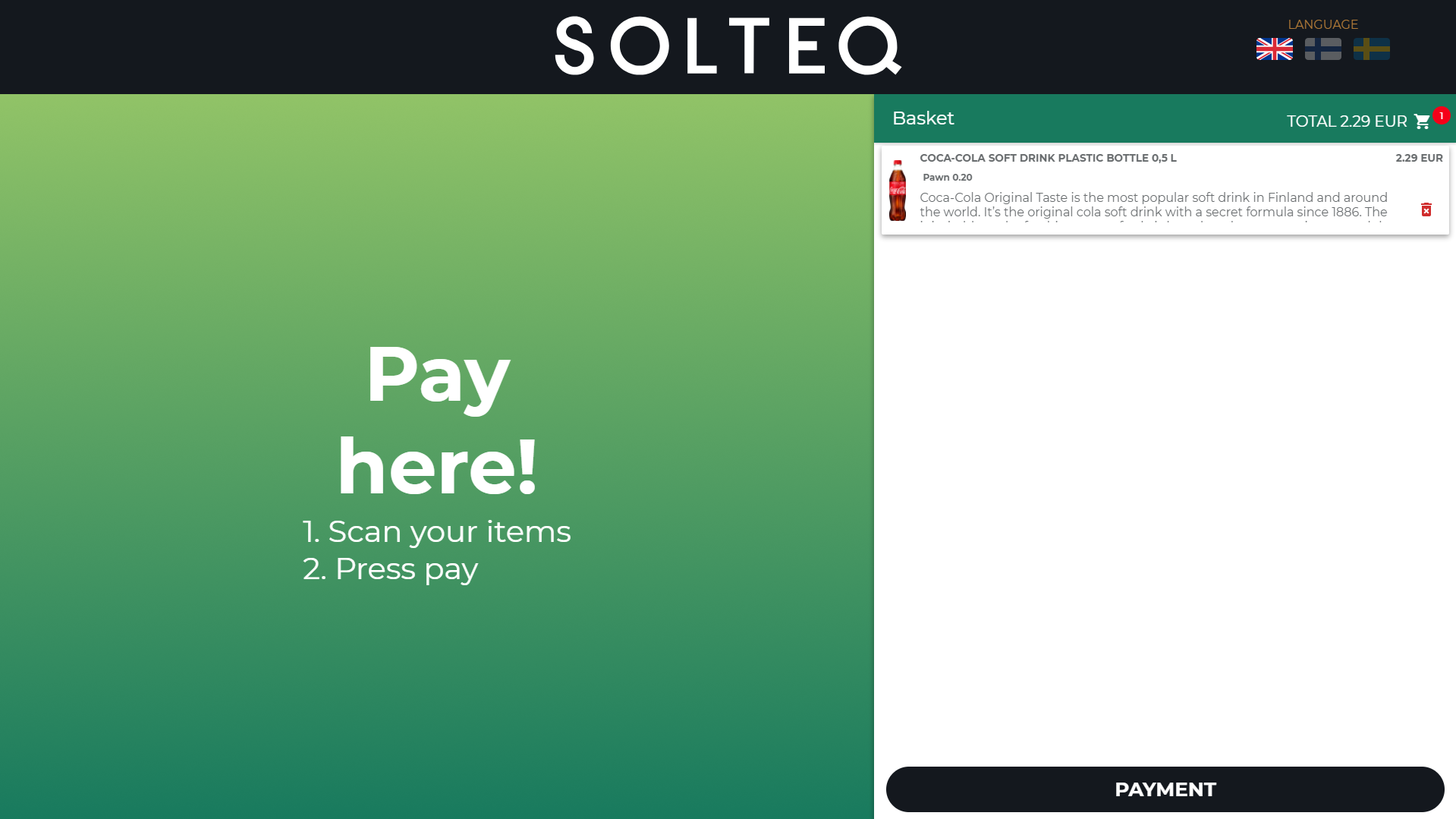
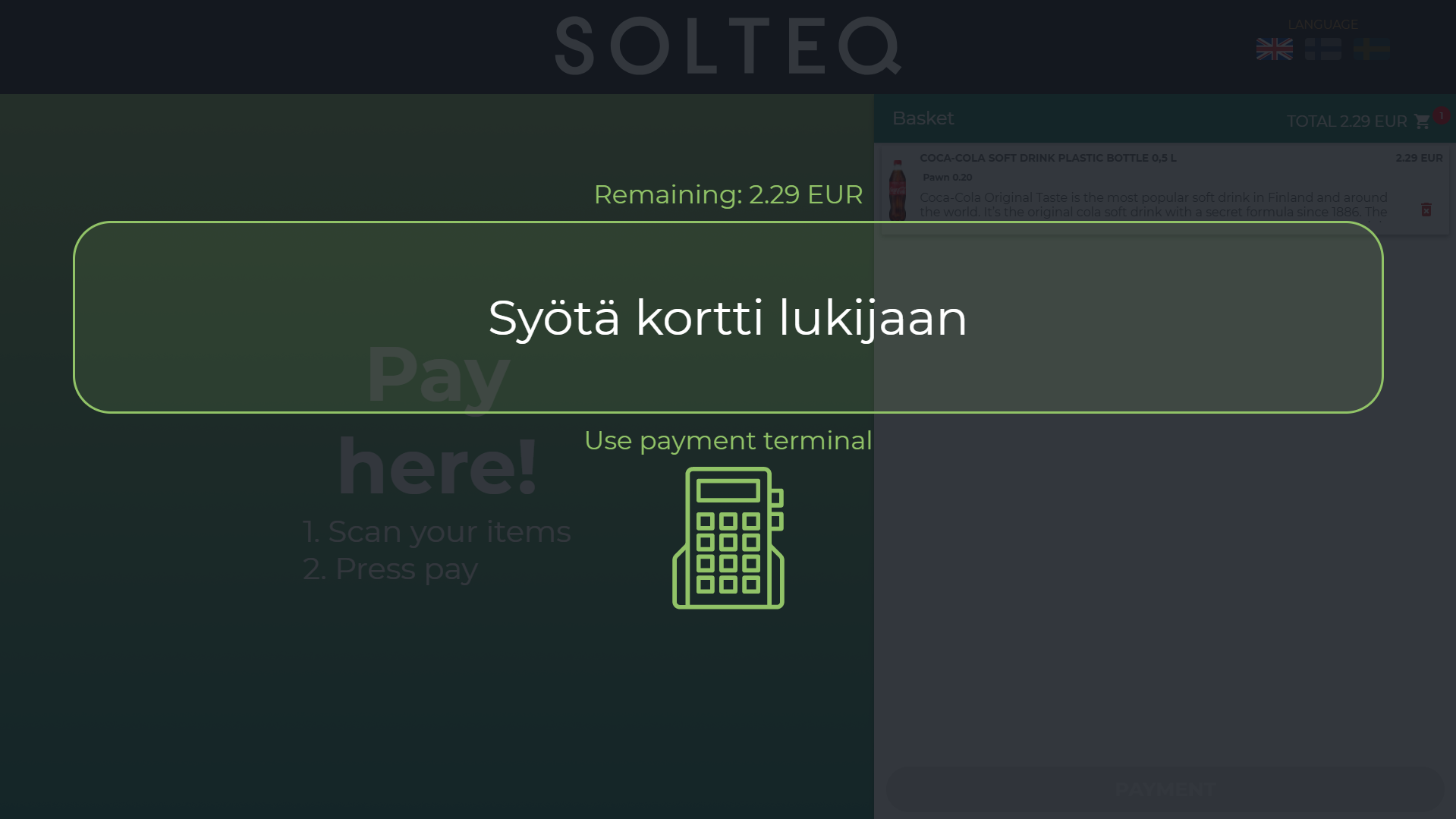
When the customer presses the button in the lower right-hand corner of the screen (button text can be defined in the Order button text settings), card payment is activated.
When the payment has been completed, the Order Ready message (defined in the Kiosk Service settings) is displayed.
The Welcome Screen is then displayed again, and the next customer can start adding products to the Basket.