
You can use barcode reader to scan barcodes in the Back Office to find products, ingredients, customers or receipts.
To manually access the quick find mode,
-
press the Home key on keyboard, or
-
click the barcode icon on the toolbar.

The Scan a barcode window is then displayed.
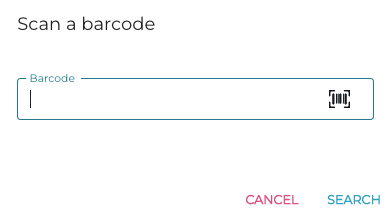
If a match is found, the information of the product, ingredient, customer or receipt is displayed in the Back Office.
When you are on Stock pages, system will search for the SKU of a product and open the global stock unit page.
To purchase a barcode reader from Solteq, send a request to your sales contact at Solteq or send e-mail to asiakastuki@solteq.com.
If you buy your own barcode reader, configure it in the following way (refer to programming manual for the barcode reader):
-
Use keyboard wedge mode with Standard Key encodings
-
Configure Global Prefix as Home.
-
Configure Global Suffix as Enter.