For sharing the barcode scanner with multiple applications, set it up to work in keyboard wedge mode. In this mode, Solteq Commerce Cloud POS needs to be the active window for the scanner to work.
This mode can also be used for reading barcodes on Back Office.
In the keyboard wedge mode, scanner sends <HOME>DATA<ENTER> as it was typed from keyboard. This needs to be taken into account on other applications.
-
HP/Datalogic 2D scanner configuration: KeyboardWedgeMode 2D
-
HP/Datalogic 1D scanner configuration: KeyboardWedge_QD2100.docx
-
Opticon L-22 scanner configuration: Opticon_L-22X.docx and full manual for the device: Opticon_L22_UniversalMenubook.pdf
-
HP HR2150 scanner configuration: HP HR2150 Solteq Commerce Cloud POS Configuration for USB HID mode.
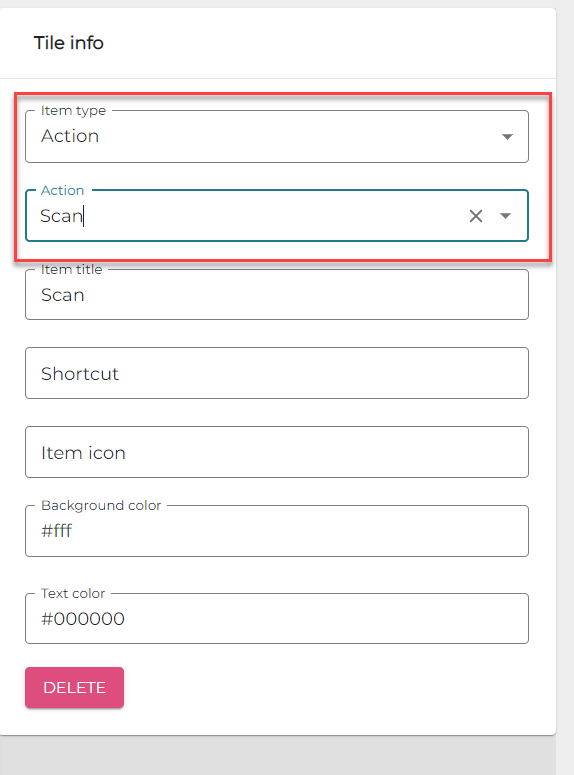
Users can always input the barcode manually on POS by pressing the HOME button or a Scan action tile (see Creating Tiles for POS Layout), if there is no keyboard available.