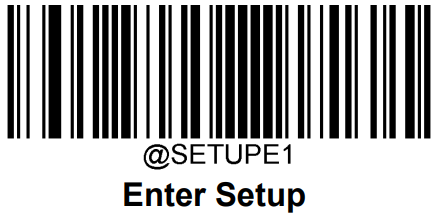
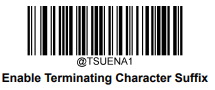
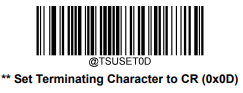
In this mode the scanner will act as a keyboard, and the scanner’s input will be sent to the active program/active window in Windows. POS and Back Office will recognize the input based on the <HOME> prefix and Enter suffix.
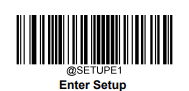
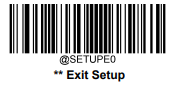
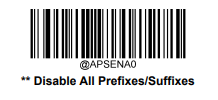
All codes must be read in the correct order.
-
Reset the scanner to factory default settings and set the keyboard mode.
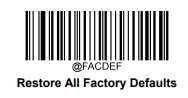
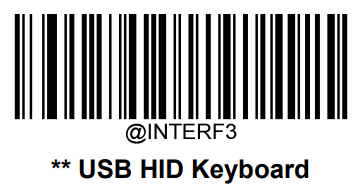
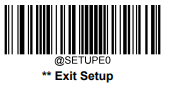
-
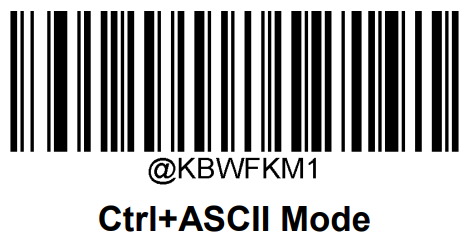
Enable Function Key mode.
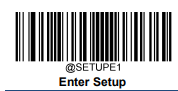
-
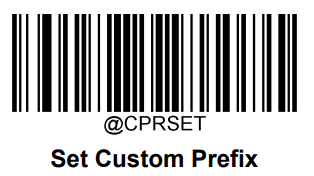
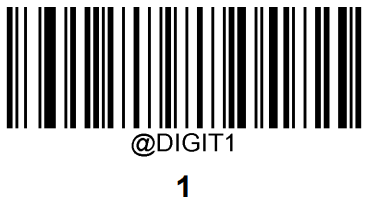
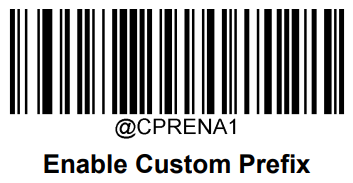
Set custom prefix to <HOME>.

-
Set suffix to linebreak.