
You can create, view and modify franchisee information in the Franchisees view of the Back Office. Frachisee data can then be fetched to external systems from the Solteq Commerce Cloud by using API.
When Franchisees has been enabled in Company Configurations, Franchisees is displayed in the Back Office menu; click it to display the view.
In order to access the Frachisees view, you also need to belong to a user group with Franchises: Read and/or Modify permissions.
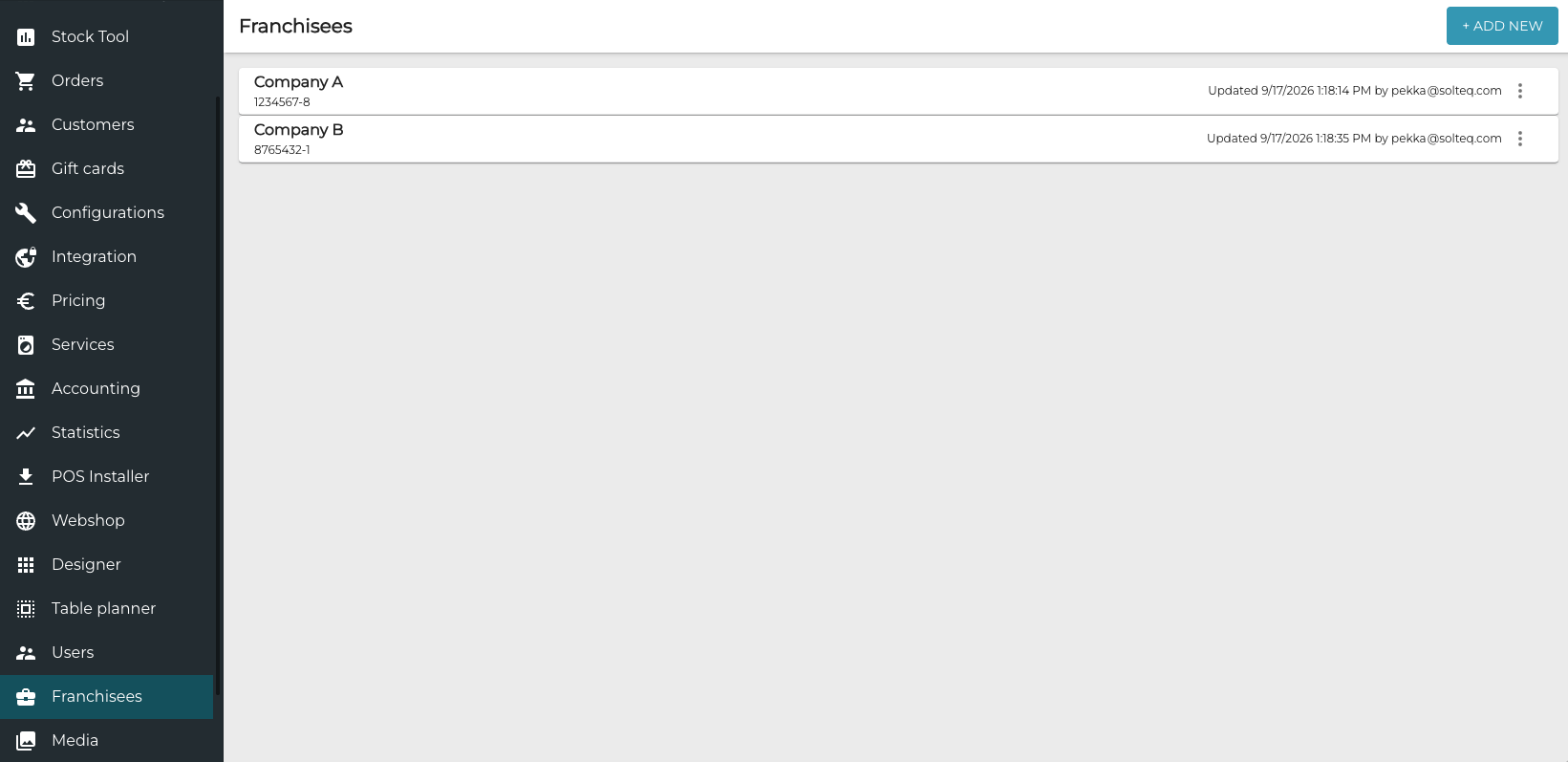
To view or modify details of a franchisee, click its row.
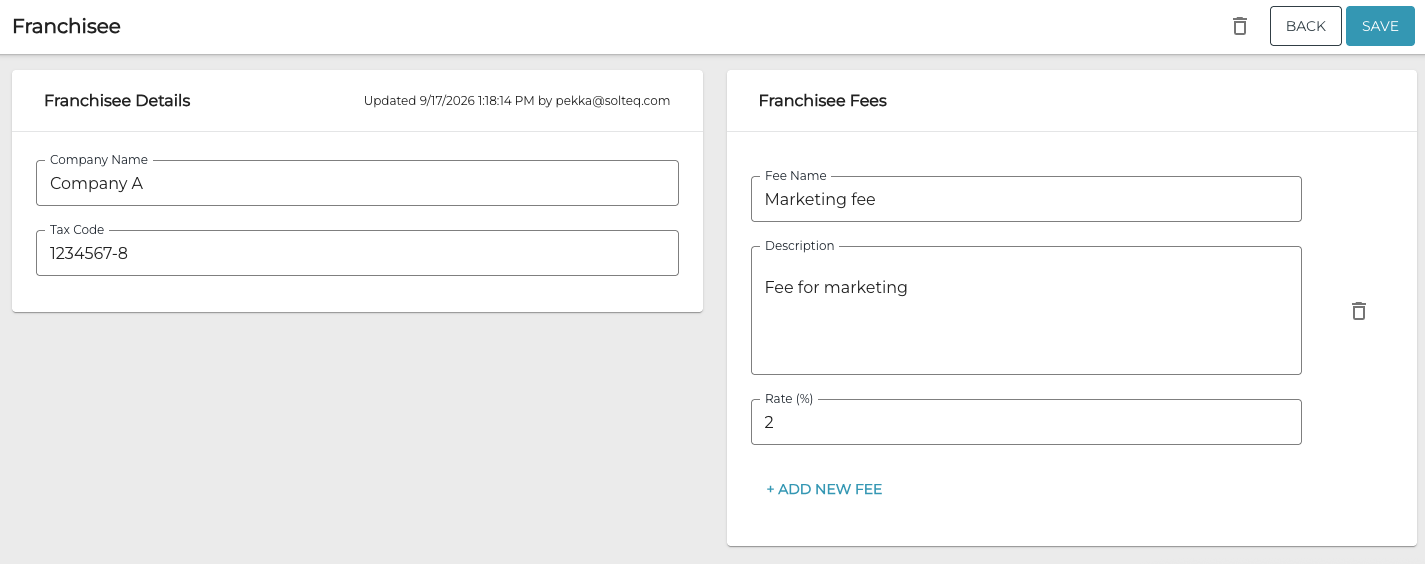
Franchise Details can contain one or several franchisee fees, which is the percentage the franchisee pays the parent company.
Add a New Franchisee
-
In the Franchisees view, click + Add New.
-
Enter Company Name and Tax Code for the franchisee
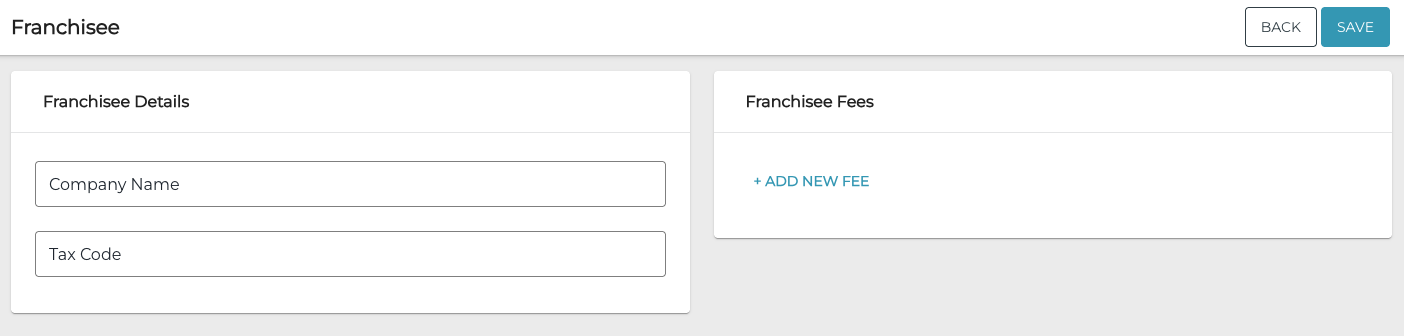
New franchise details -
Add franchise fees by clicking +Add new fee. Franchise fee details are displayed.
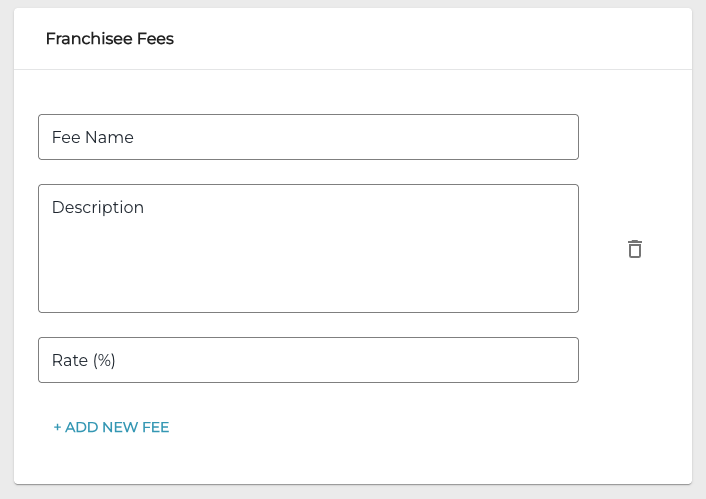
Franchise fee details -
Enter the following details for the franchise fee
-
Fee name
-
Description (optional)
-
Rate (%)
You can add additional fees by clicking +Add new fee and entering the details for the fee.
-
-
When you have entered all the details for the franchisee, click Save to save your changes and create the franchisee.