
Stock Handling is an optional module available for Solteq Commerce Cloud. You can view stock information by clicking Stock Handling in the Back Office menu. The Stock Handling view displays all the Stocks of your company.
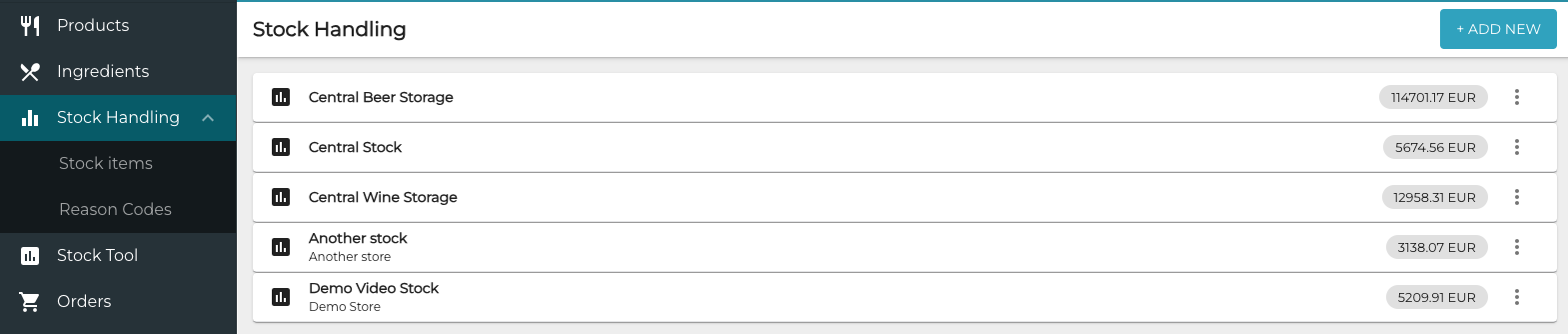
One Stock can belong to only one Store, but a Stock can also be used as a Central Stock, if it has not been allocated to any Store.
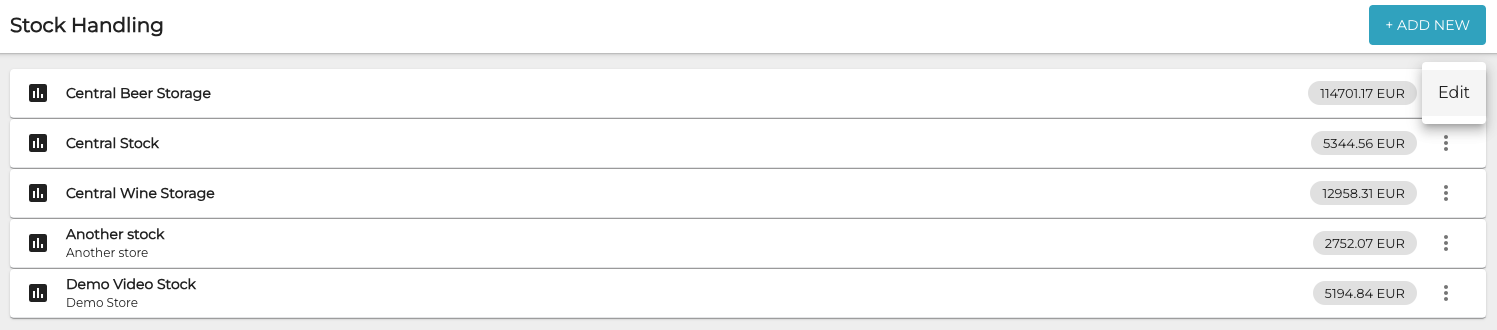
To change a Stock’s name and/or store allocation, click the three dots icon on the row of a price list and select Edit.
By clicking on the row of a Stock you can view its details.
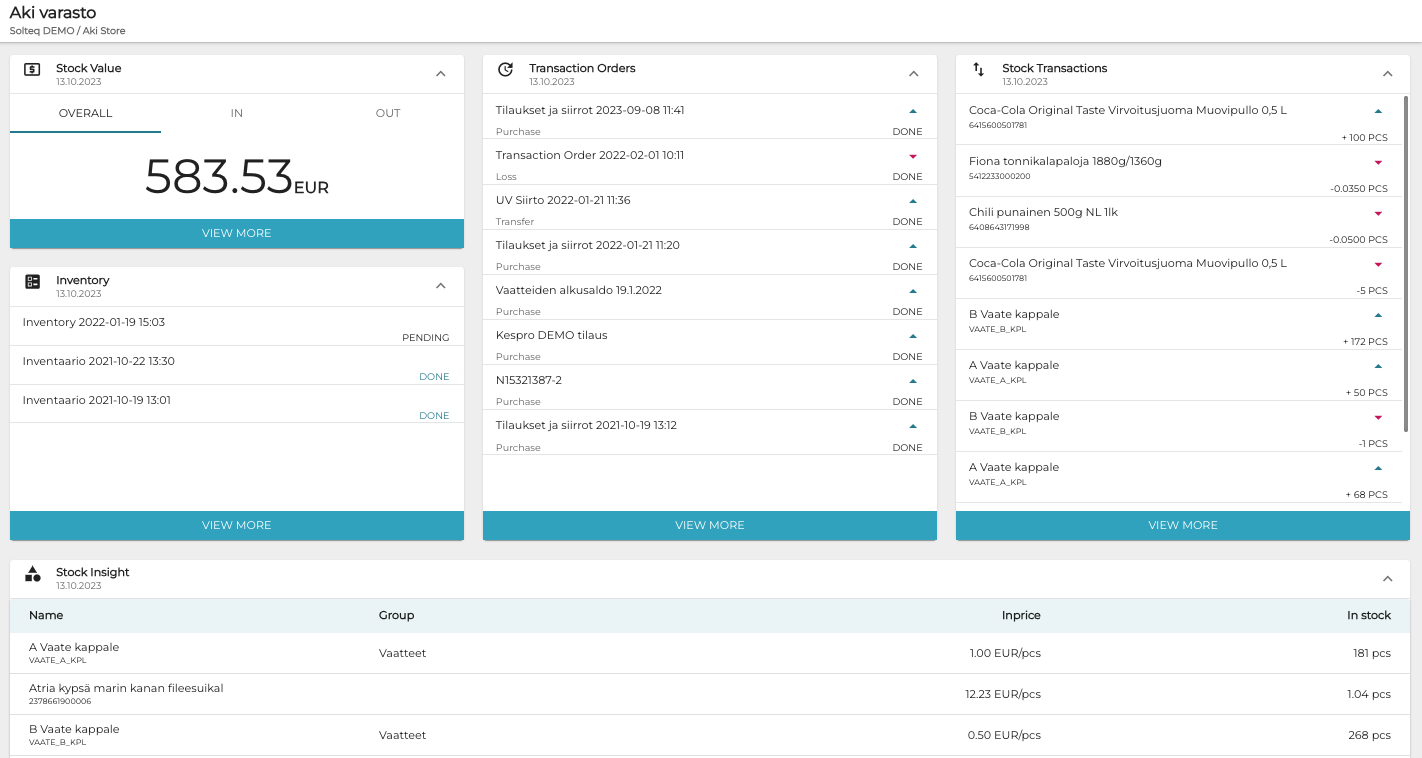
The following information is displayed:
-
Name of the Stock and the Store it belongs to.
-
Stock value (Overall/In/Out)
-
-
Date and time of the latest inventories.
-
-
-
Transaction orders can be either Pending or Done.
-
-
-
Transferred stock items and their quantities.
-
-
-
Current stock balances of products.
-
Click View more in any section to see more details.