
The Stock Tool of Solteq Commerce Cloud enables you to perform quick stock-related actions.
To access the tool, click Stock Tool in the Back Office menu.
You can change the stock whose balance you want to view or modify by clicking on the current stock’s name, and then selecting a new one.
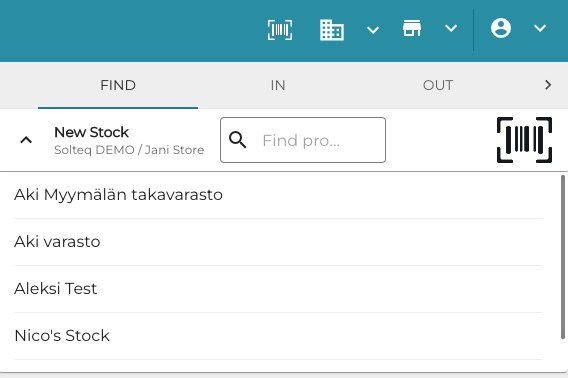
To search for products in the Stock Tool, you can use the global barcode scanner; simply read a barcode with your physical scanner when a Stock Tool tab is open.
You can define the default quantity used for products in Stock In, Stock Out and Inventory tabs by entering a value in Stock Tool Default Quantity field in Company Configurations.