
A hotfix package will be released today September 9th, 2026 to Solteq Commerce Cloud. It will fix a problem that caused ingredient and product option selections to be missing from the final receipt in certain circumstances. The hotfix is applied to the Kiosk module only. Back Office, POS (normal & pilot), Mobile POS and the integrated webshop will all be functioning normally and without any interruptions.
for Retail and Restaurant

Receiving Products in Stock Tool

  1. Select the In tab and select the Stock which will be receiving the products.

  2. Click the barcode icon and scan the barcode of the product, or enter its name or SKU in the Find Product by Name or SKU field.
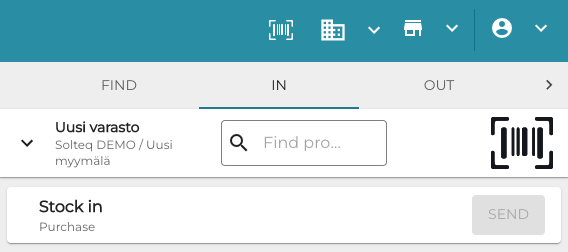
    Stock In.png
    In tab in Stock Tool
  3. The product name is displayed. Enter the Quantity of the product you wish to add to stock.
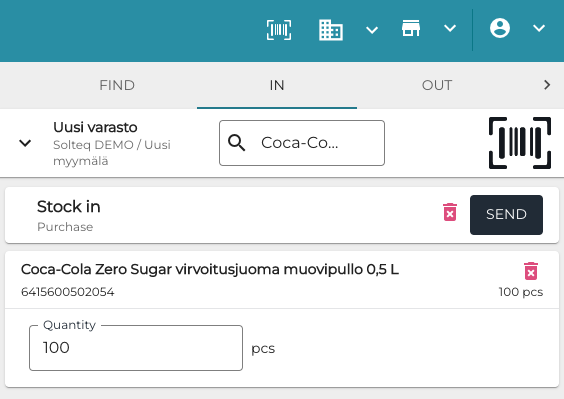
    Enter Quantity Stock In.png
    Entering product quantity
  4. Click Send to create an automatically approved purchase order and add the products to the Stock.