
-
Select the Out tab and select the Stock you want to create loss for.
-
Click the barcode icon and scan the barcode of the product, or enter its name or SKU in the Find Product by Name or SKU field.
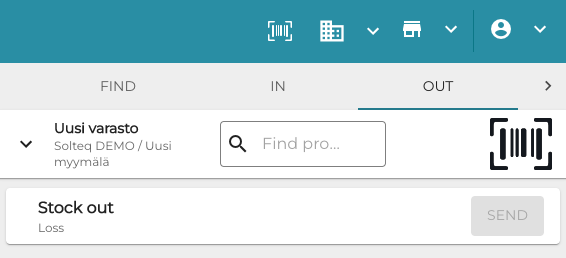
Out tab in Stock Tool -
Enter the loss Quantity for the product.
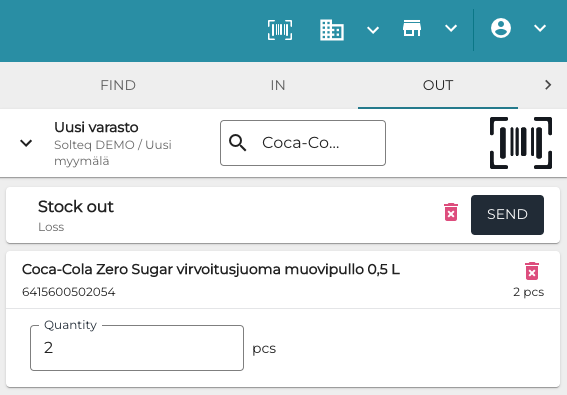
Entering loss quantity -
Repeat steps 4–6 to add more products, if needed.
-
Click Send to save your changes.