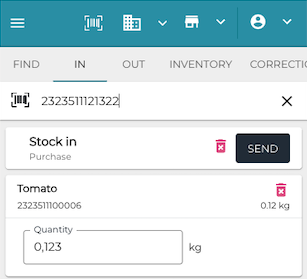
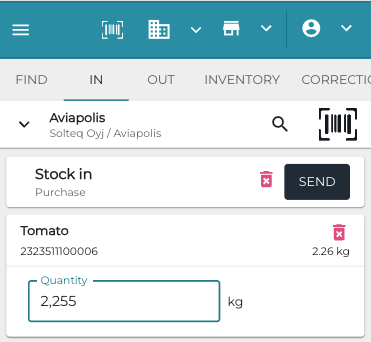
In the Stock Tool you can use a barcode reader in various tabs to scan barcodes with embedded weight/price data.
The CORRECTION tab is an exemption; if you scan the barcode, the displayed Quantity will be the quantity already in the Stock, not the one derived from the barcode.
When you scan a barcode without embedded weight, the Stock Tool Default Quantity defined in Company Configurations will be added to the Quantity field.
FIND Tab
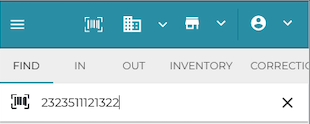
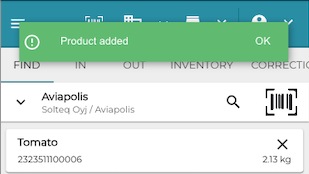
In the FIND tab you can use the barcode reader to search for products that have barcodes with embedded weight/price data. The found product will have the SKU without the weight/price data, and its amount in the Stock displayed on its row.
IN, OUT and INVENTORY Tabs
You can use the barcode reader to search for products that have barcodes with embedded weight/price data. The found product information will display the SKU without the weight/price data, with weight information displayed in the Quantity field.
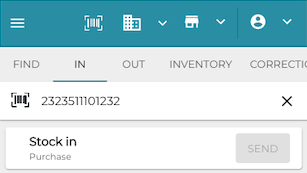
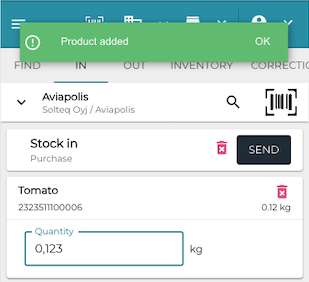
Scanning the same product again with embedded weight data in the barcode will update the quantity.
Scanning a barcode without embedded weight data will increase the Quantity by 1.