
This function will create a finished inventory with corrected quantity of the product; the correction can be checked later from the Back Office, creating an audit trail which shows why the Stock quantity was changed.
-
Select the Correction tab and select the Stock whose product quantity you want to be corrected.
-
Click the barcode icon and scan the barcode of the product, or enter its name or SKU in the Find Product by Name or SKU field.
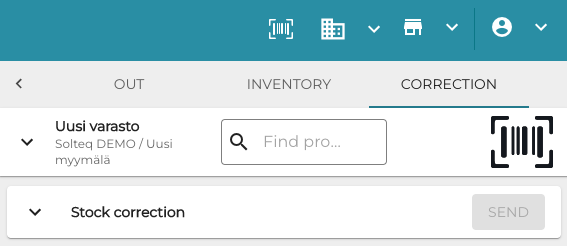
Correction tab in Stock Tool -
The product name is displayed. Enter the Quantity of the product you wish to correct in the Stock.
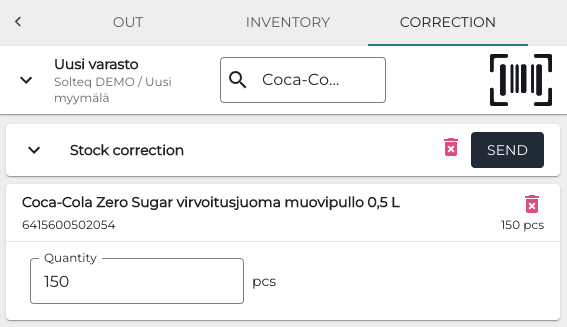
Entering corrected quantity -
Click Send to create the finished inventory with corrected product quantity.