
You can create and manage webshops in the Solteq Commerce Cloud Back Office. To take webshops into use:
-
Click the Webshop switch to ON position in Company Configurations and Save your settings.
-
Give the required Webshop: Read/Write permissions to various user groups in user group settings.
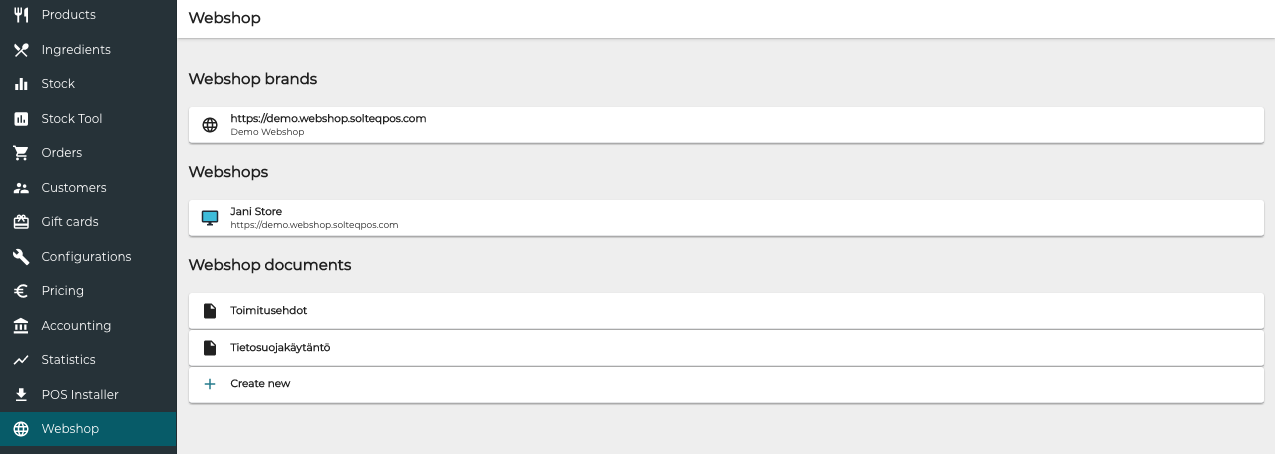
When webshops have been enabled, the Webshop menu item appears in the Back Office menu. Click it to view webshop brands, list of webshops, as well as webshop Documents.
To enable Paytrail payments to be used with webshops, see Activating Paytrail.