
To view the details of your webshop brand, click its row in the Webshop view.
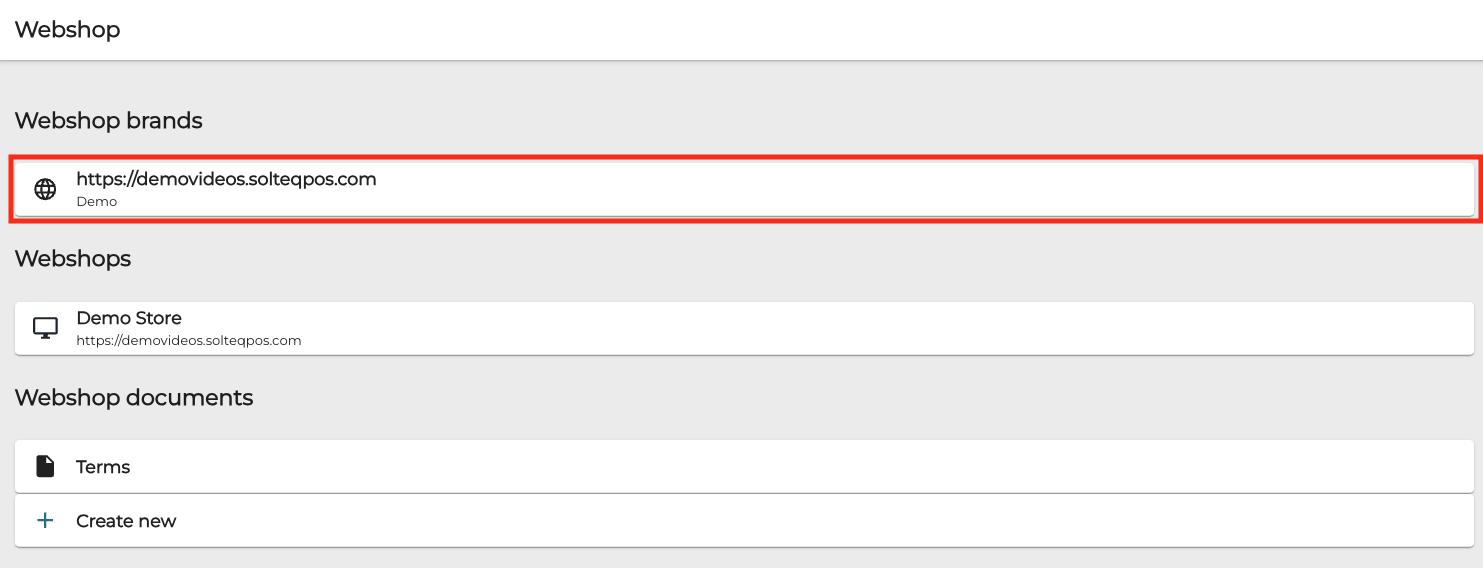
The following webshop brand details are displayed.
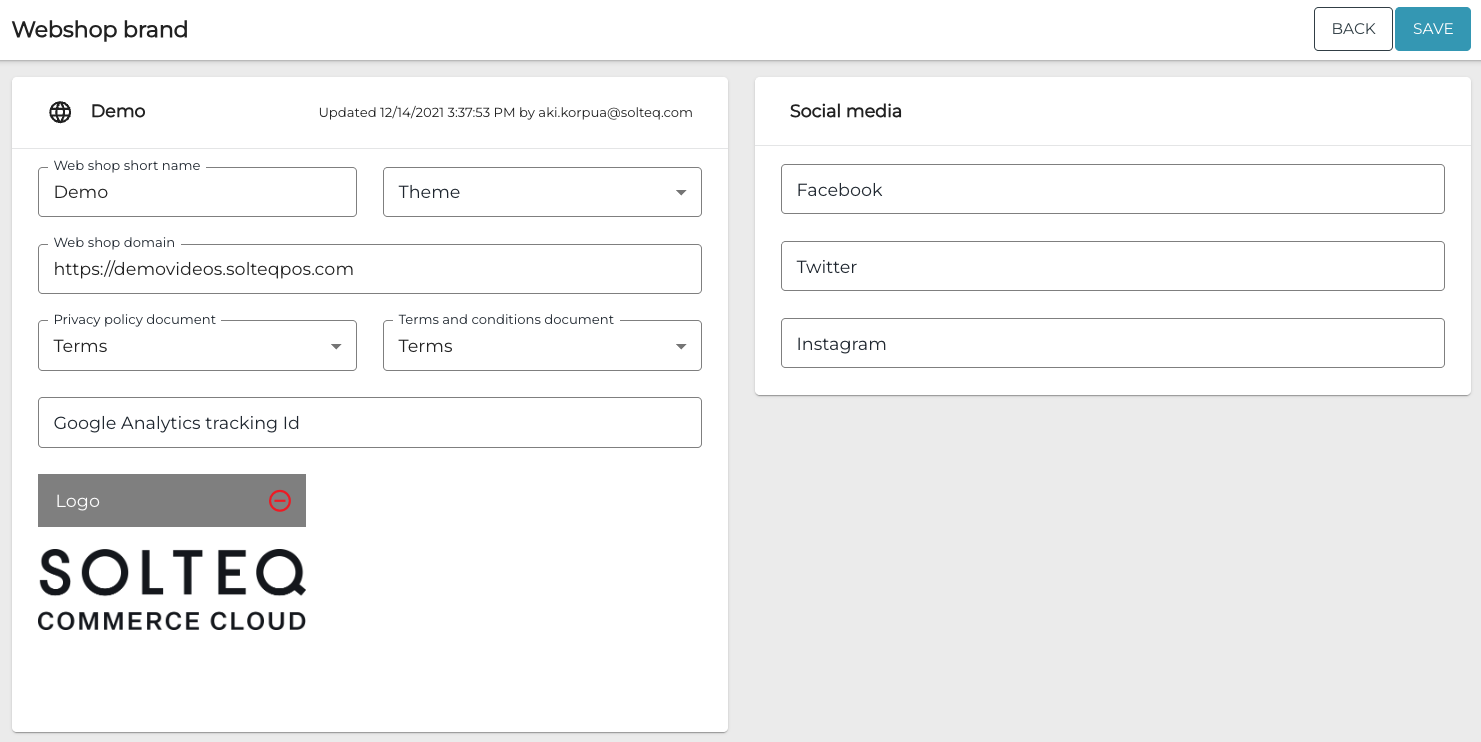
The view contains the following fields/settings.
|
Field/setting |
Description |
|---|---|
|
Web shop short name |
Name of the webshop brand, used in Webshop Details. |
|
Theme |
Select the webshop theme which will be used with this brand. |
|
Web shop domain |
Enter the domain used for the webshop. |
|
Privacy policy document |
Select the privacy policy document displayed for the customers. |
|
Terms and conditions document |
Select the terms and conditions document displayed for the customers. |
|
Google analytics tracking Id |
If you want to use Google Analytics for tracking the webshop usage, enter the tracking ID here. |
|
Logo |
You can add your company’s logo here by dragging-and-dropping/selecting an image file or inserting a web link to the image. The logo will be displayed in both the header and the footer of the webshop page. |
|
Social media |
You can enter the Facebook, Twitter and Instagram accounts URLs of your company in their respective fields. The social media icons with links will then be displayed in the webshop page footer. If you leave one or more of the fields empty, these icon(s) will not be displayed. |