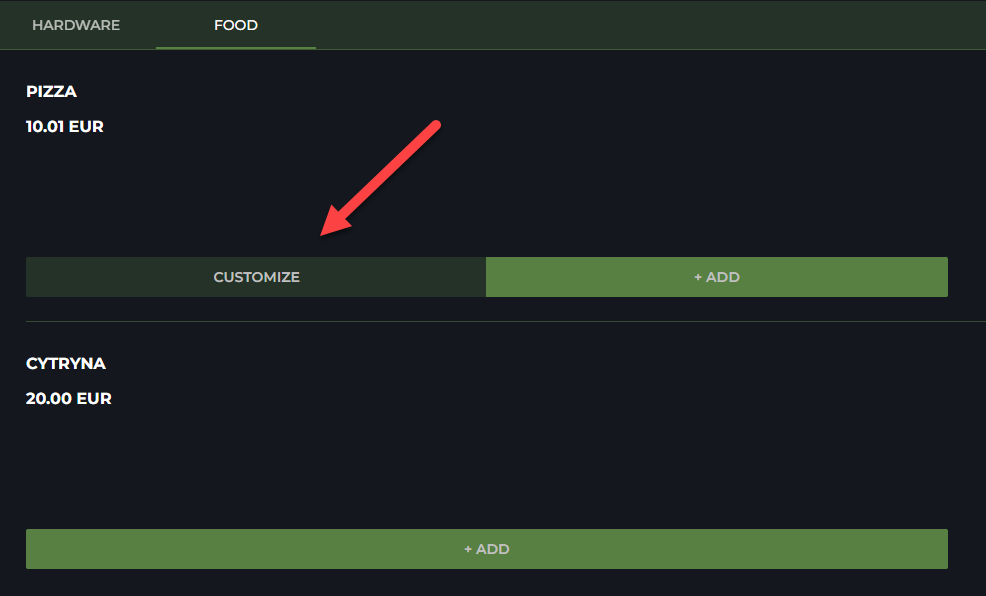
The Customize button is hidden in Webshop by default; the product customization page is displayed when the user adds a custom product to the Basket.
Alternative way of doing this is to always display the Customize button and let the customer decide if he/she wants to customize a custom product, or just add it directly to the basket.
-
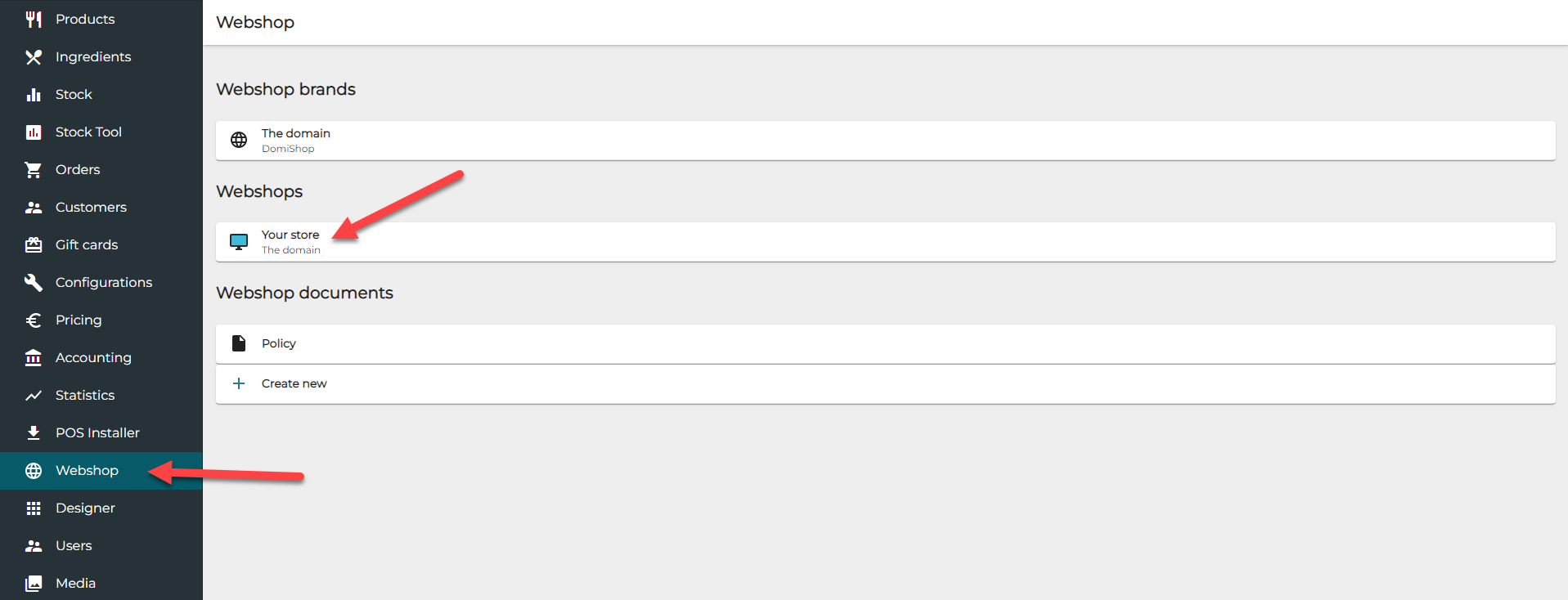
In the Back Office menu, click Webshop.
-
Select a webshop by clicking it in Webshops.
-
In the Webshop settings, click the Show “Customize” button toggle switch to ON.
-
Click Save to save your changes to the Webshop settings.
The change may take up to 15 minutes to be applied.
When the change has been applied, the Webshop page will display the Customize button for custom products.