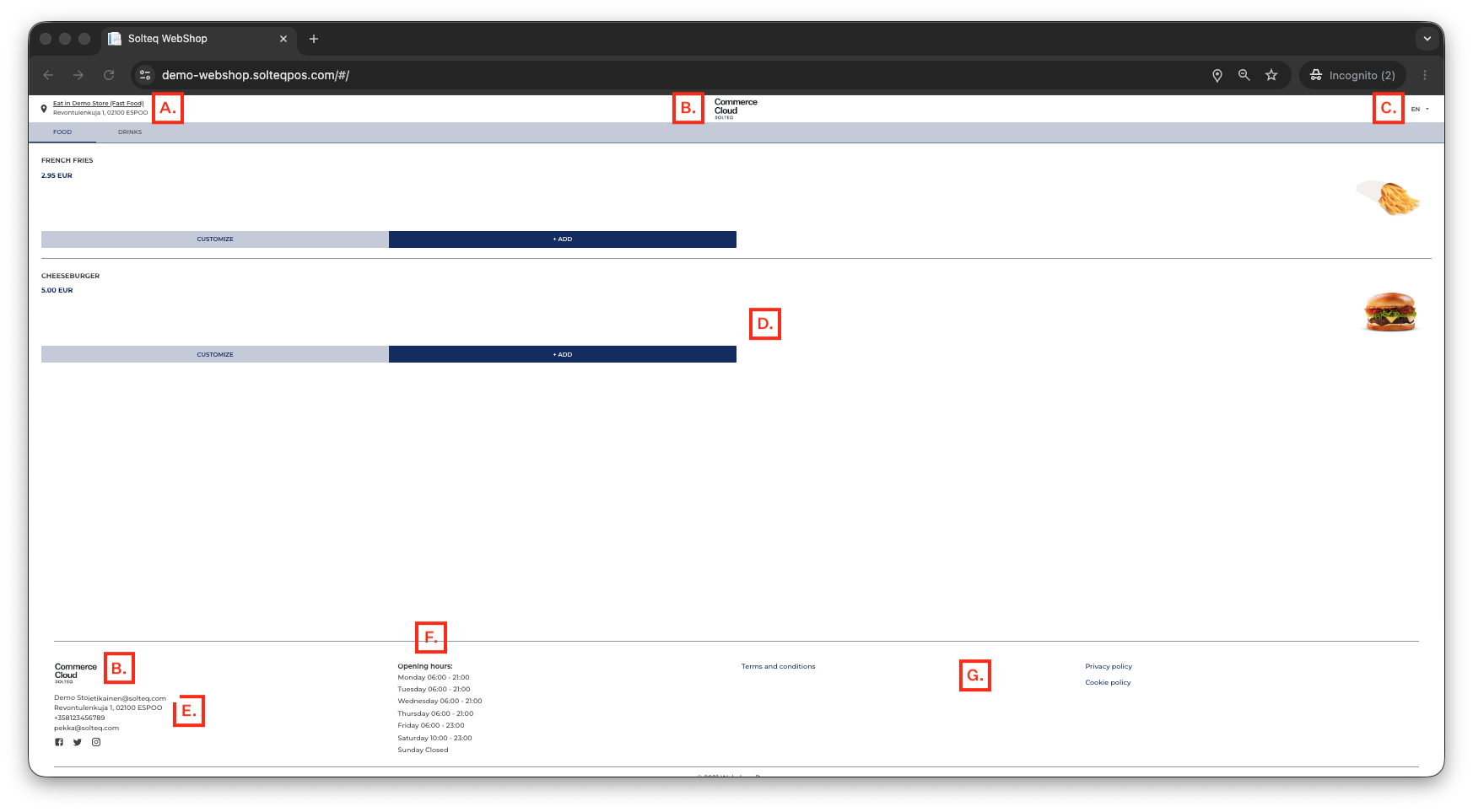
All webshop screens contain the following elements.
|
A. |
Currently selected Store. |
|
|---|---|---|
|
B. |
Webshop logo (if defined in the Webshop Brand settings), displayed in both header and footer. |
|
|
C. |
Webshop language selector which can be used to change the UI language. The following UI languages are currently supported:
|
|
|
D. |
The products of the Assortment selected in the Webshop Details are listed here. Products are grouped into various tabs, based on their Category. The first tab contains the assortment products belonging to the Default Category selected in Webshop Details. |
|
|
E. |
|
|
|
F. |
Opening hours of the webshop. |
|
|
G. |
Links any Webshop Documents that have been defined, and the link to the default cookie policy. |
|
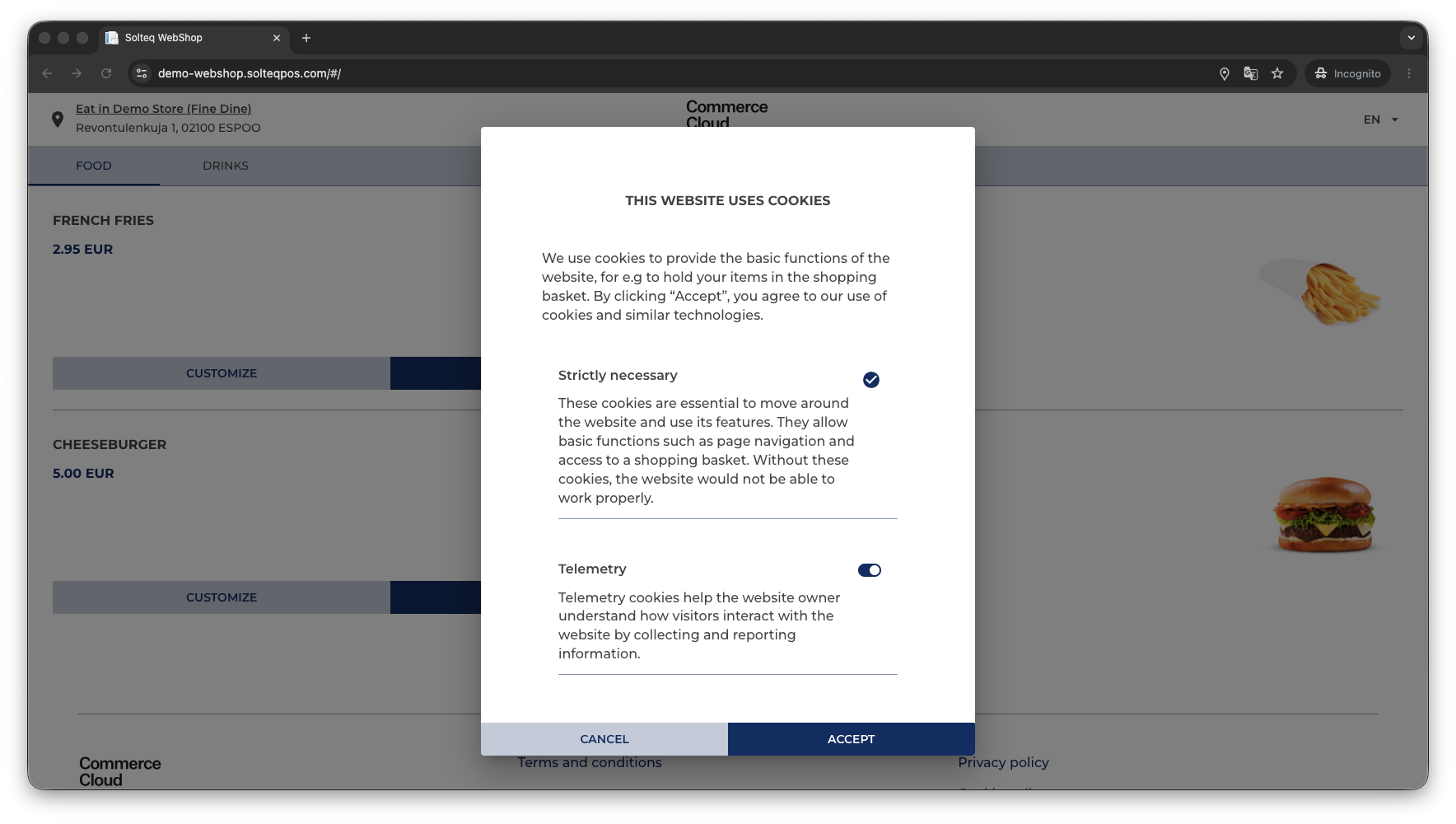
By clicking on the Cookie Policy link, the customer can view the cookie policy and modify cookie-related permissions.