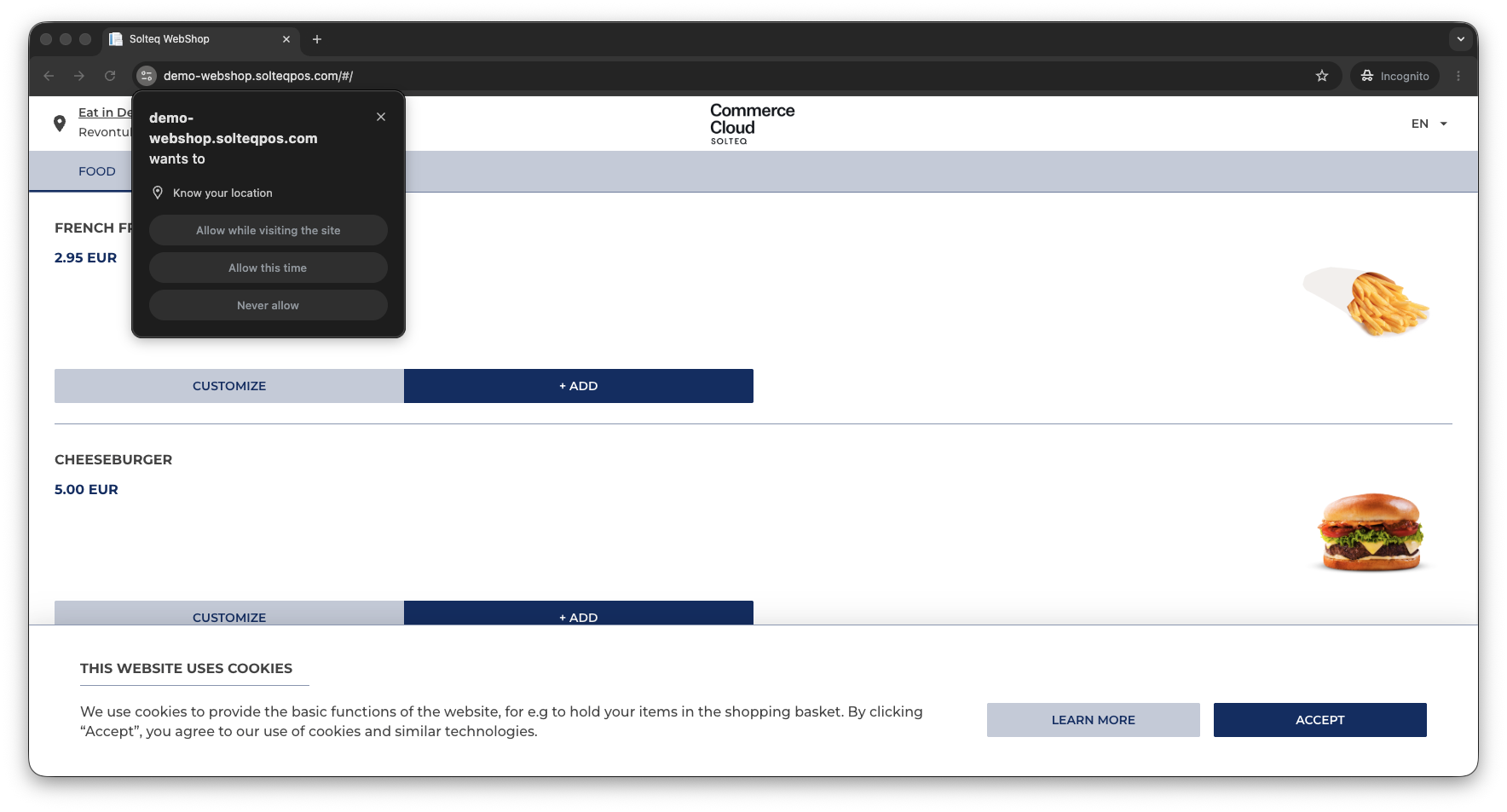
When the customer navigates to the webshop for the first time, the webshop will prompt for location, and select the closest Store based on the customer location.
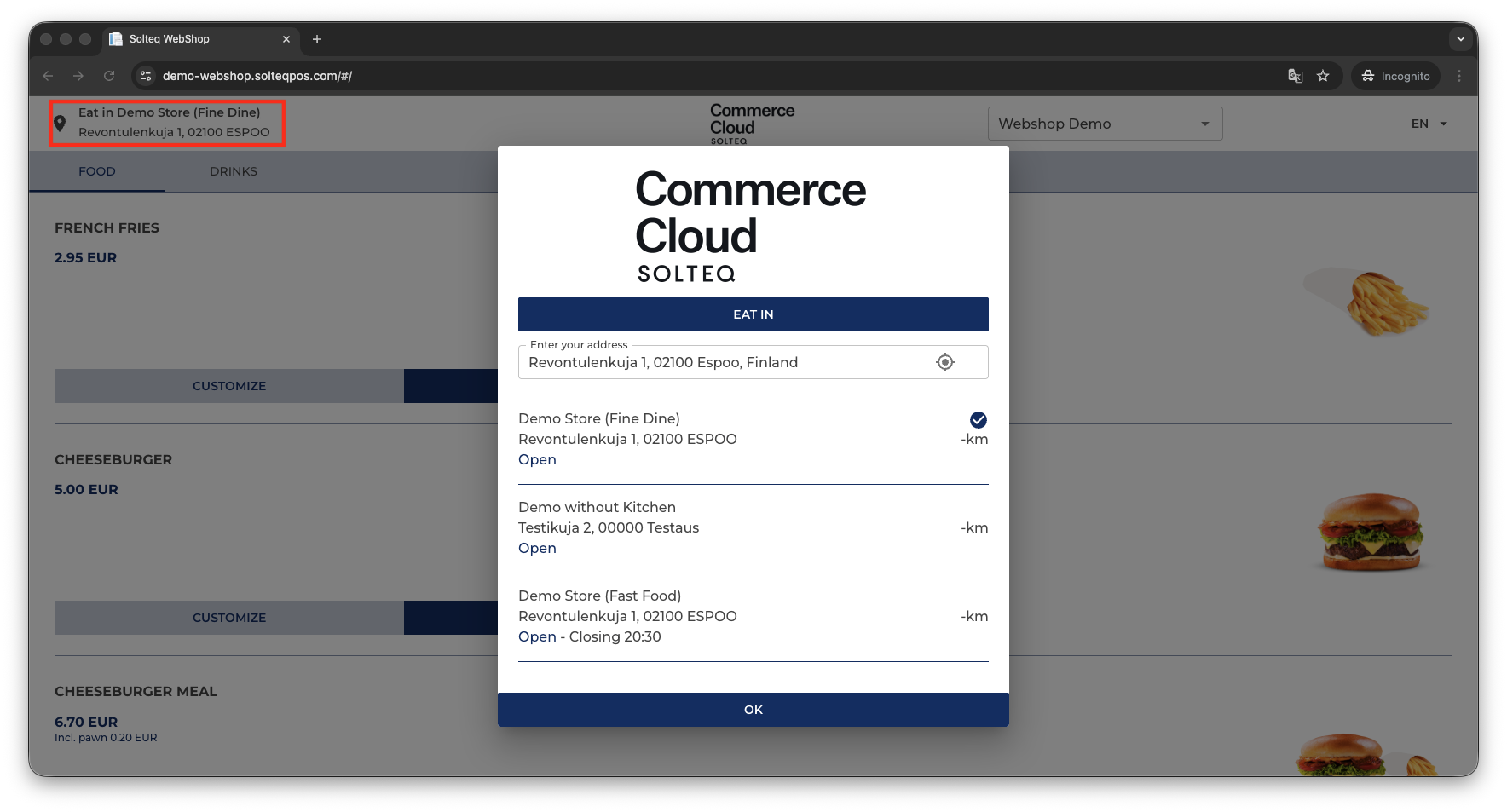
If the user does not want to let the webshop know the location, it is also possible to enter location manually and then select the Store from the available options.
It is also possible to change the Store manually, by clicking the Store in the upper left-hand corner of the screen, and then selecting a new Store.