
The documents you add in the Webshop view will be visible to the Webshop customers.
Once added, the documents cannot be removed, only edited. To edit a document, click it on the list and save your changes.
-
In the Webshop view, click +Create New in the Webshop documents section.
-
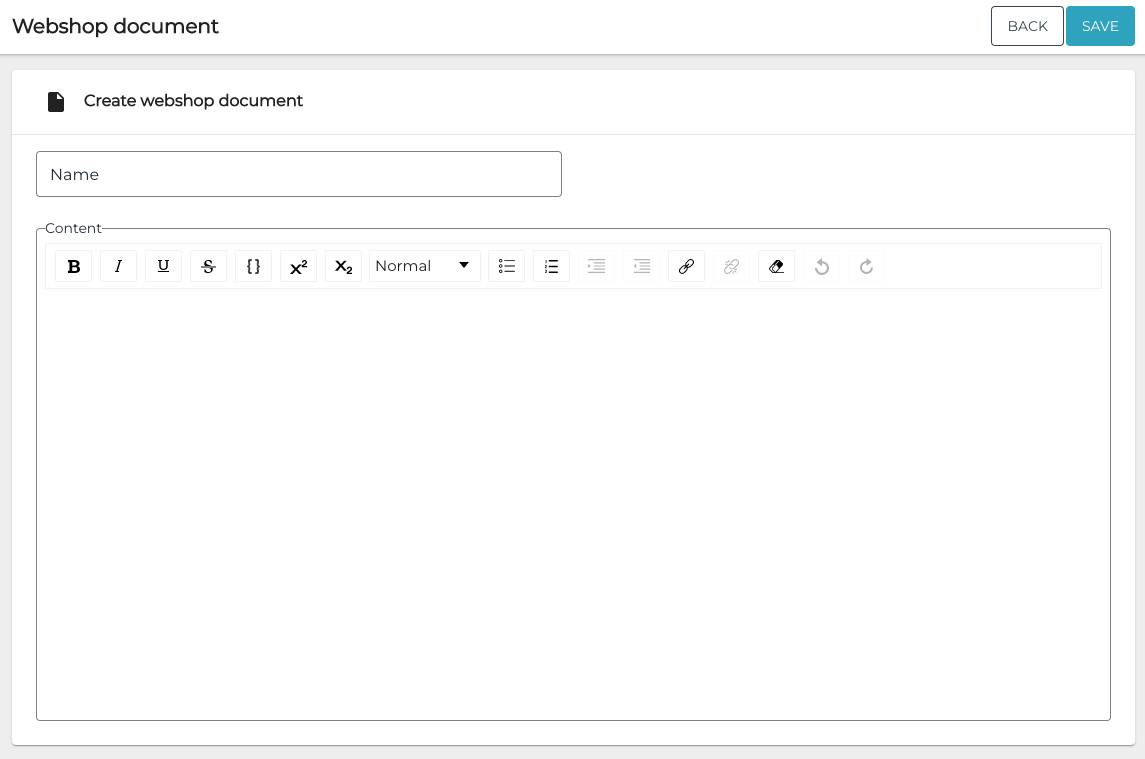
Enter Name and Content for the document.
-
Click Save to save your changes.