
To change a Stock’s name and/or store allocation:
-
Click the three dots icon on the row of the Stock list, and select Edit.
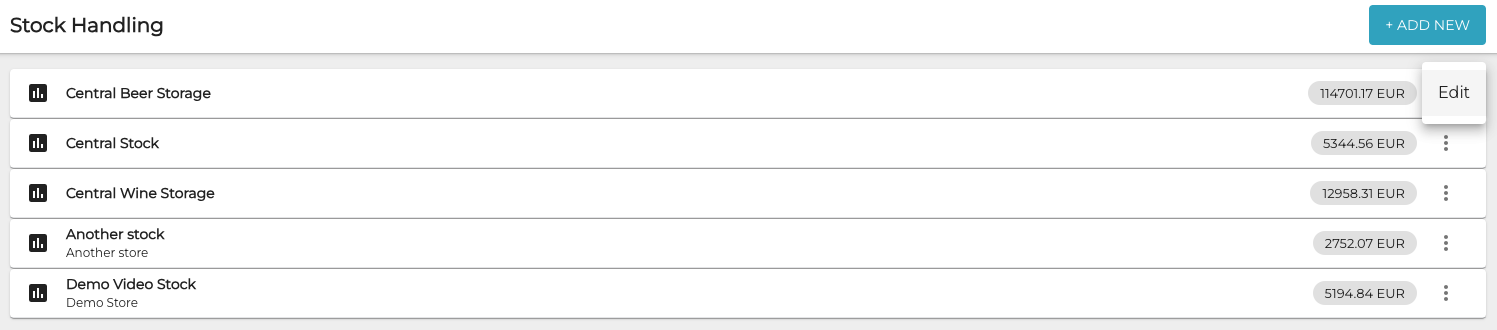
Selecting A Stock for editing -
Enter new Name for the Stock and/or use the Stock Allocation drop-down menu to select a new store for it.
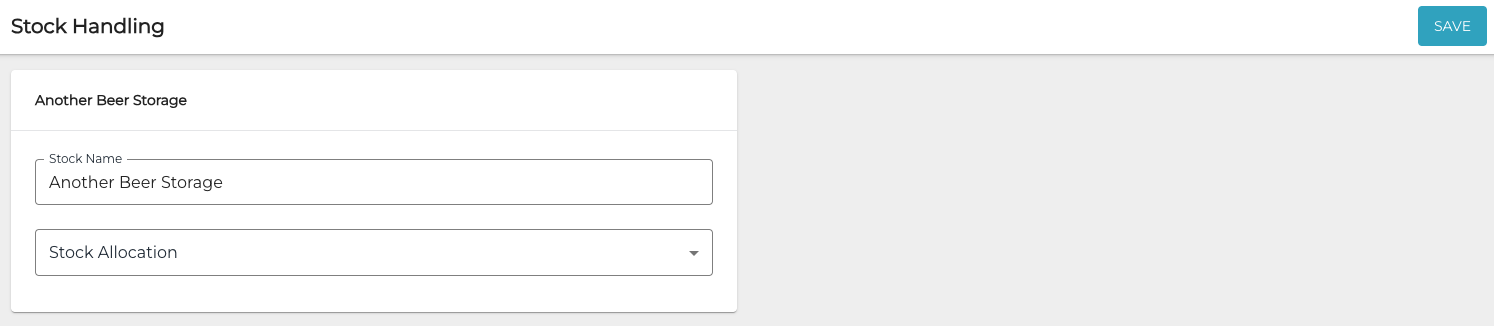
Stock details -
Click Save to save your changes.