In the Messaging view of the Back Office you can define various messages sent for customers regarding their drop-off items:
-
Ready for Pickup
-
Free Storage Period Expiring
-
Storage Period Expiring
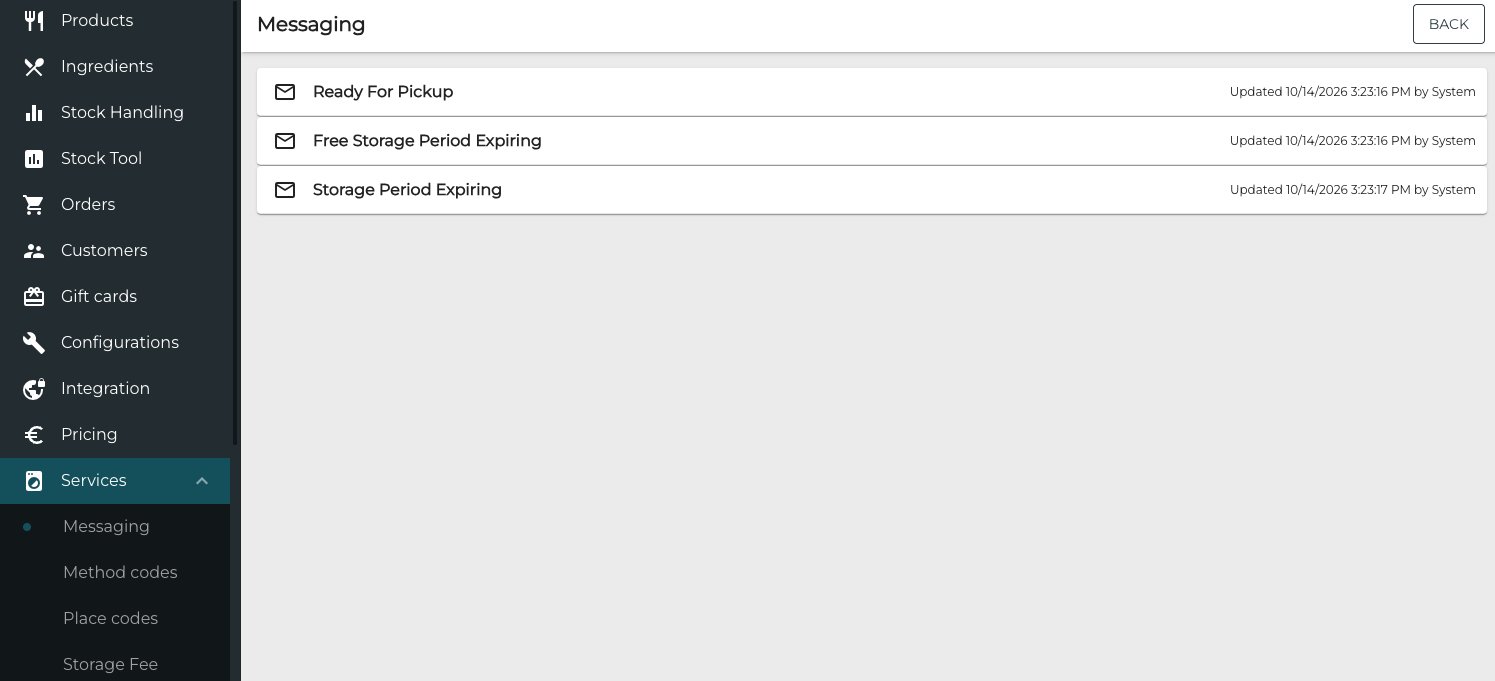
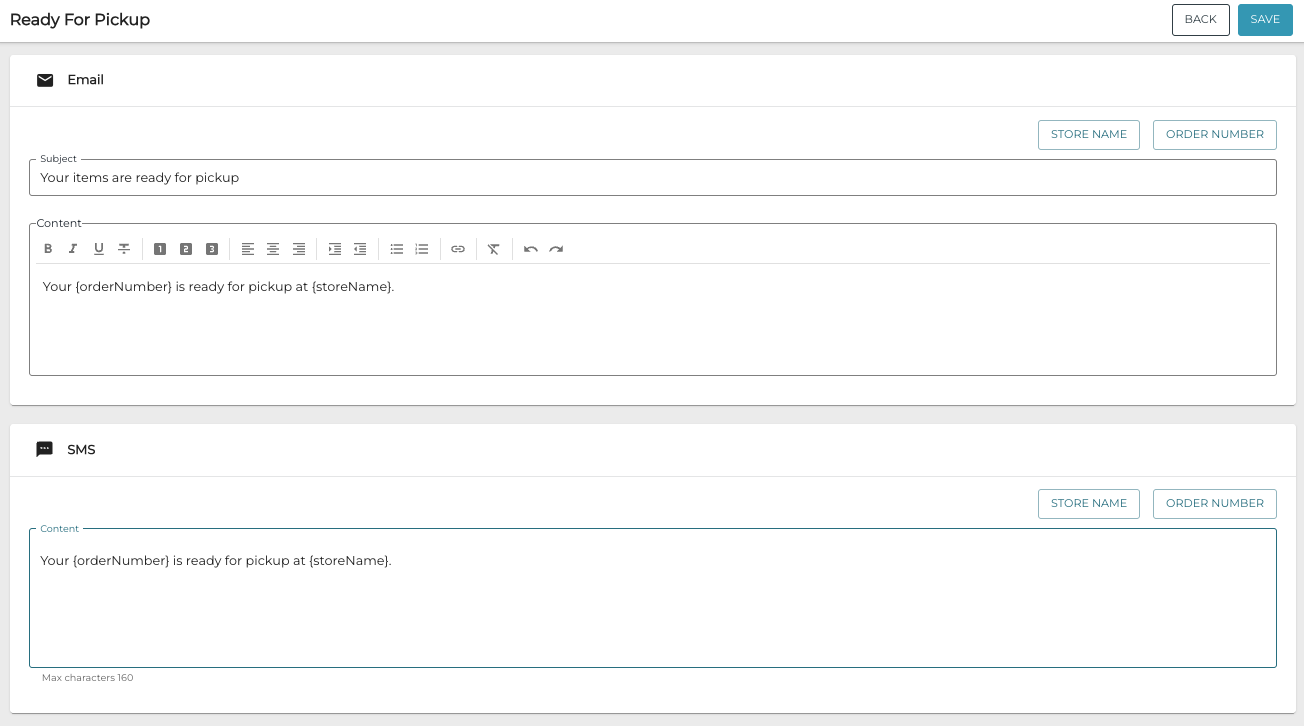
Click the row of the message to enter the Email and SMS message details.
Click the Store Name and/or Order Number to buttons to insert dynamic placeholders to the messages; the sent message will then contain the correct Store name and order number.