
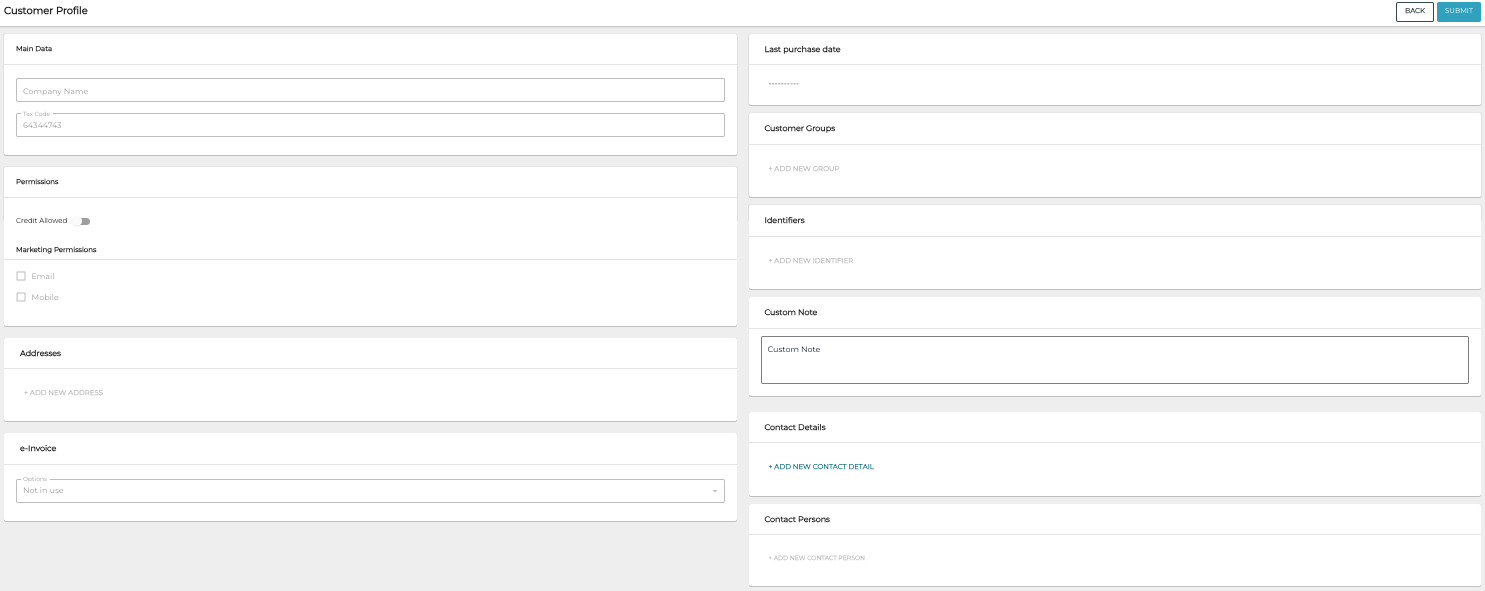
Customer Profile of a company customer contains the following information.
Main Data
-
Company name (mandatory)
-
Tax Code (mandatory)
Permissions
Customer's permission information:
-
Credit allowed: Yes or No
-
Marketing permission: Email and/or Mobile
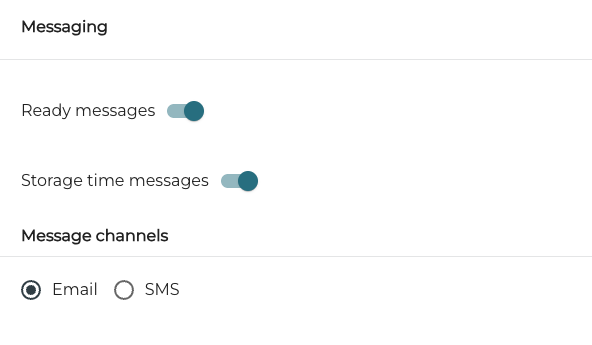
Messaging
Customer’s permissions for automatic Messaging regarding drop-off items:
-
Ready messages: Yes/No
-
Storage time messages: Yes/No
-
Message channels: Email and/or SMS
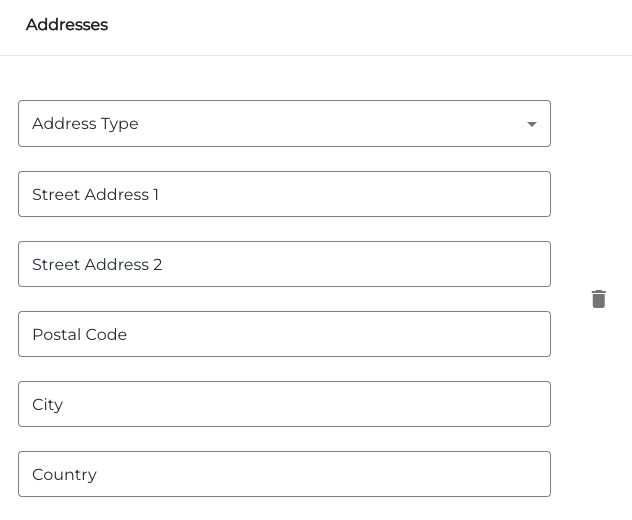
Addresses
Customer's address information.
e-Invoice
If Solteq Connector is in use, this data can be used for sending e-invoices.
Select one of the options:
-
Not in use (default)
-
In use (enter Broker Id and Address)
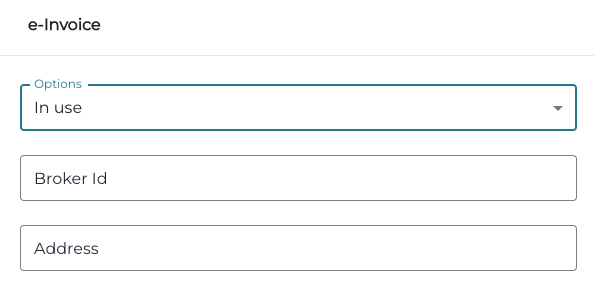
e-Invoice information for the In use option -
Send email (enter Email)
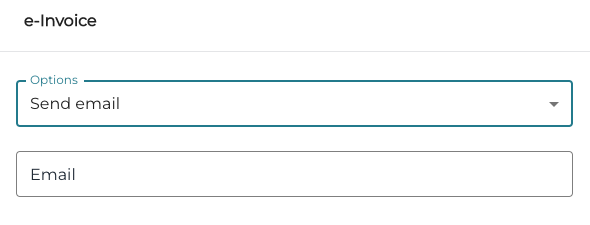
e-Invoice information for the Send email option
If Solteq Connector is in use, this data can be used for sending e-invoices.
Last Purchase Date
The latest date (YYYY-MM-DD) when the customer has made a purchase.
Customer Groups
You can add customers to customer groups or create new customer groups, if a suitable group does not yet exist.
To remove the customer from a customer group, click the Remove (trashcan) icon next to the group.
Add the Customer to an Existing Customer Group
-
Click Add new group for the customer
-
Select the group from the drop-down menu
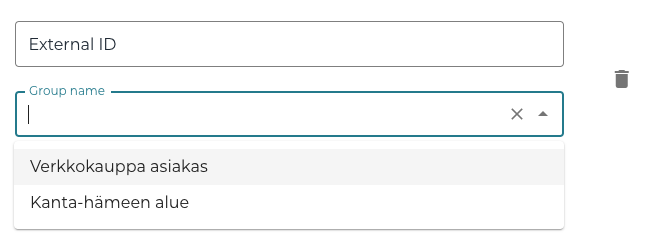
Selecting a customer group for a customer
Create a New Customer Group for the Customer
-
Click Add new group for the customer
-
Enter External ID and Group name for the new group, and then click Create [name of the new customer group].
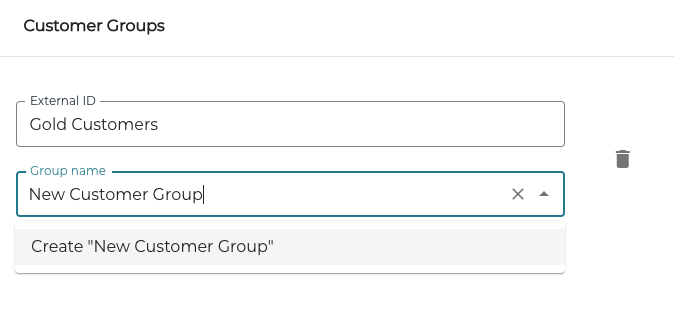
Creating a new customer group
Identifiers
You can add, modify or remove identifiers for a customer.
Add a New Identifier for the Customer
-
Click +Add new identifier.
-
Select Identifier Type from the drop-down list.
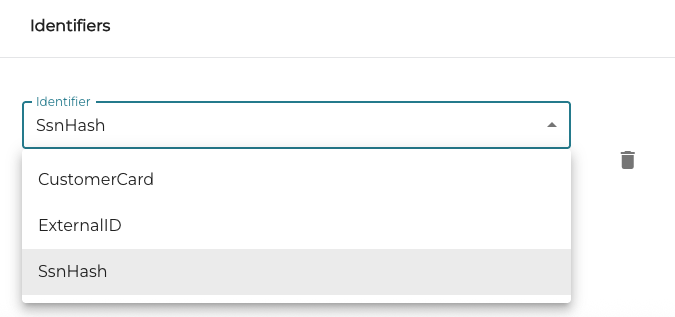
Selecting the new identifier type -
Enter the Identifier information.
Custom Note
You can add a free text note here (maximum length: 300 characters). The note will be displayed in the POS when the customer row is pressed.
Contact Details
You can add, manage and remove contact details for a customer.
Receipts are sent automatically via e-mail to the Company Customer contact if the Use for system notifications checkbox is checked.
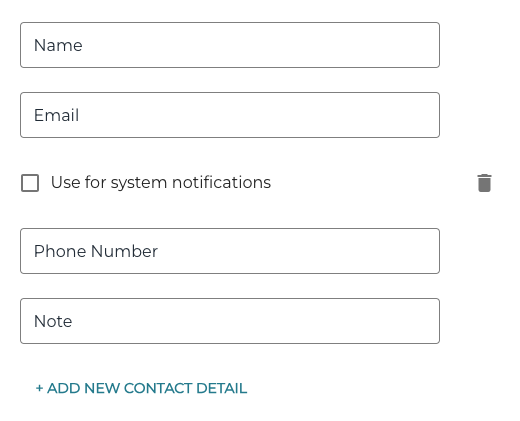
If the Use international phone numbers standard setting has been enabled in Company Configurations:
-
Phone numbers must start with +
-
After +, only digits (0–9) are allowed
-
No spaces, hyphens, parentheses, dots, slashes, extensions ("ext"), or any other characters
-
Total length (including +) must be 7–15 characters.
Contact Persons
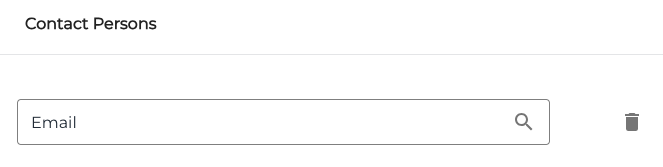
You can add, manage and remove contact person e-mail addresses for a customer.
Allowed Products
In this section you can define whether the customer is allowed to purchase only certain products or product categories, by searching and selecting the products and/or product categories.
