
You can delete (restrict in this context) company customers from Solteq Commerce Cloud, if needed.
Restricted customer data cannot be retrieved.
Customers cannot be restricted if they have been assigned to an open order.
-
Go to the Customers view of the Back Office.
-
Select the private customer who you want to restrict. Customer’s profile information is displayed.
-
Click the Restrict icon in the toolbar.
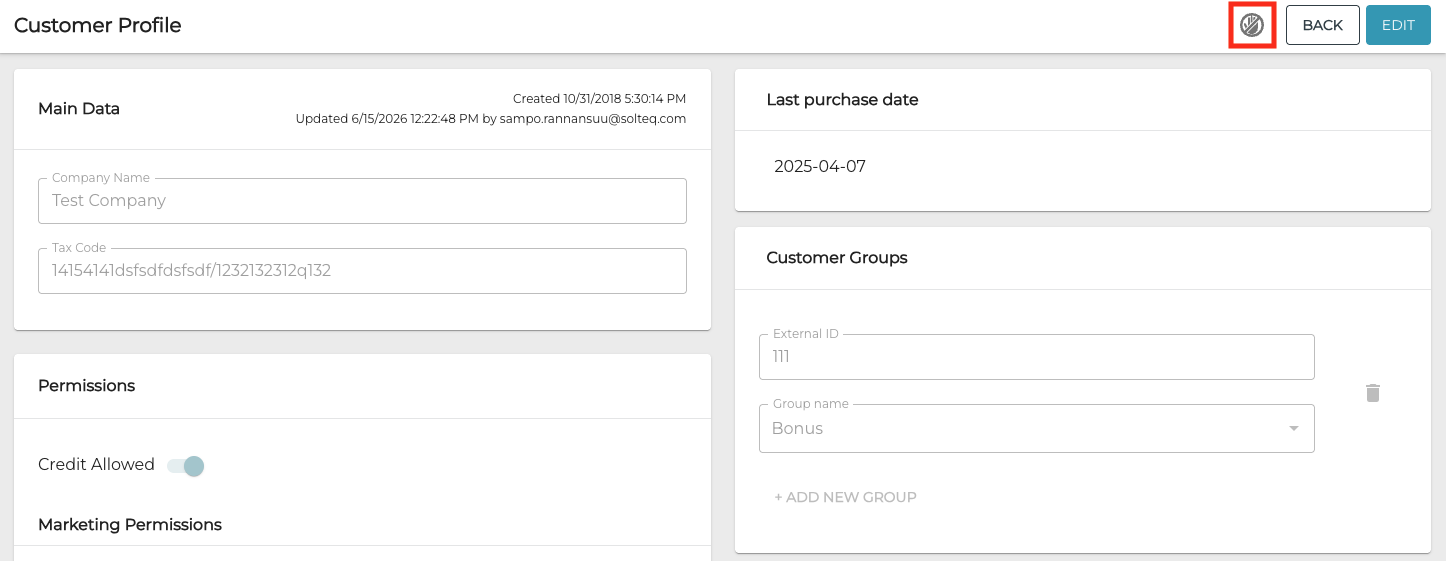
Restrict icon in the customer details toolbar
-
Restrict window is displayed. Click Yes to complete the restriction.
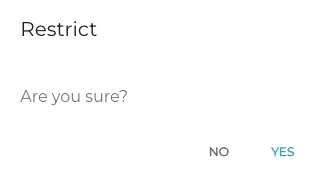
Restrict window