
If the actions mentioned on this page do not resolve the issue, please contact Solteq Customer Service:
-
Phone: 09 5422 5421
-
Email: asiakastuki@solteq.com
If your Poplapay V3M2 payment terminal is not functioning as intended, follow the steps below. If the first step does not resolve your issue, move on to the second step.
-
Restart the payment terminal.
-
Restart the POS device.
-
Check that both payment terminal and POS device are connected to working internet.
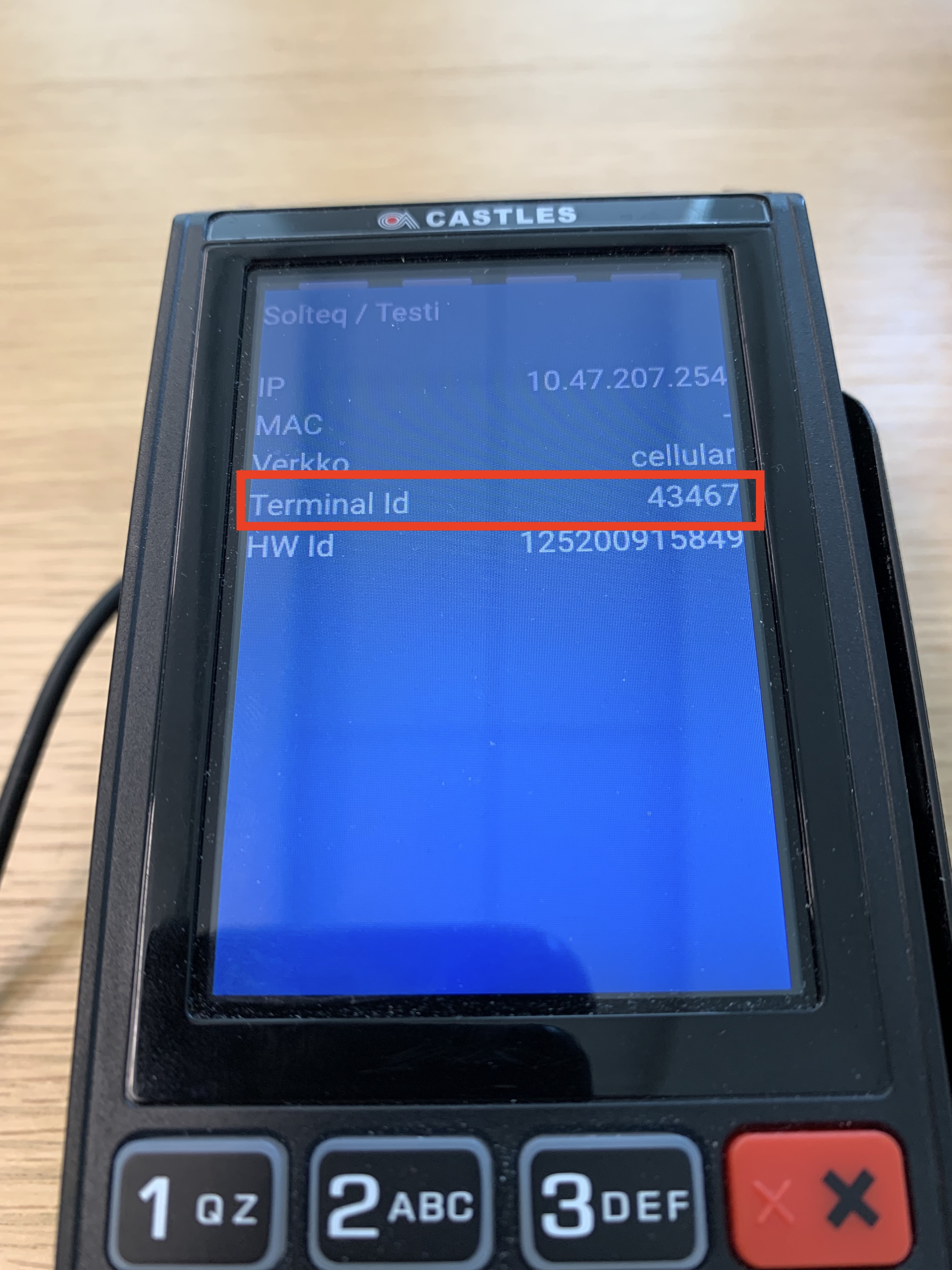
If none of the above mentioned troubleshooting steps resolve the problem, check the Terminal ID and HW ID from the device, and contact Solteq Customer Service.
You can check the terminal ID and other settings by pressing on the Power On button for a few seconds.
Device Terminal IDs are also listed in your company’s Poplapay portal:
-
Login to the portal and select Profile → Terminals.

Popla portal menu -
Terminal IDs are listed in the ID column.

Terminal IDs in the Poplapay portal
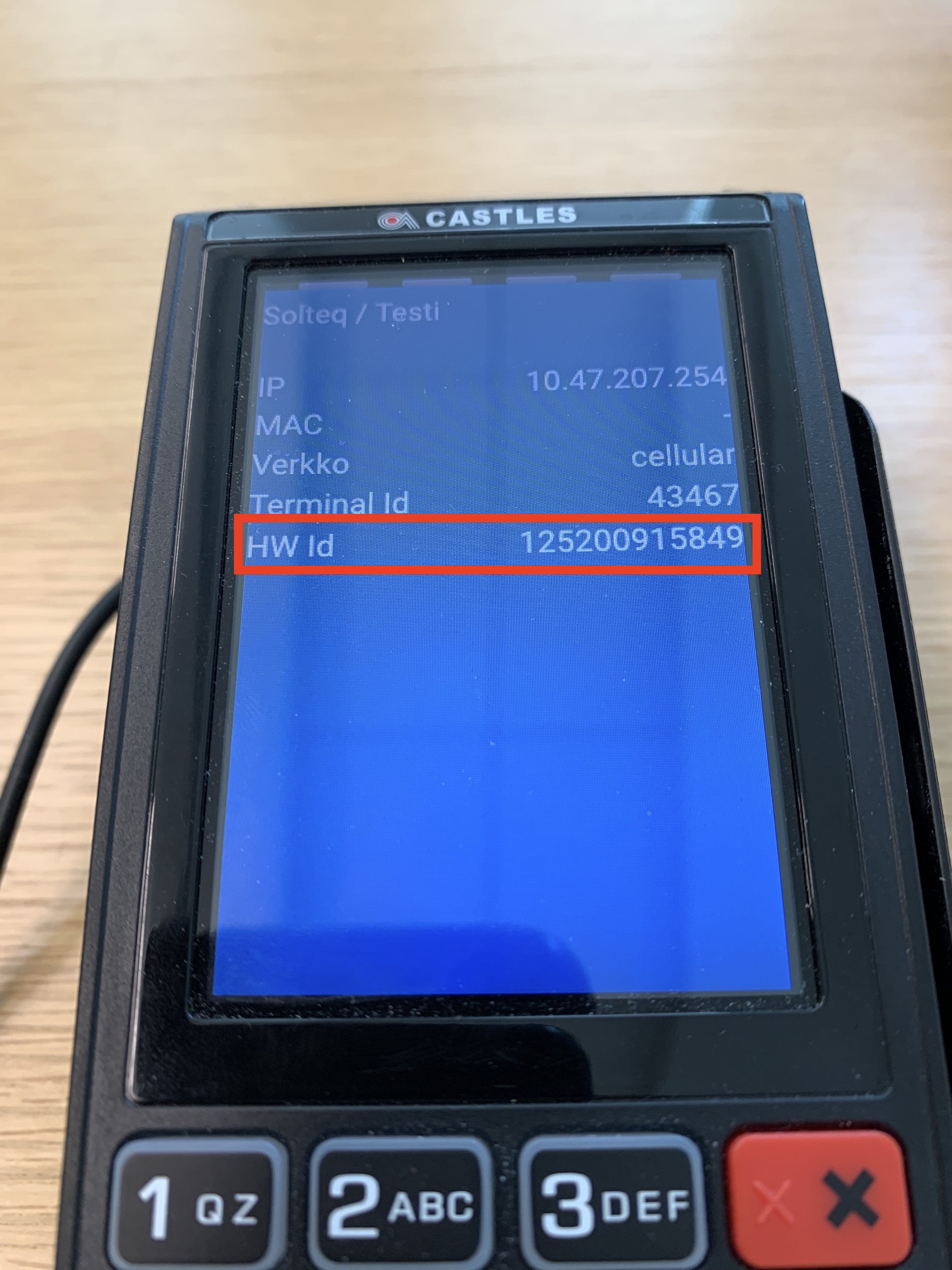
You can check the HW ID of the terminal by pressing the Power On button for a few seconds.