
In the Discount Report view of the Back Office you can view a report of discounts that have been applied to products.
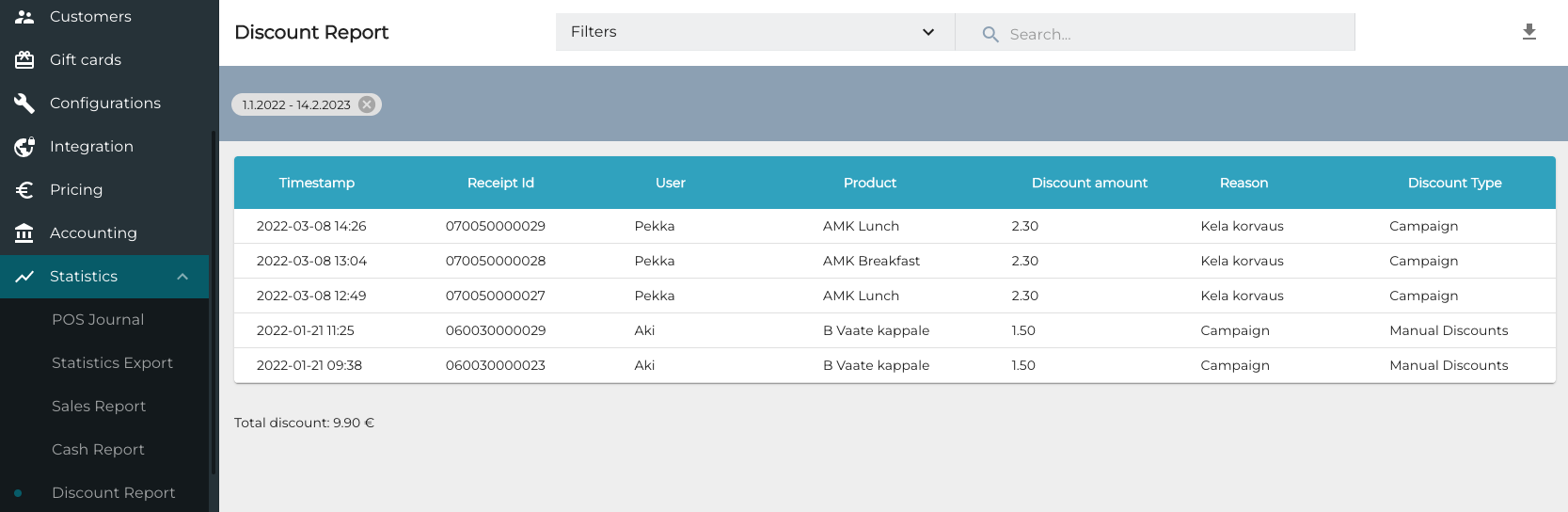
You can use the following filters to filter the view:
-
Start date: Select the date range.
-
User: Select the user(s) who applied the discount.
-
Reason Code: Select the reason code(s) used in the discount.
-
Discount type: Select the discount type(s).
-
Manual Discounts
-
Total Price
-
Campaign
-
Customer Price
-
-
Store: Select the Store(s)
When you have selected the filters, click Apply Filters to update the view.
You can export the discount report in Excel format by clicking the Export icon in the upper right-hand corner of the view.
