
In the Payments view of the Back Office you can define Terminal Providers and Mobile Payment Brokers used with Solteq Commerce Cloud. To access the view, click Configurations and select Payments in the Back Office menu.
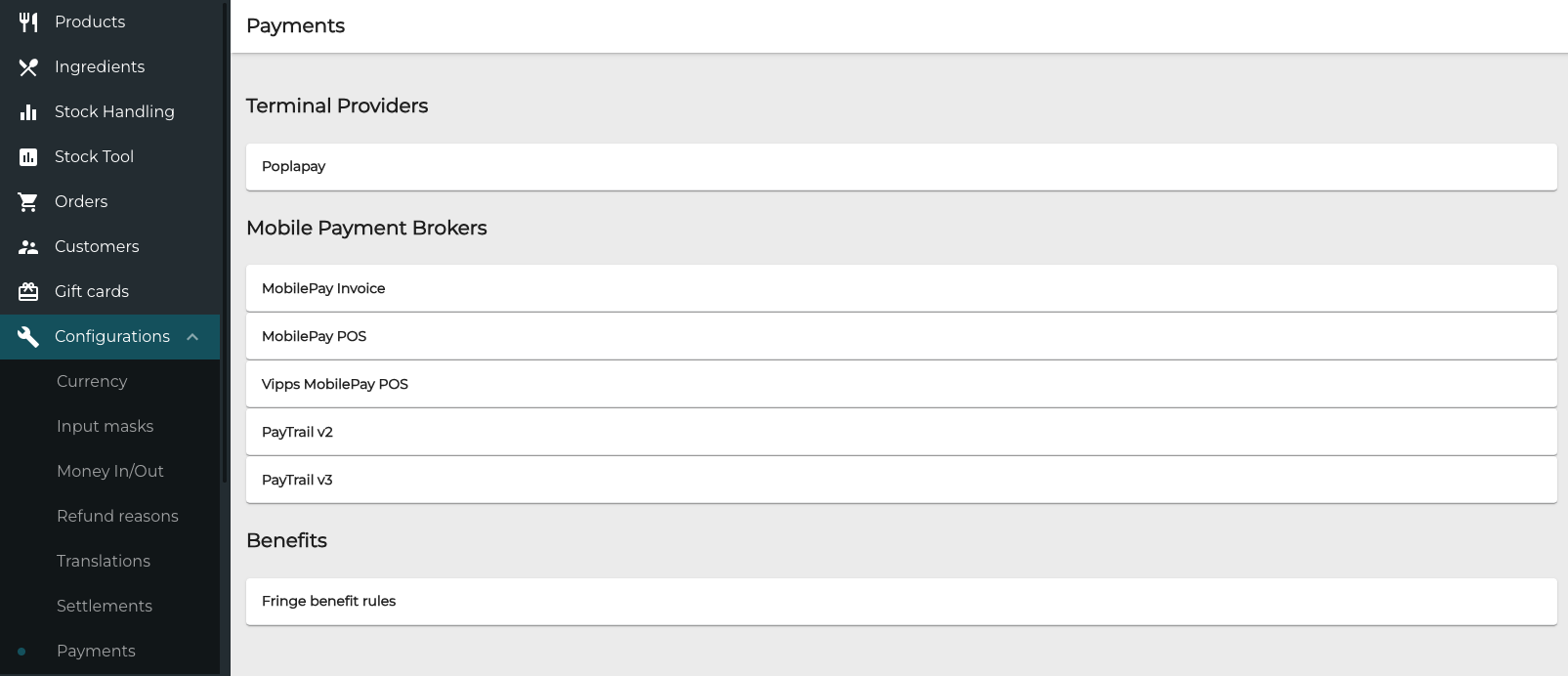
Terminal Providers
This setting is only needed if you have direct contract with Poplapay.
-
Click the terminal provider on the list.
-
Enter the required information.
-
Click Save to save your changes.