
In the Refund reasons view of the Back Office you can create, modify and delete reason codes used for both refunding and voiding purchases on POS. To access the view, click Configurations and select Refund reasons in the Back Office menu.
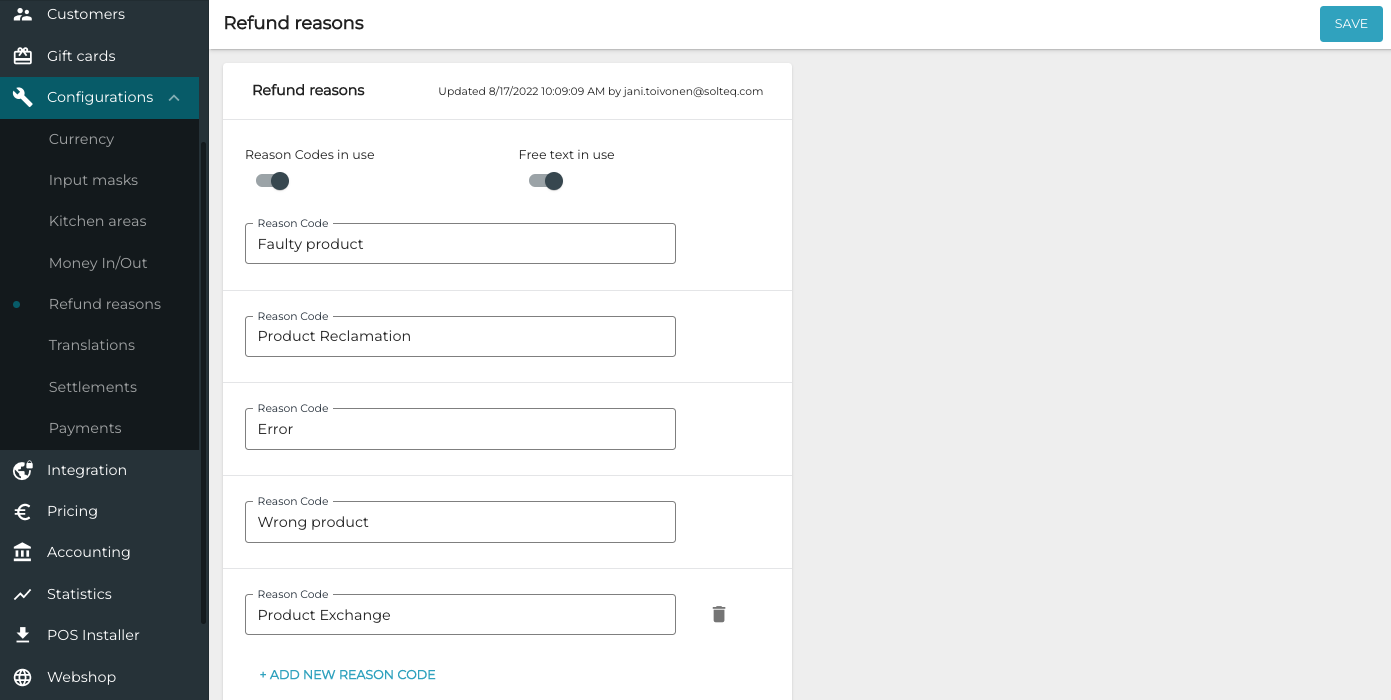
To create a new refund reason code, click +Add new reason code. To delete a reason code, click the trashcan icon on the row of the reason code.
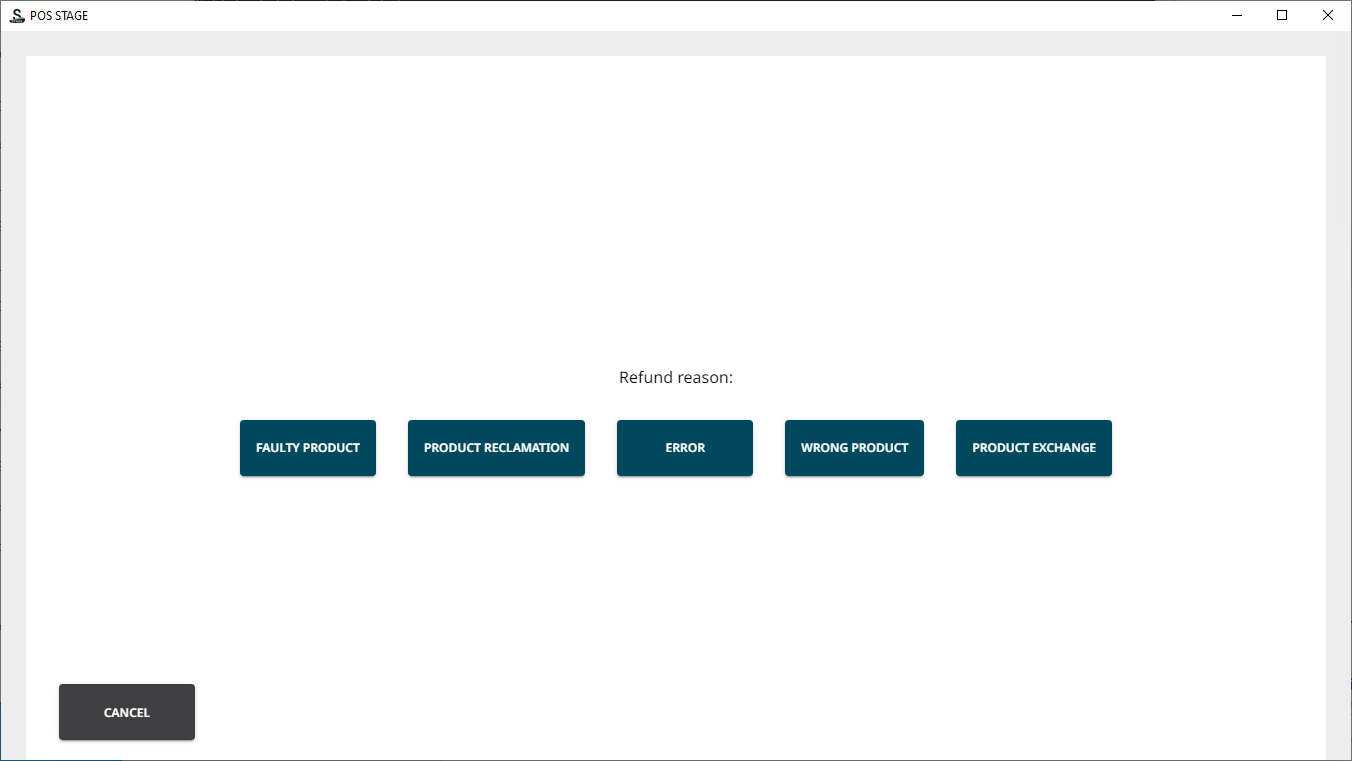
When you have enabled refund reason codes by clicking the Reason code in use switch to ON position, whenever a refund is made on POS, the salesperson must select a refund reason.
If the Free text in use switch is also in ON position, the salesperson must also add a note when refunding/voiding a purchase.
To view a list of refunded and/or voided orders (including the reason codes used) during a certain period, filter and then export the order list in Excel format. The exported Excel file will include the reason codes in the Refund reason column.
