
Gift cards can be created in the POS either using POS Menu or a separate Sell gift card tile (see here for instructions for adding the tile to the POS layout).
-
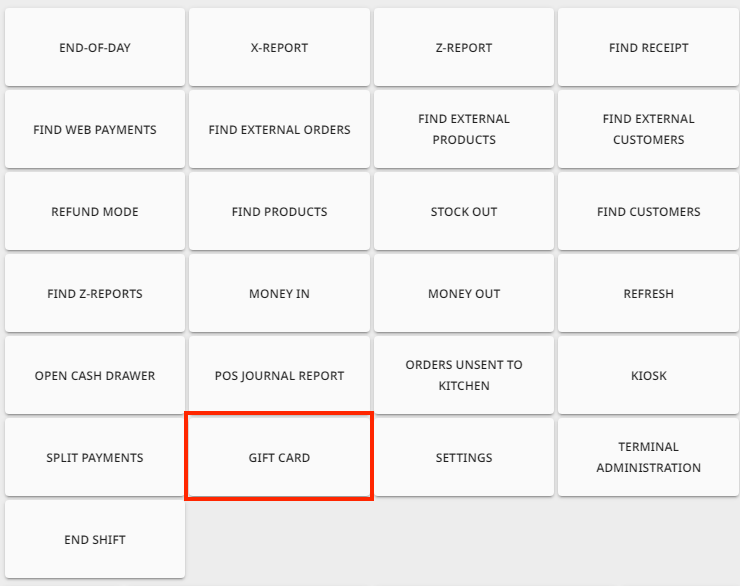
Press Menu and select Gift Card.
-
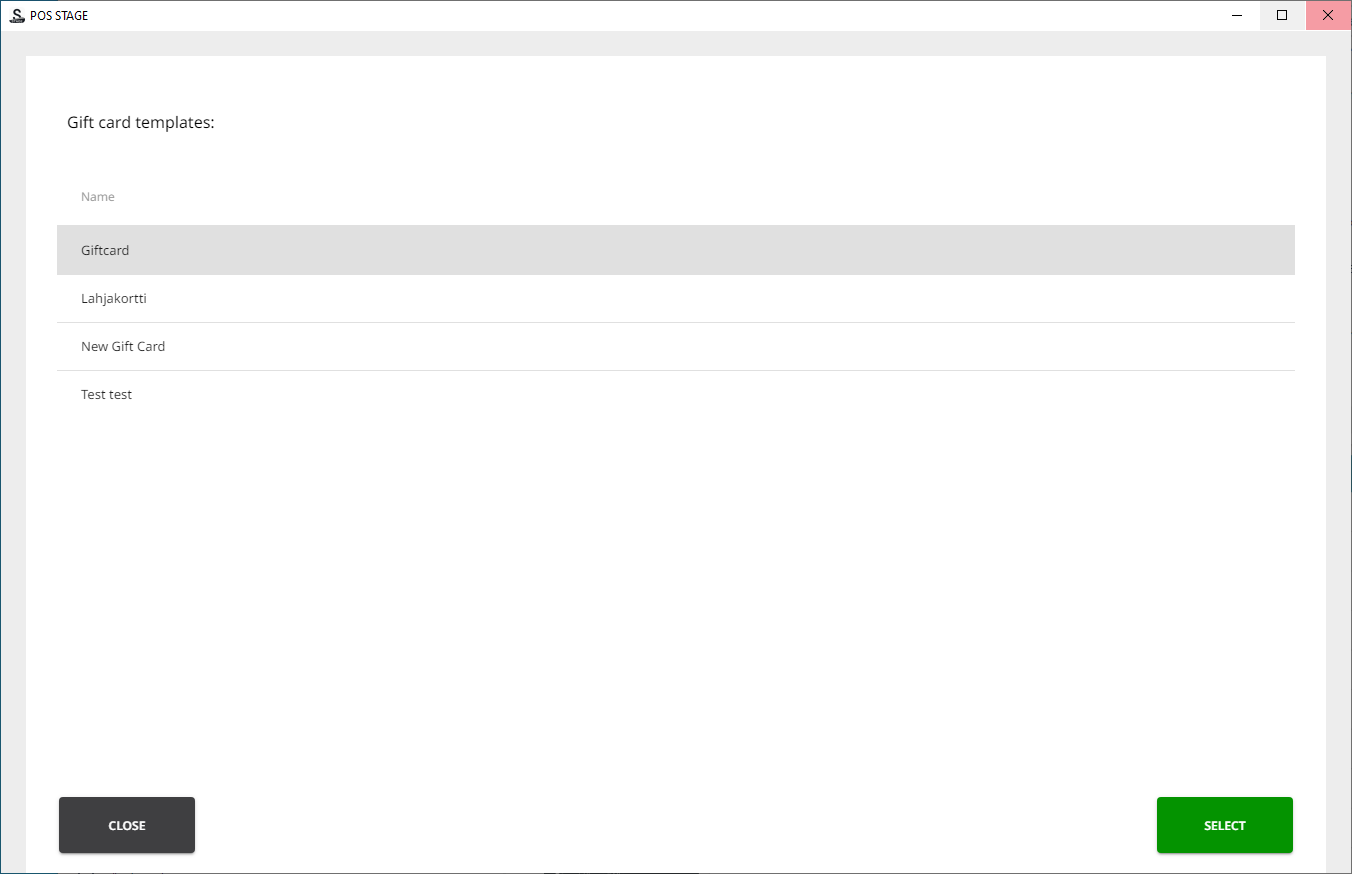
Press the gift card template you want to use, and press Select.
-
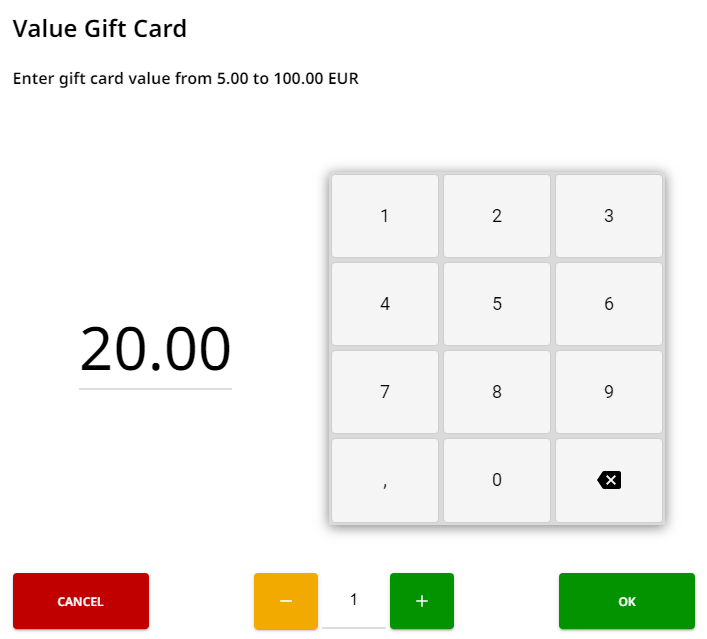
Enter the value for the gift card and press OK.
-
The default value is the value defined in the template settings.
-
The range of possible values is also displayed here.
-
-
Select the delivery method:
-
Print: The gift card containing a QR code will be printed out from the receipt printer of the workstation.
-
Email: The gift card will be sent in PDF format to the e-mail address you enter in the Email field.
-
Customer reference is a free text field you can use to add additional information.
-
-
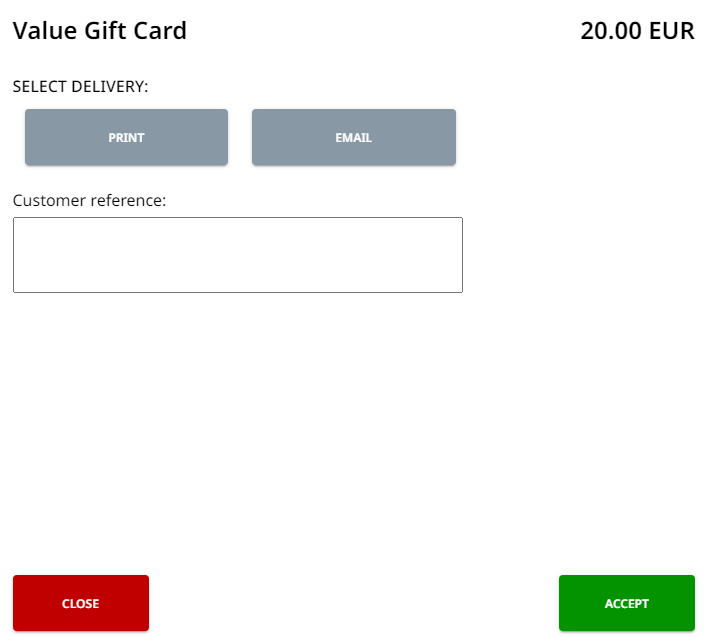
Click Accept.
-
You can now proceed to payment normally.