
In some cases you may be need to extend the validity period of a gift card; you can do this in the Gift Cards view of the Back Office.
-
Click Gift Cards in the Back Office menu. The list of gift cards created in Solteq Commerce Cloud is displayed.
-
Use the Search… field to search for the gift card, or use the Filters drop-down menu to narrow down the list of gift cards.
-
Several filters can be applied at the same time.
-
When you have selected the filters, click Apply Filters to update the view.
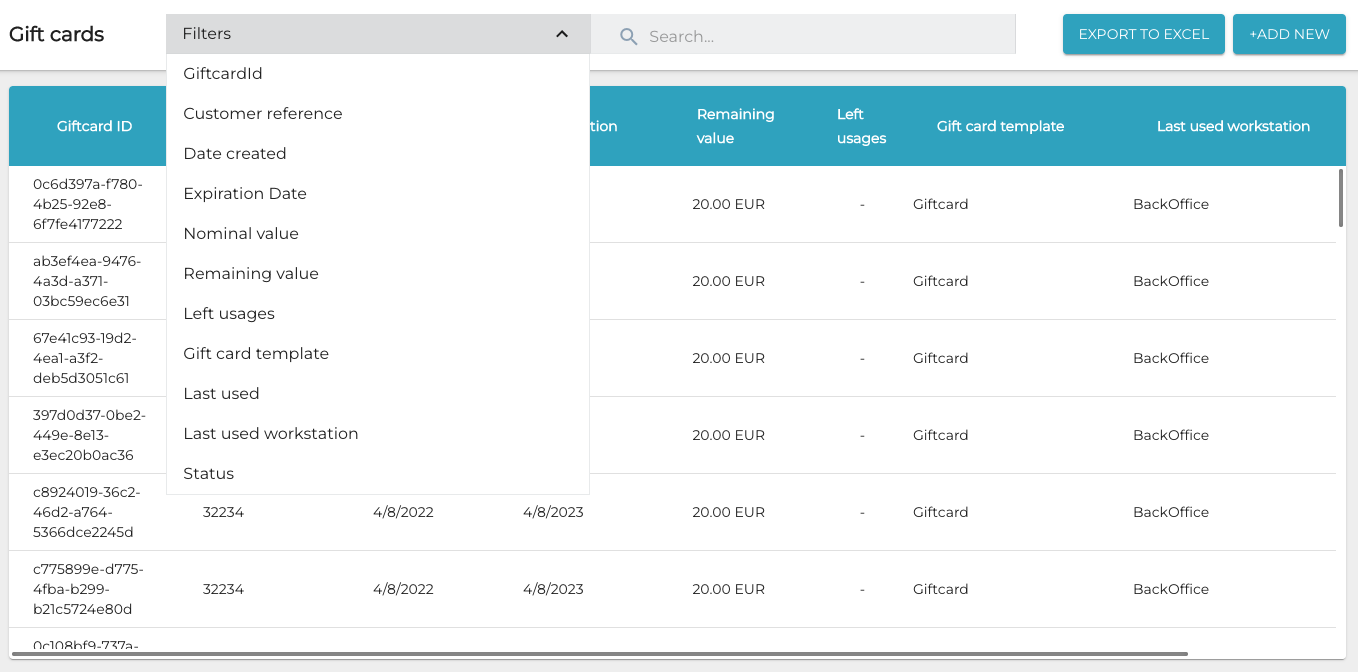
Gift card filters
-
-
When you have found the gift card whose validity period you want to extend, click on its row. The details of the gift card are displayed.
-
Click Edit.
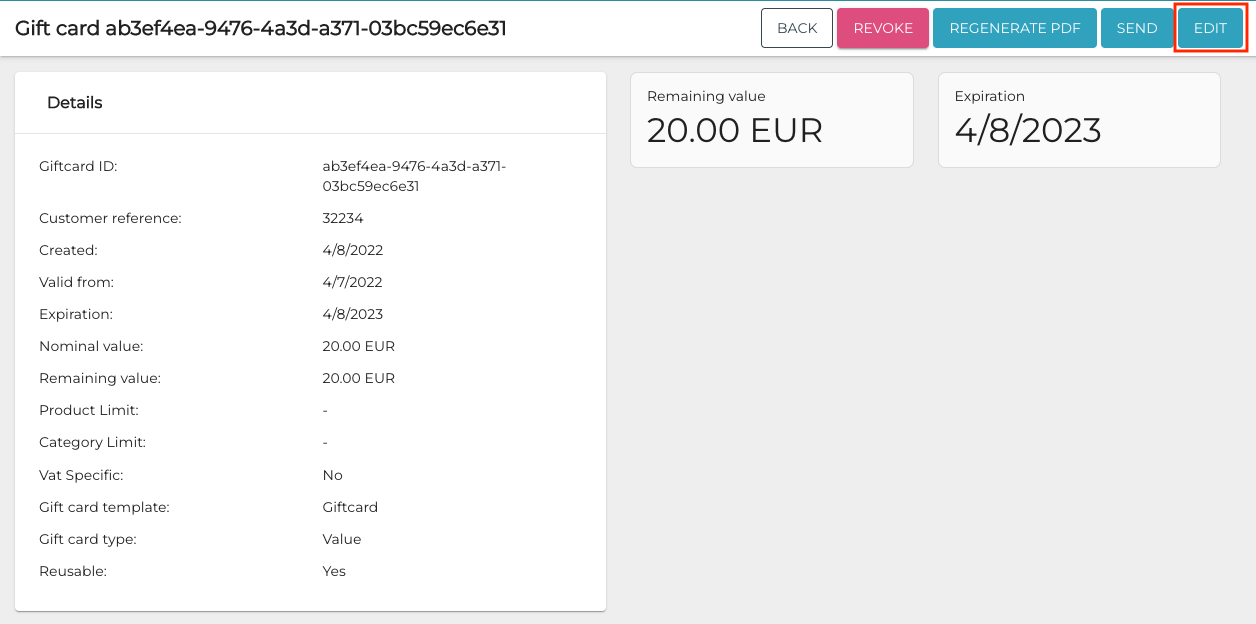
Edit button in gift card details -
Select the new expiration date for the gift card using the date picker in the Expiration field.
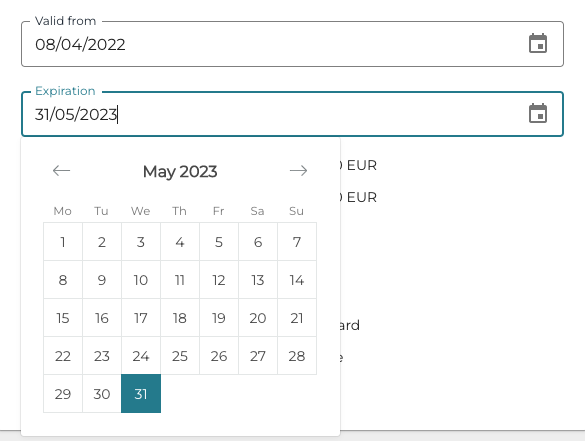
Selecting a new expiration date -
Click Save to save your changes to the gift card information.
-
The update is now visible in the Transactions information of the gift card.

Gift card Transactions