See also Common Settings for All Product Types.
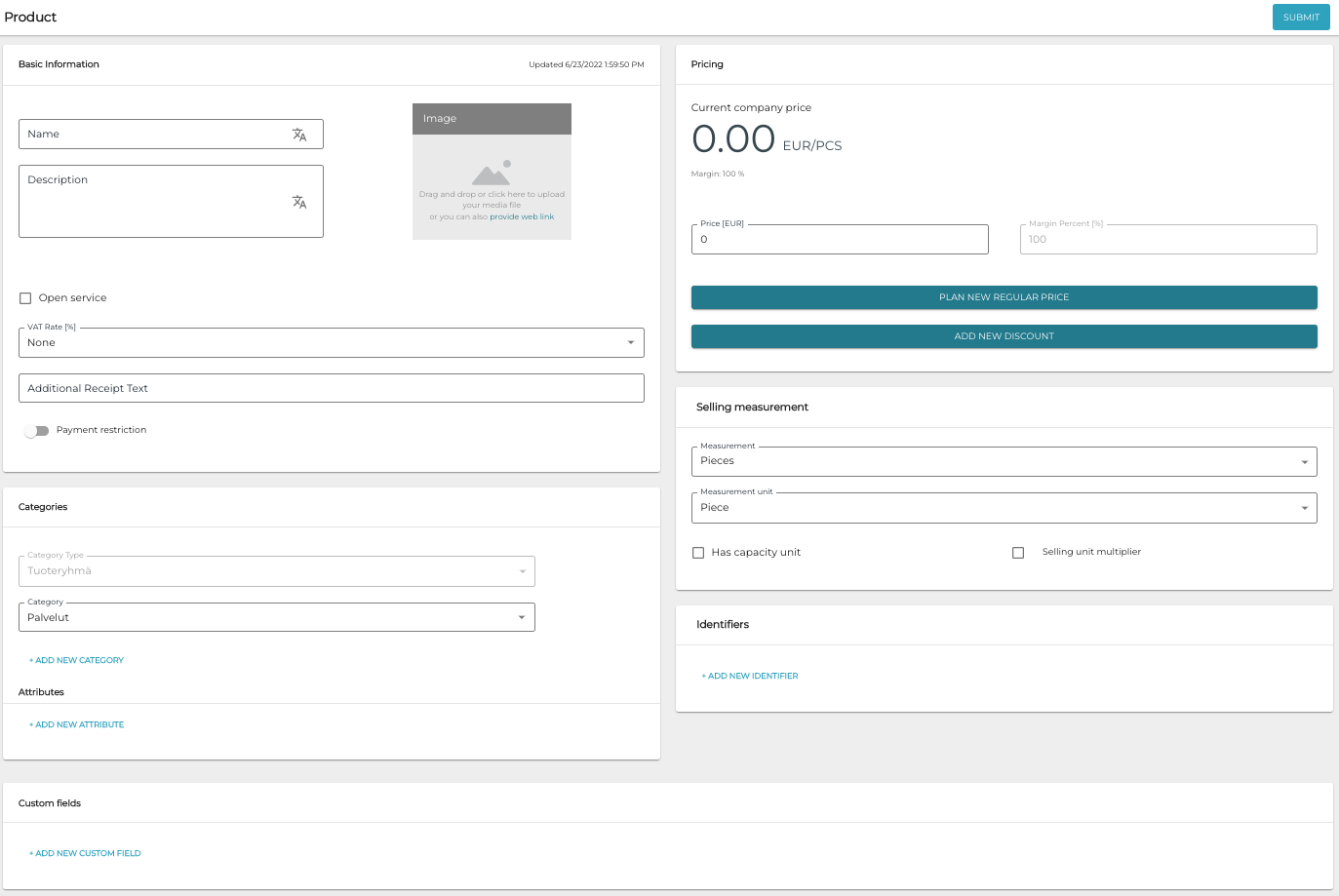
When you have selected Service Product as the product type when creating a product, the following view is displayed.
Open Service
Select the Open Service check box if you want the service product in question to be an open product, that is, a product whose price is defined on the POS when it is sold.
Custom Fields
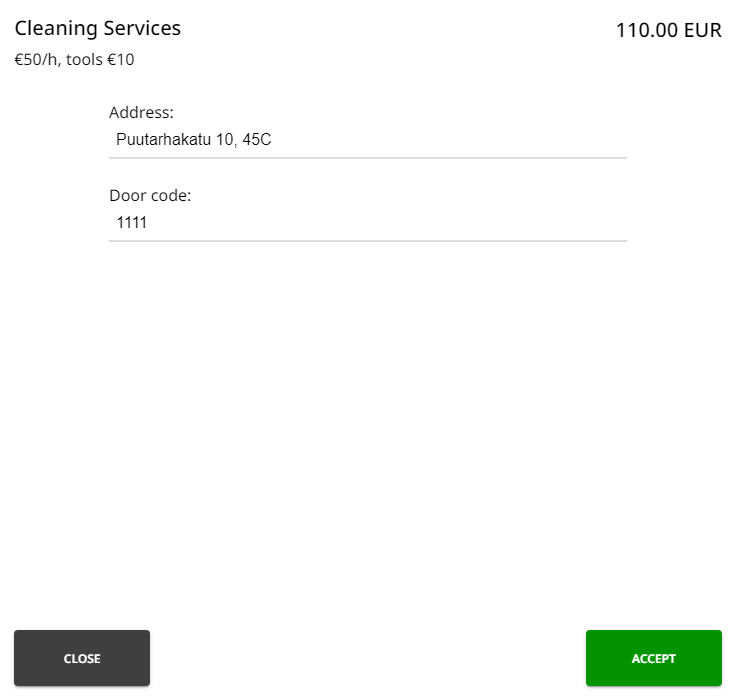
You can add custom fields to a service product. When a service product is sold on POS, the salesperson fills the custom fields (in the example below, Address and Door code) with the required information.
To start adding custom fields to a service product, click +Add Custom Field.
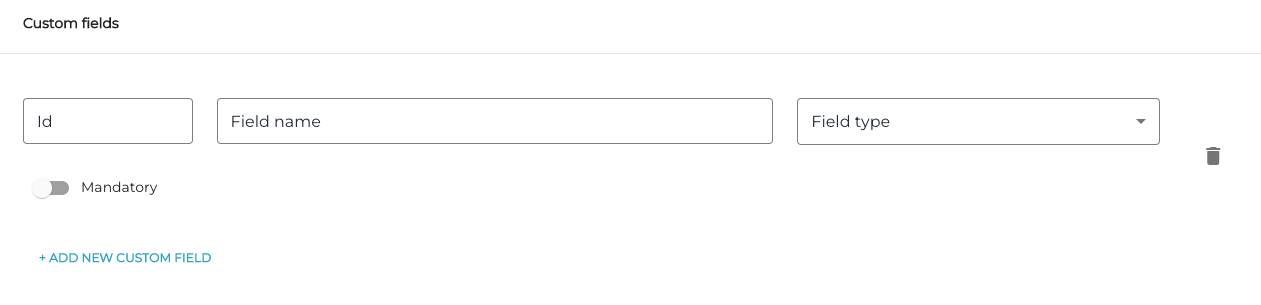
A custom field has the following information:
-
ID
-
Field Name
-
Field type; select one:
-
Text
-
Number
-
Regular Expression
-
Static Text
-
Use the Mandatory switch to mark a custom field as mandatory.