
Products sold by weight should be created with an SKU identifier which is in plain format (including the check digit).
When you use the Quick Access Barcode Reader in the Back Office to scan a product whose barcode has embedded weight/price, its product details will be displayed.
Example:
|
SKU |
Barcode on Product |
Weight of the Product |
|---|---|---|
|
2323511100006 |
2323511101232 |
0,123 kg |
-
Scan a product’s barcode 2323511101232, which has weight data embedded in it.
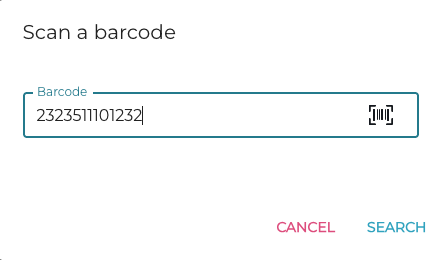
Scanning a product -
The product with the SKU identifier 2323511100006 is displayed.
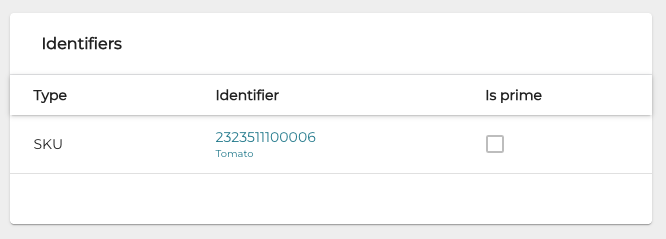
Found product with SKU identifier
In addition, in the Products view you can use the barcode/SKU with weight data embedded as search criteria.
