
In order to edit company-wide product information (such as Current company price of a product) in the Back Office you must belong to a user group with Products: Modify permissions.
To create store-specific pricing for products, see Using Store-Specific Pricing.
-
Check that you have selected All stores from the Back Office toolbar’s drop-down menu.

All stores selected -
Click Products in the Back Office menu.
-
Select a product from the product list. The product information is displayed.
-
Click Edit and make your changes.
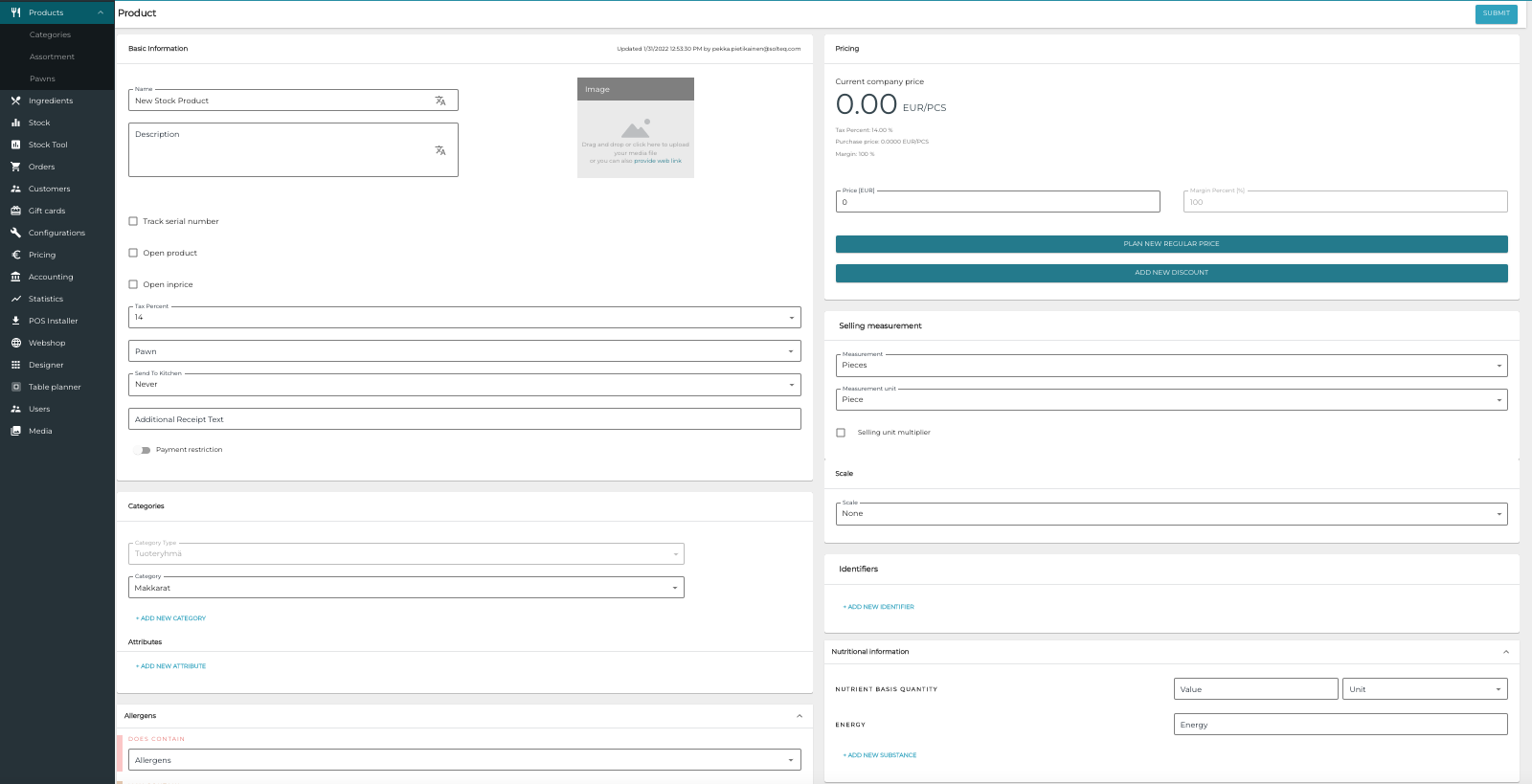
Product details edit view -
Save your changes by clicking Submit.