
You can create, modify and manage POS layouts in the Designer view of Back Office.
To access the view, click Designer in the Back Office menu. The POS layout tab is displayed; it contains the list of POS layouts created in the Back Office.
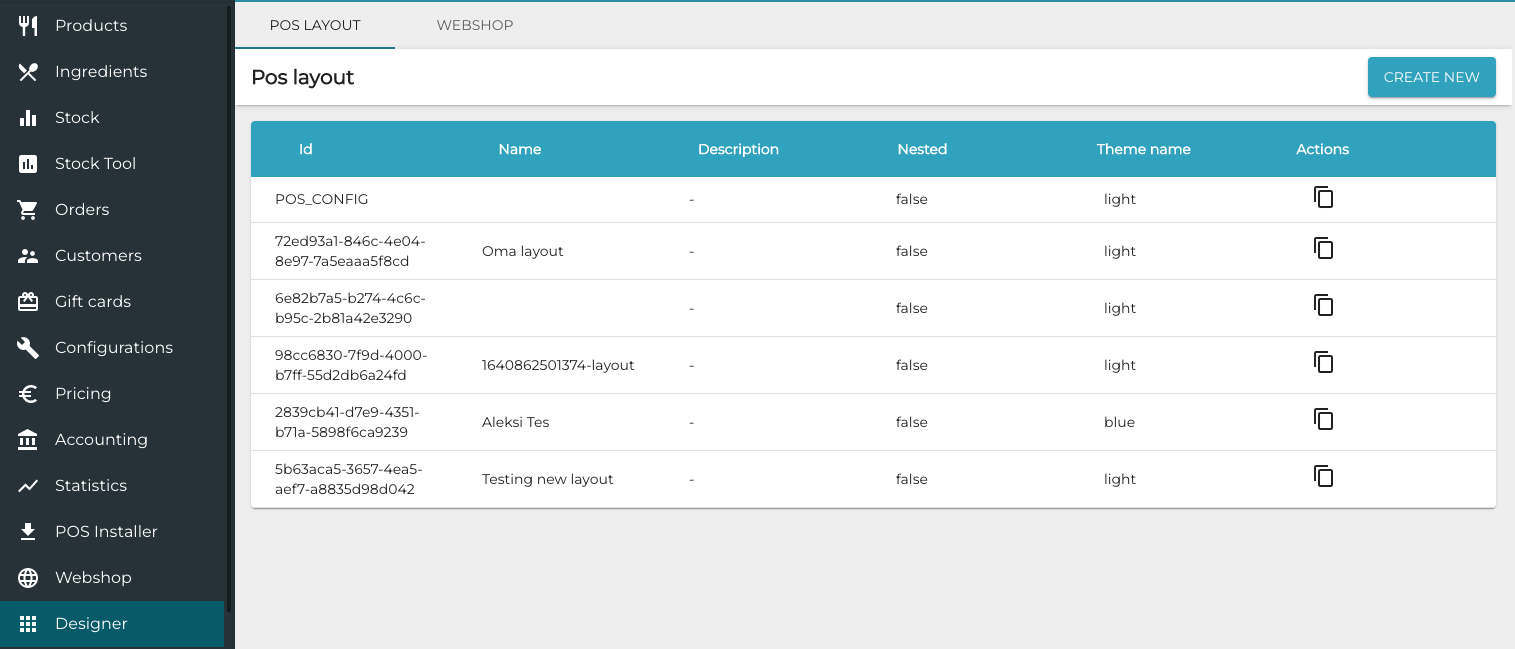
You can clone a layout by clicking on the Clone icon on the row of a POS layout.
