
You can change the layout used in a workstation, in the workstation’s POS Service settings.
-
Click Configurations from the Back Office menu.
-
Select the workstation from the list.
-
Click POS Service.
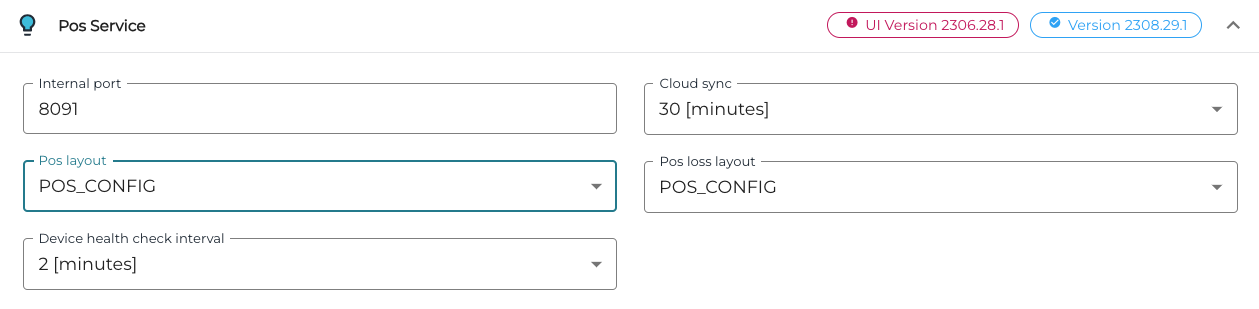
POS Service settings -
Select a new layout for the workstation from the POS layout drop-down menu. The menu includes all the available workstation layouts.
-
Click Save to save your changes.
-
Changes will take effect in the workstation when the Refresh tile is pressed, after which the POS program must also be restarted.