
You can create new POS layouts in the Back Office. It is possible to have several different POS layouts; the layout used in a workstation is defined in the POS Service settings in Workstation Configurations.
-
Click Designer in the Back Office menu. The POS Layout view is displayed.
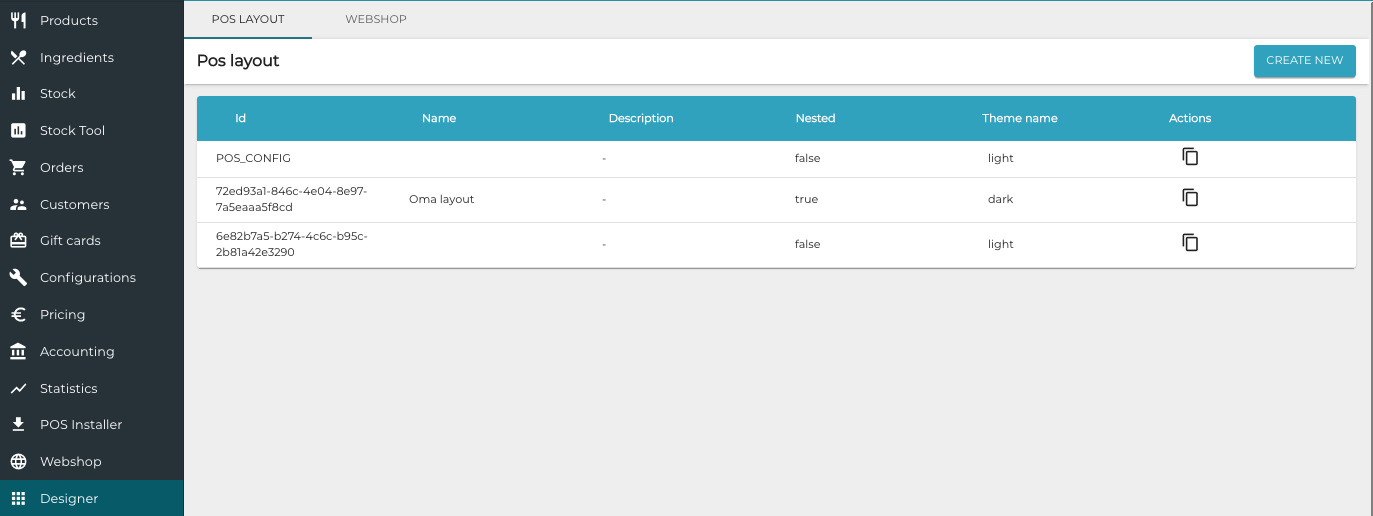
POS Layout view -
Click Create New. New POS layout view is displayed.
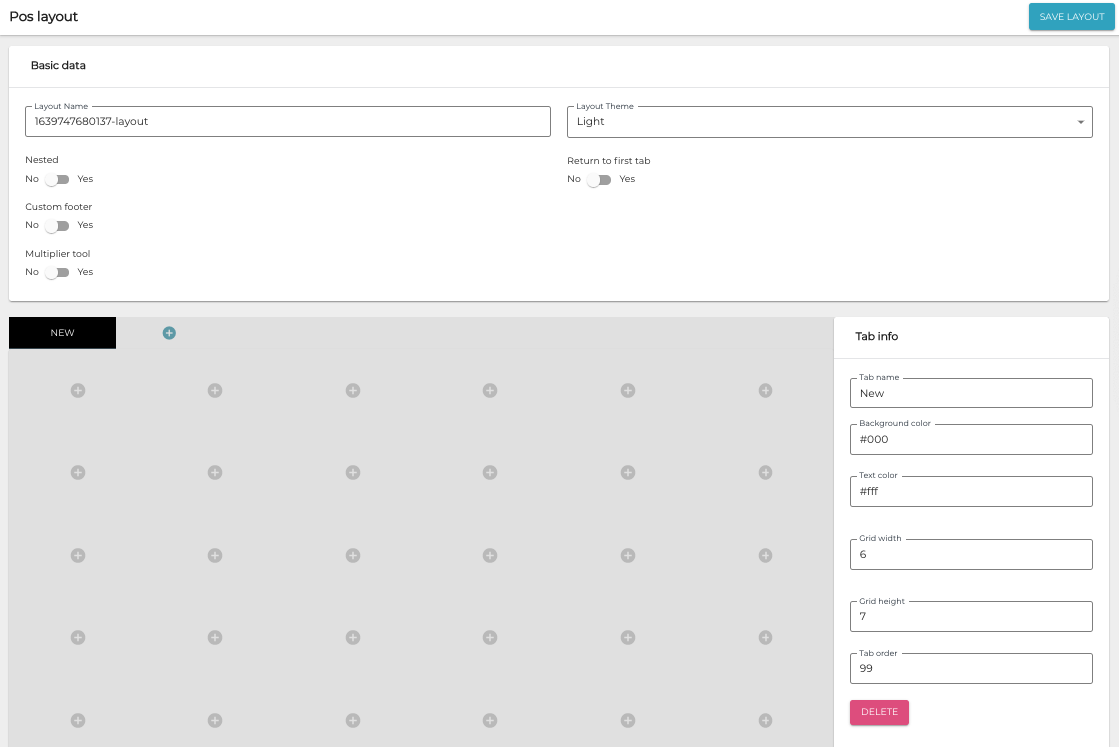
New POS layout -
You can now define the settings and create the new layout:
-
When you are ready, save your layout by clicking Save Layout.