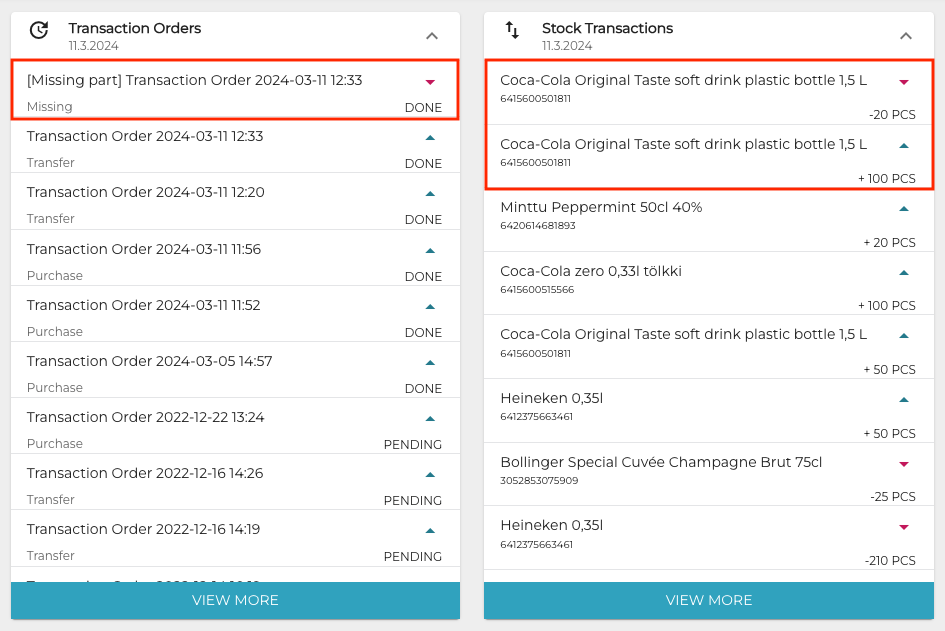
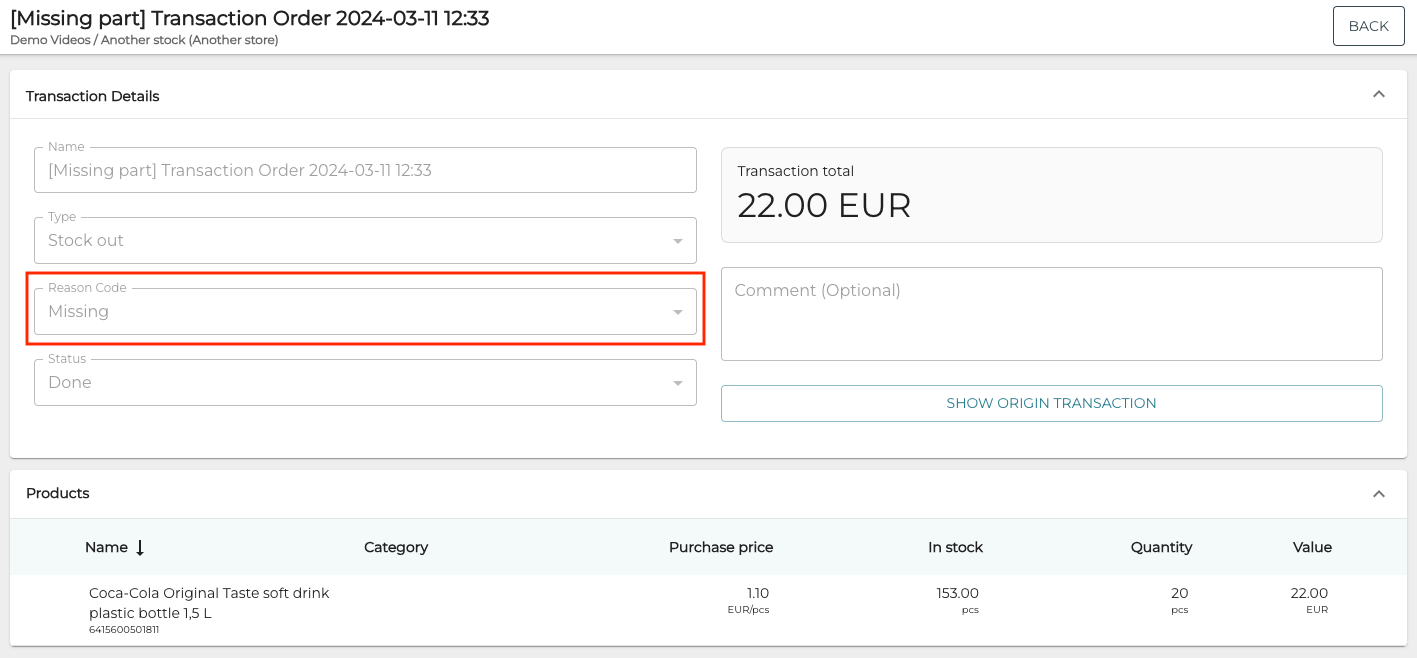
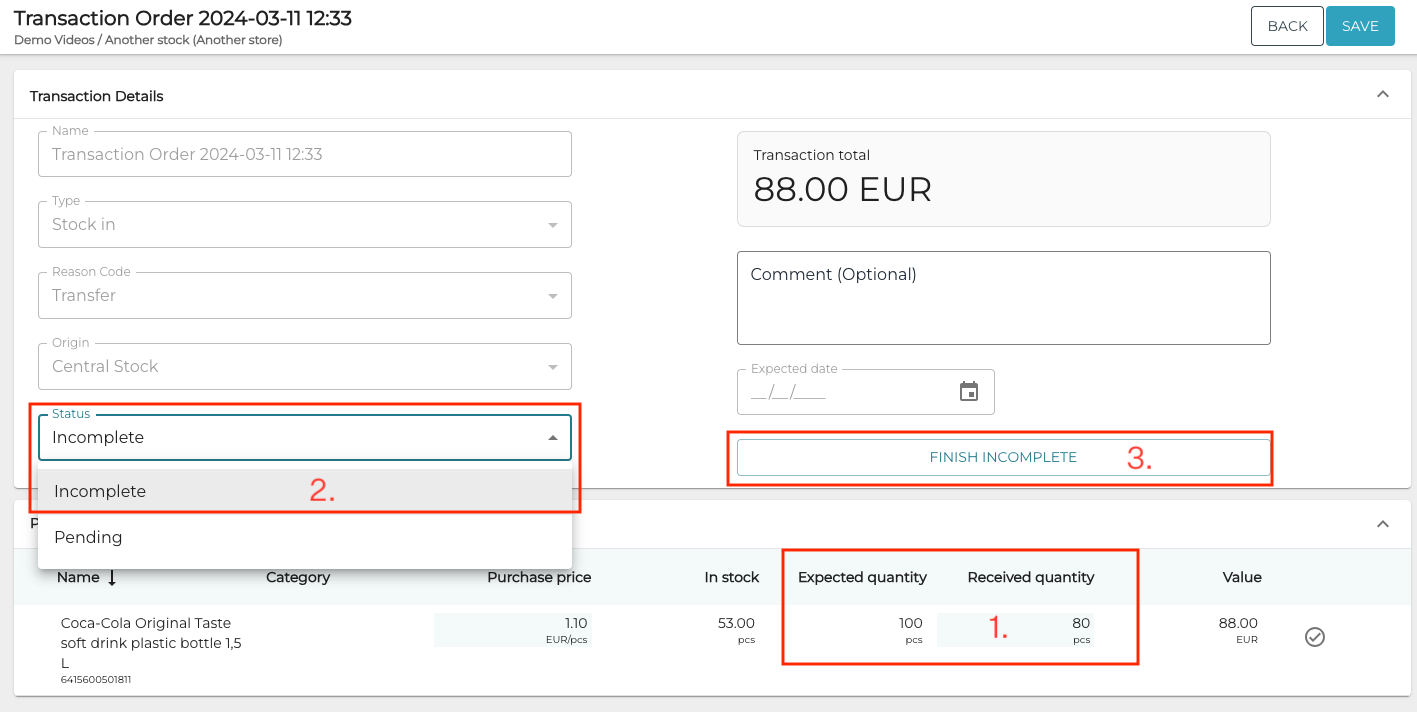
When the Received quantity of a Stock In transaction order is less than Expected quantity (1.), you can save the transaction order as Incomplete (2).
You can edit the Received quantities in the transaction order until you finish it by clicking the Finish incomplete button (3.).
The system will ask for confirmation in a separate window.
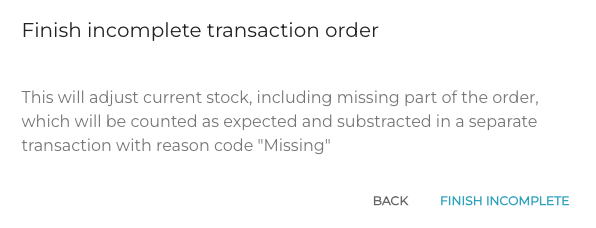
When you click the Finish Incomplete button again, this will adjust the current Stock:
-
The missing part of the order will be counted also as Received, and
-
a separate Stock out transaction order with reason code Missing will be automatically created for the missing part, to subtract the missing quantity from the Stock.