
Print Service defines the printer settings used for the workstation.
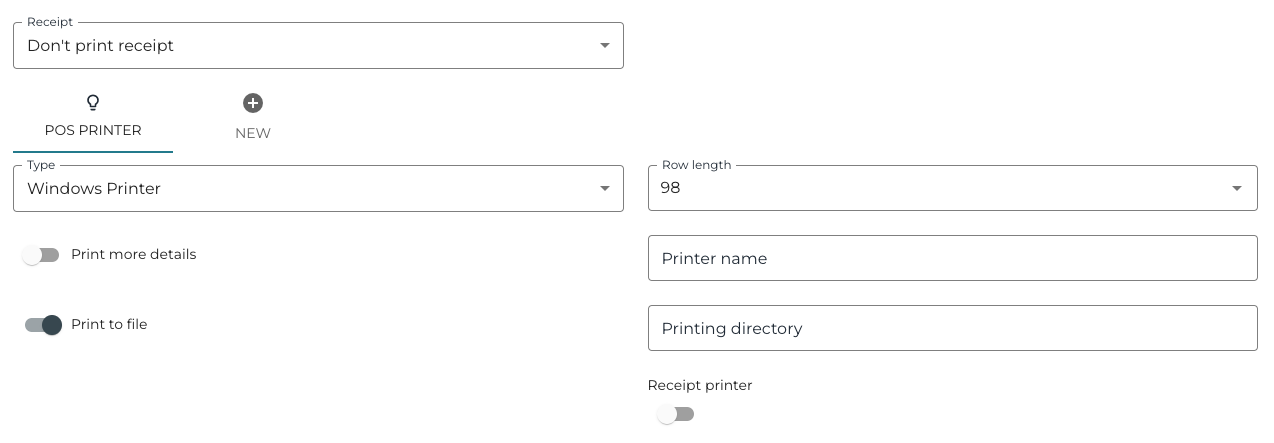
The following settings can be defined:
-
Receipt
-
Print receipt
-
Confirm receipt printout
-
If this option is used, POS will always request a confirmation whether the receipt should be printed out.
-
-
Don’t print receipt
-
This is the recommended setting. If this option is used, create a separate Print last receipt action tile in POS layout; it can then be used to print a receipt if the customer wants a paper printout.
-
-
-
Type:
-
Dummy
-
Windows Printer
-
EscPOS
-
OPOS
-
-
Print more details
-
Print to file
-
Row length
-
Printer name
-
Printing directory
-
Receipt printer