
You can define minimum and maximum lunch prices per payment type in the Back Office. The settings are defined separately for each workstation.
When you change the minimum/maximum values, you need to perform the steps below for all workstations where lunch vouchers are enabled.
-
Click Configurations in the Back Office menu.
-
Select a workstation whose settings you want to change by clicking on it.
-
Open Payment Service settings from Services by clicking Payment Service.
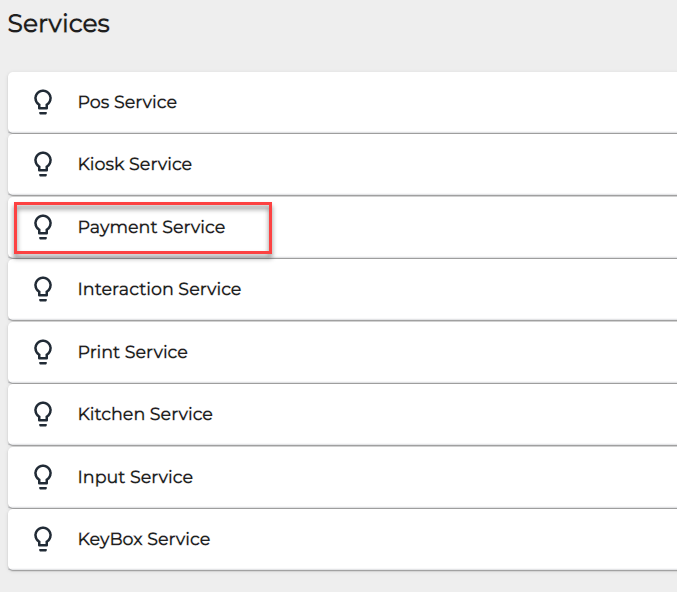
Payment Service in workstation’s Services list -
Select the payment type whose settings you want to modify by clicking it.
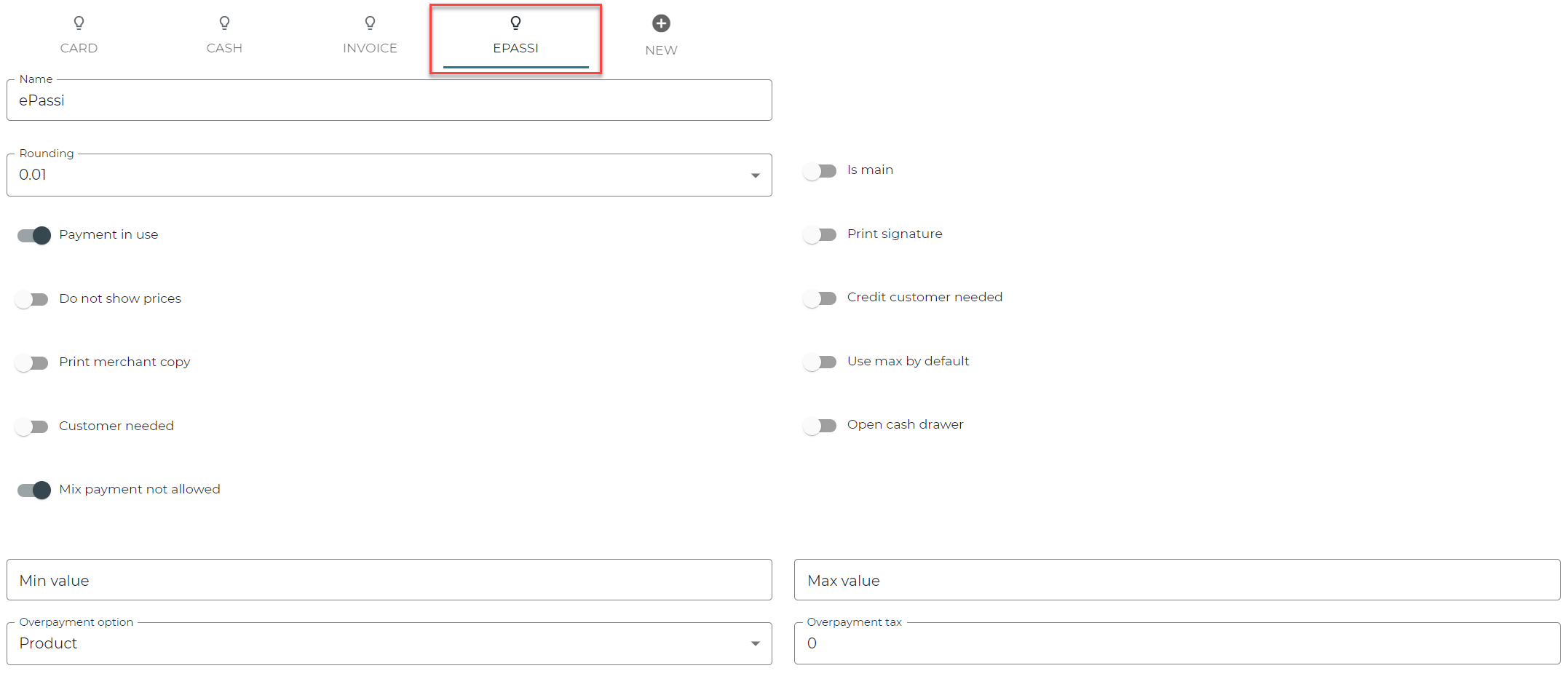
Selecting a payment type -
Enter the new minimum and maximum values to the Min value and Max value fields.

Entering new minimum/maximum values
7. Save your changes by clicking Save in the right-hand top corner.
8. Refresh the data in the workstation in question: in the POS, press Menu and select Refresh. Allow the workstation to restart.