
It is possible to clear physical gift cards which are reloadable and whose current balance is zero; this way the same card can reloaded with the required balance and sold to the next customer.
The Transactions details of the gift card will still display all the transaction details of the gift card in question since it was originally created.
To clear a gift card:
-
In the Gift Cards view, select a card by clicking it. Gift card details are displayed.
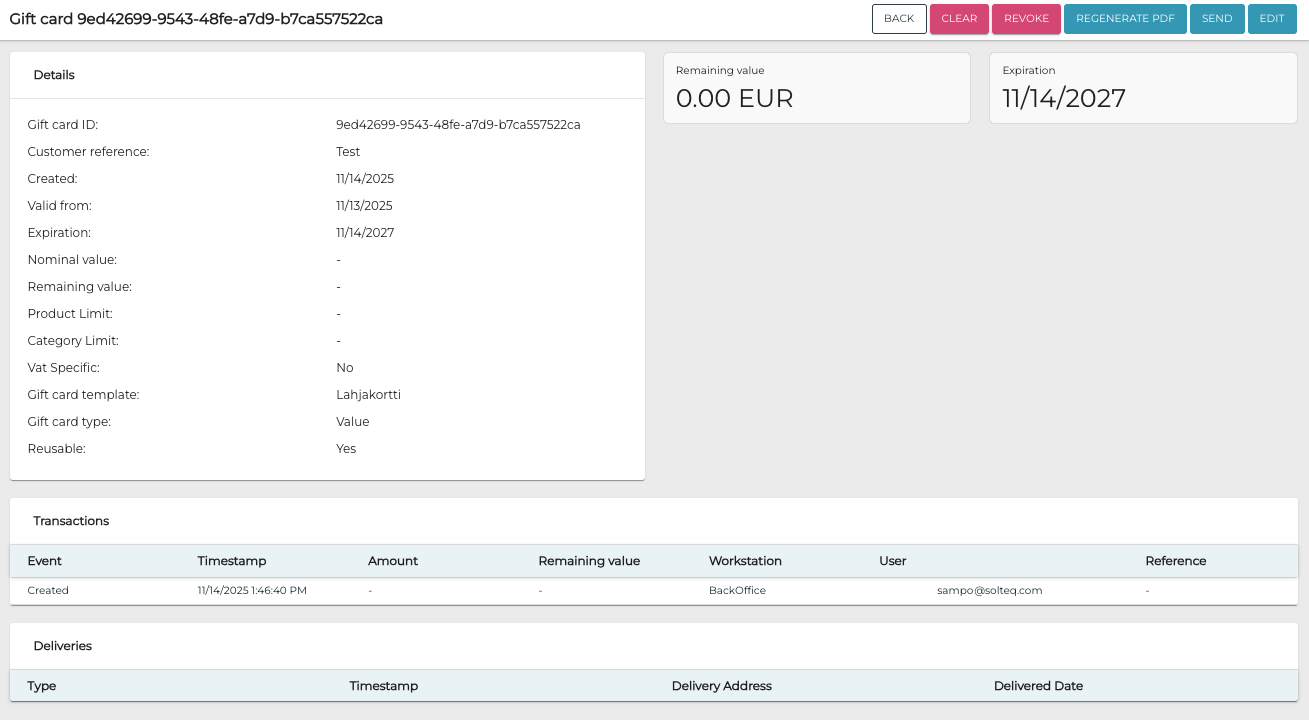
-
Click Clear. Clear Gift Card window is displayed.
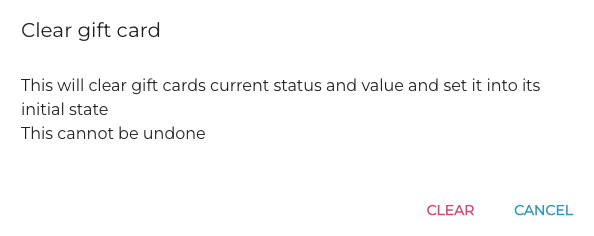
-
Click Clear to confirm.