
You can revoke gift cards in the Back Office.
Revoking a gift card cannot be undone later.
The reason for revoking the gift card will be visible in the gift card details.
-
In the Gift Cards view, select a card by clicking it. Gift card details are displayed.
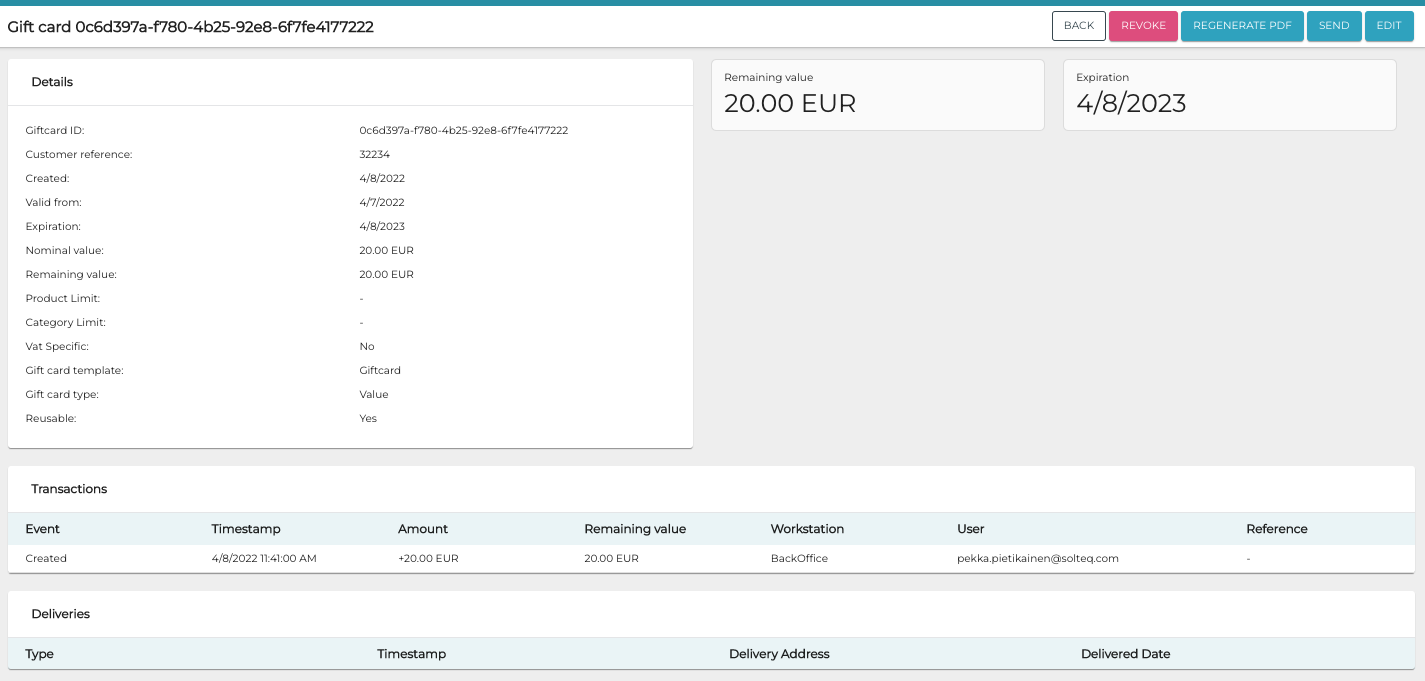
Gift card details -
Click Revoke.
-
Enter the reason for revoking the card in the Reason field.
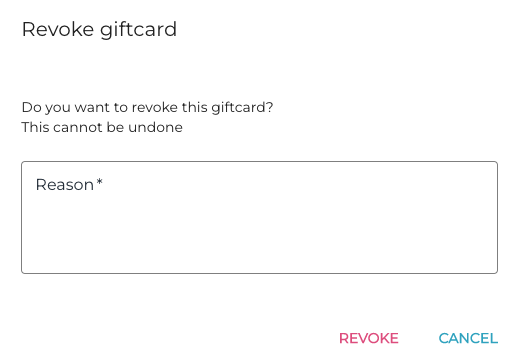
Reason for revoking the gift card -
Click Revoke to confirm.