
You can send gift cards from the Back Office, for example in cases where the originally sent gift card might have ended up in the recipient’s junk e-mail folder, or there was an error in the originally entered e-mail address.
-
Click on a gift card in the Gift Cards view to view its details.
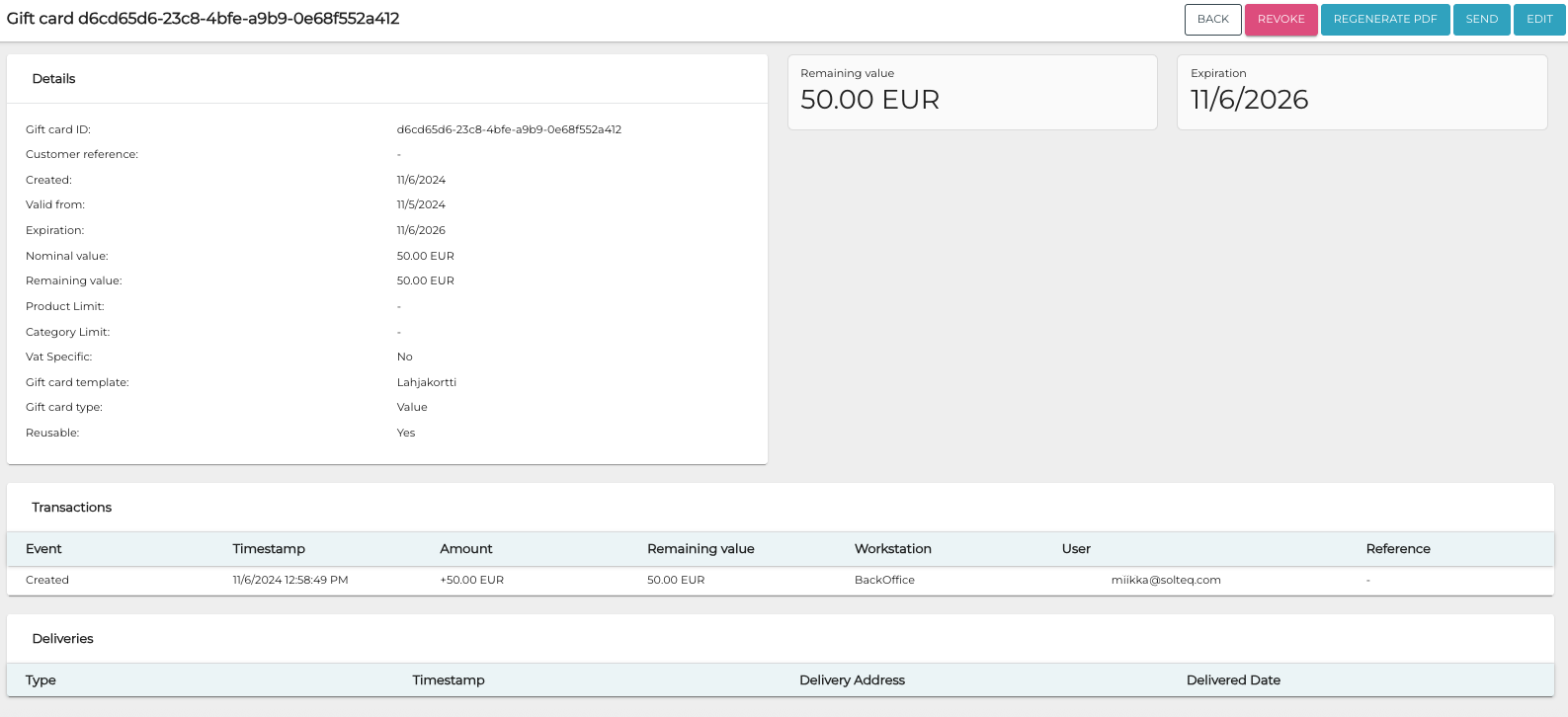
Gift card details -
Click the Send button in the right-hand upper corner. The Send gift card window is displayed.
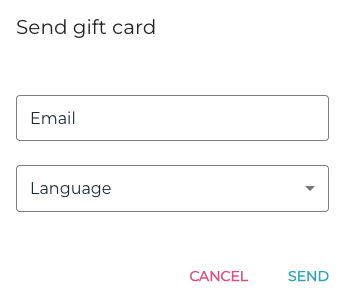
Send gift card window -
Enter the Email of the recipient
-
Select Language from the drop-down menu.
-
Click Send to send the gift card to the recipient.