
You can click on a gift card in the Gift Cards view to view and/or edit its details. Once a gift card has been created in the system, its following details can still be changed:
-
Customer link: Hard link to a customer in Customers.
-
If this setting is used, the gift card can be used only when the linked customer has been added to the Basket.
-
When the customer is added to Basket, all active linked gift cards for the customer are displayed.
-
-
Customer reference: A free text field which can be used for filtering out a batch of gift cards created, printed and shipped for a certain customer, for example.
-
Valid from (select date)
-
Valid to (select date)
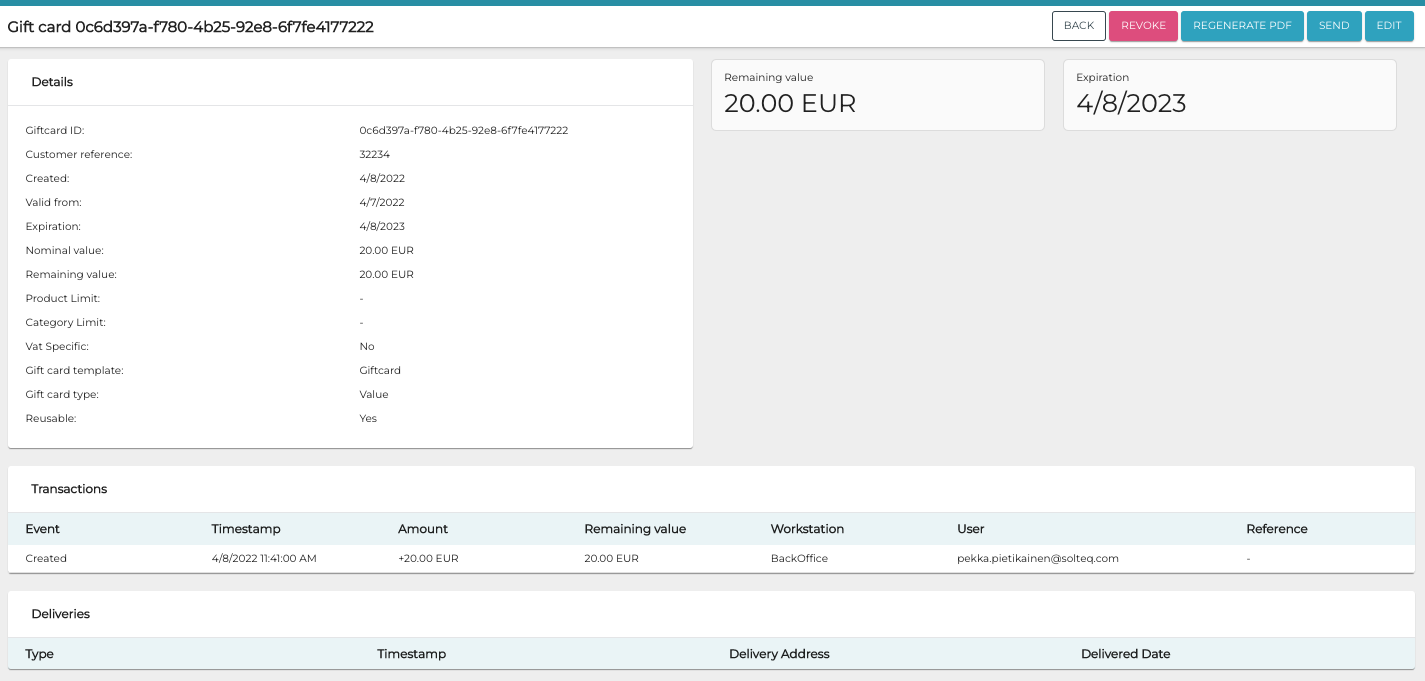
Edit Gift Card Details
-
Click Edit in the Gift Card Details view.
-
Edit the gift card details.
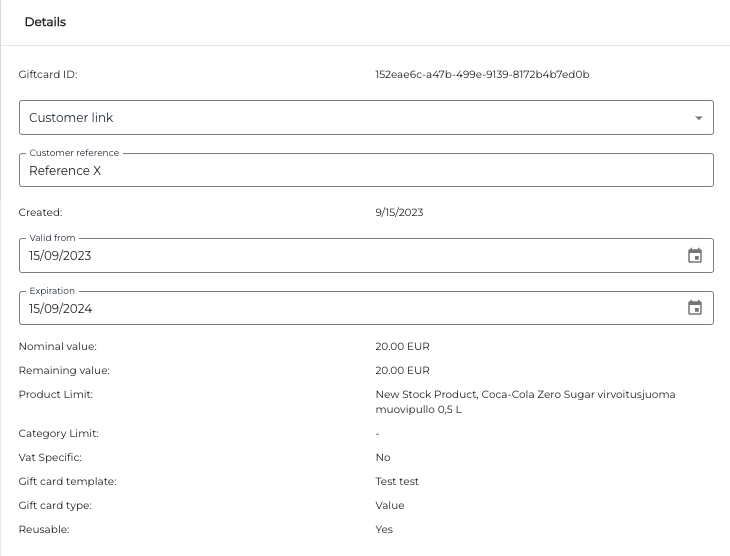
Gift card Details -
Click Save to save your changes.