
If the stock quantity of a stock item is zero, or its inprice is set to zero, the item can be removed completely from the Stock. This way the removed stock item will not be visible in inventories anymore, for example. You can remove boht individual stock items one-by-one, or all stock items whose quantity is zero or whose inprice is set to zero at once.
Remove a Stock Item from Stock
-
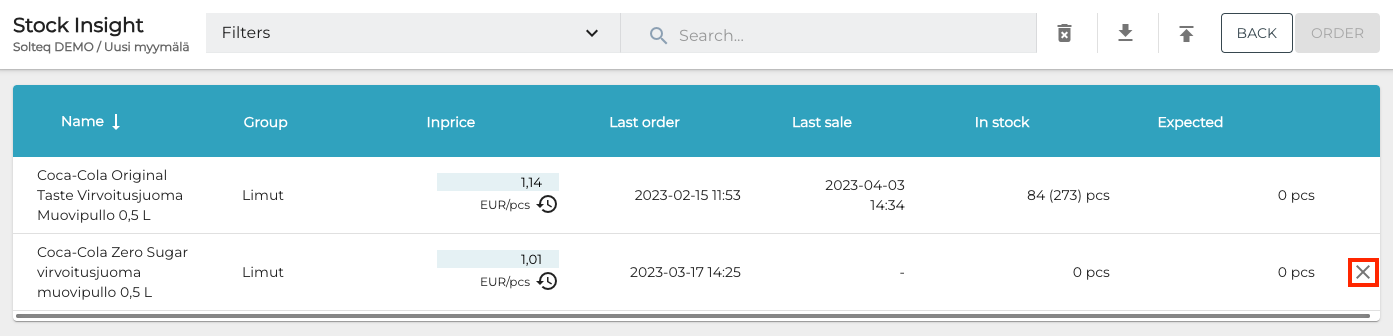
To remove a stock item from the Stock, click the Delete (X) icon on its row.
Remove All Empty Stock Items from Stock
This is a similar feature as the one detailed above, but you do not need to click X separately for each stock item.
-
To remove all empty stock items from the Stock, click the trash bin icon in the Toolbar.
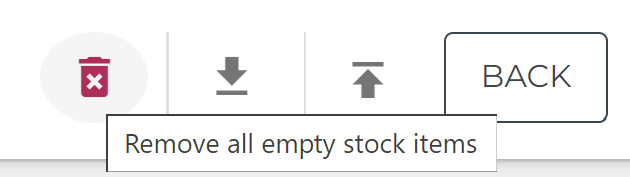
Remove all empty stock items icon -
A separate Remove all empty stock items window is displayed. Click Delete to confirm the removal of all empty stock items.
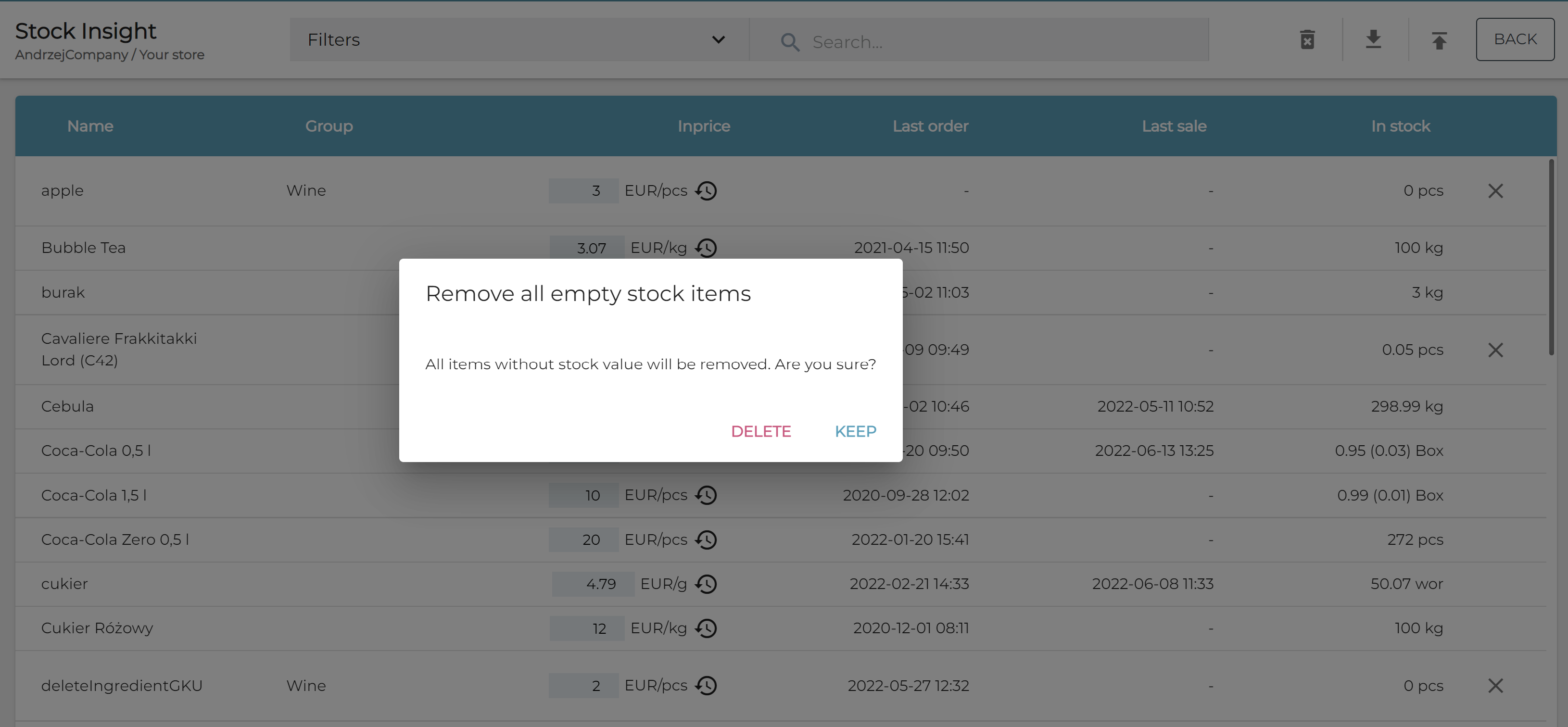
Remove all empty stock items confirmation