
You can anonymize private customers if needed: This action removes all GDPR Personal Data from the customer information.
If needed, you can retrieve anonymized customer’s data by using the Excel export/import function of the Back Office; note that customer’s Id is required for this operation. See Retrieving Anonymized Customer Data.
Customers cannot be anonymized if they have been assigned to an open order.
-
Go to the Customers view of the Back Office.
-
Select the private customer who you want to anonymize. Customer’s profile information is displayed.
-
Click the Anonymize icon in the toolbar.
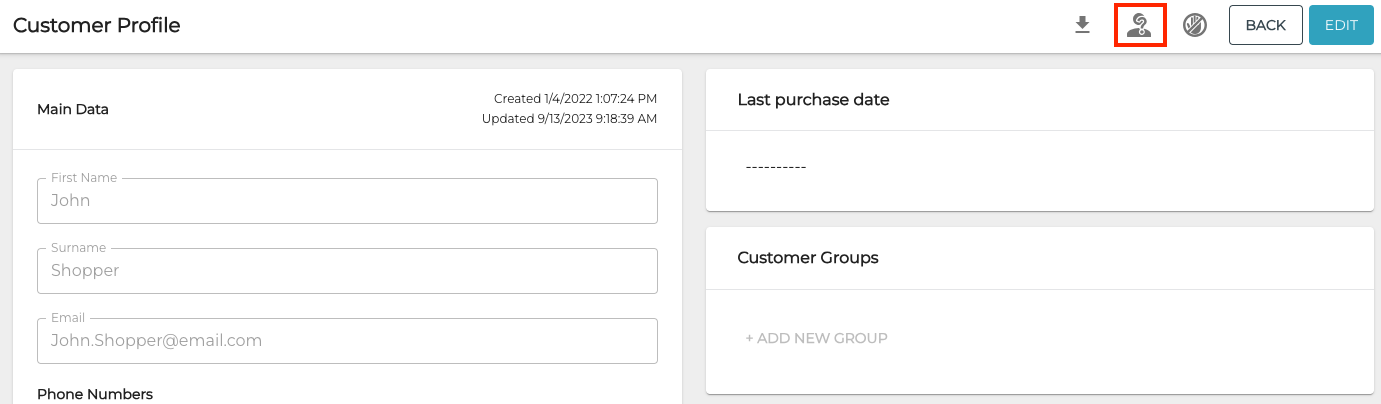
Anonymize icon in the customer details toolbar -
Anonymize window is displayed. Click Yes to complete the anonymization.
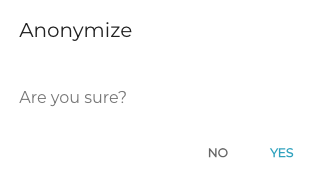
Anonymize window