
If needed, you can retrieve anonymized customer’s data by using the Excel export/import function of the Back Office.
Note that the customer’s Id the Solteq Commerce Cloud system is required for this operation. If you do not have the Id saved, please contact Solteq Customer Service.
-
Download the Person Customers Excel file clicking the Export icon in the Customers view toolbar.
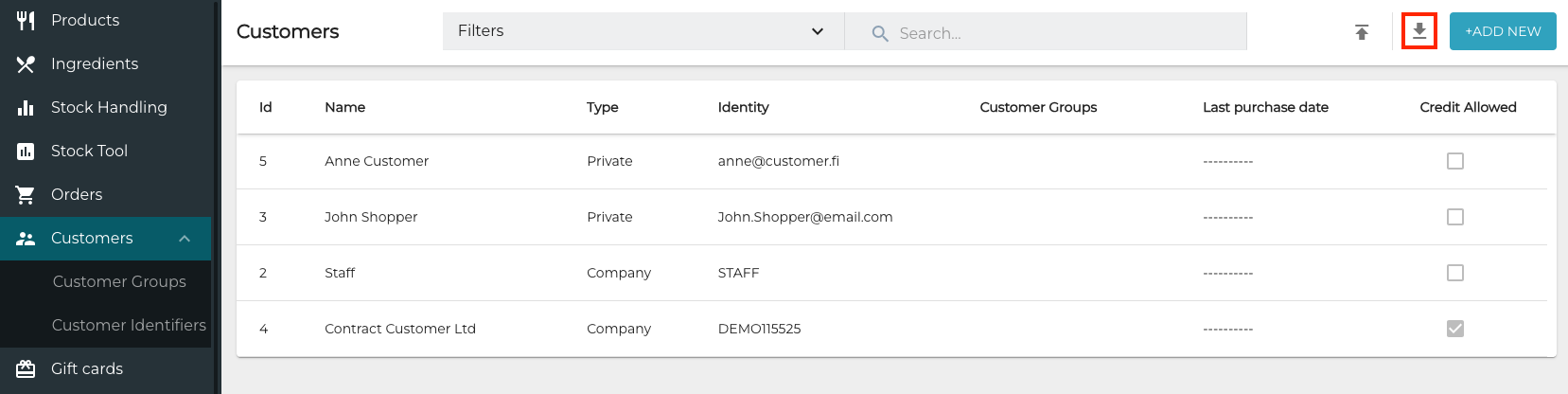
Export icon in the Customers view -
Enter the Id of the anonymized Customer in the Id field of the Excel file.
-
Import the Excel file back to the Back Office by clicking the Import icon, select the file, and then click Open.
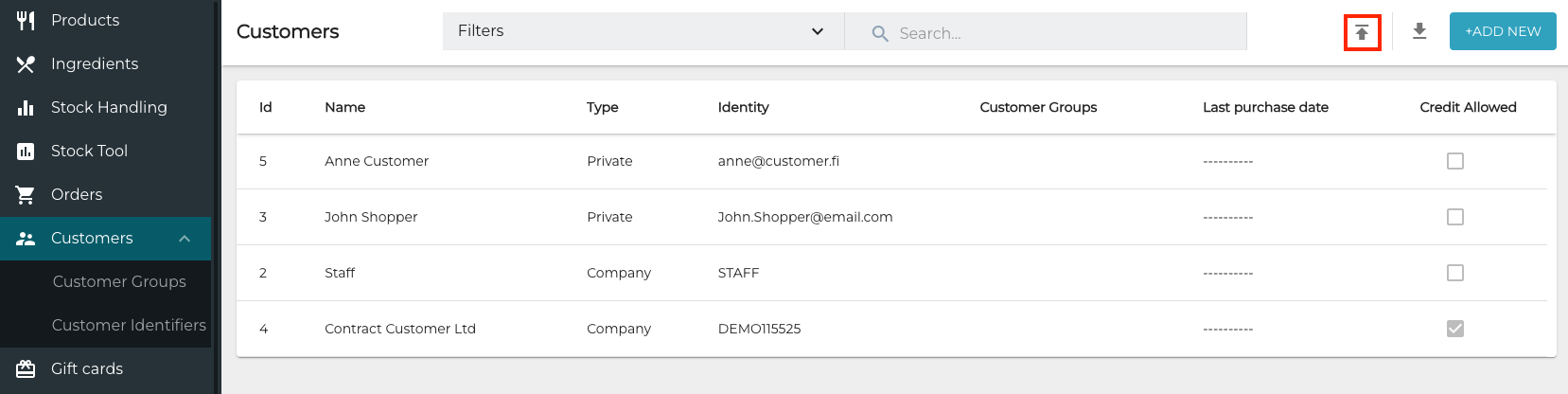
Import icon in the Customers view
Once the file is imported it is scheduled for processing. This may take up to 10 minutes. When all rows are processed, you will receive an e-mail with the import result. If there were validation errors, in the e-mail will also include a file with the rows that were not imported due to the errors. The e-mail will also contain the reason of rejecting each line.