
You can check the statuses of various services by
-
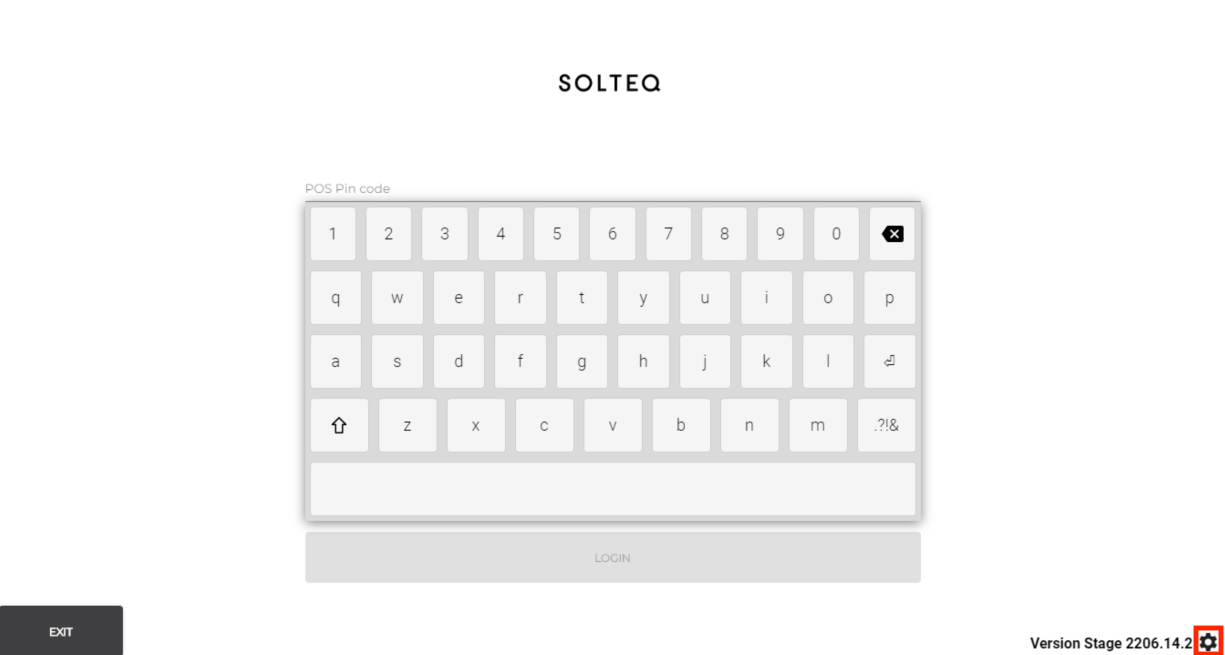
(if not logged in) pressing the Settings icon in the lower right-hand corner of the screen, and then pressing POS version
-
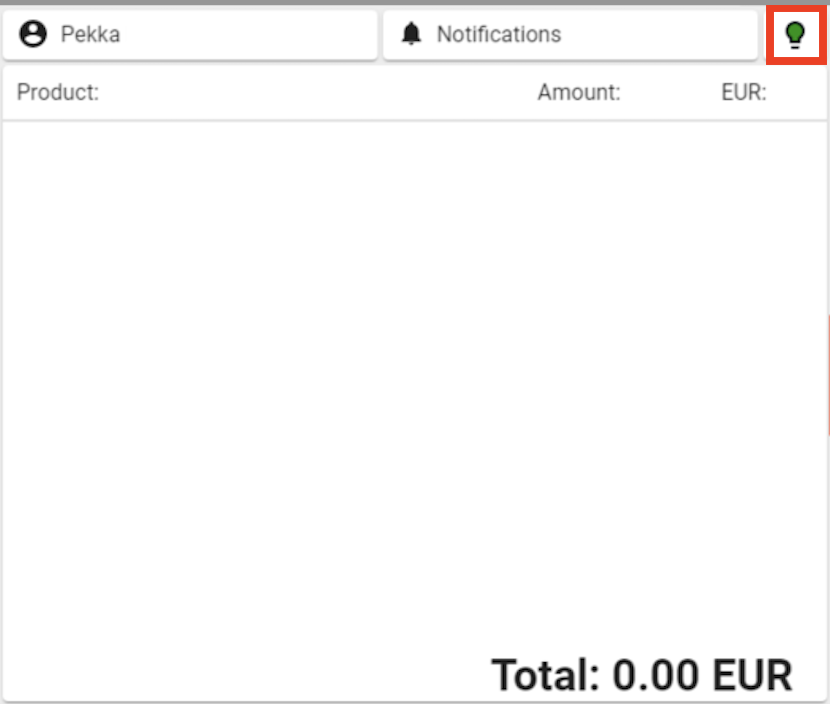
(if logged in) pressing the lightbulb icon in the upper-right-hand corner of the Basket.
The Workstation status view displays the status of the services in the workstation.
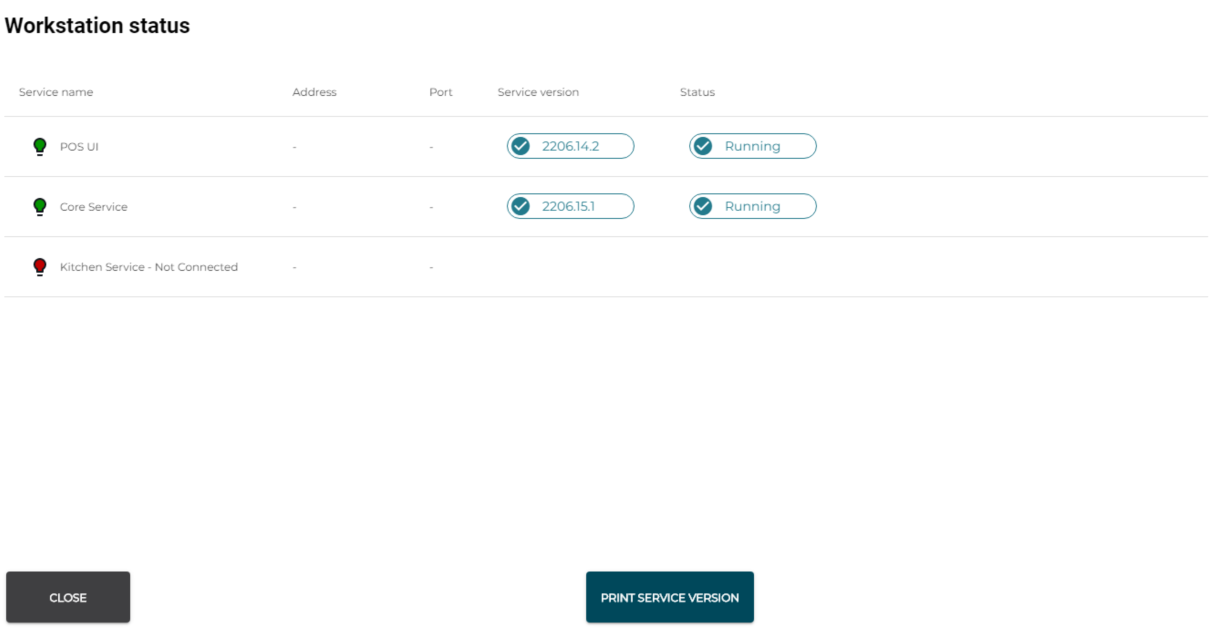
Workstation status
Troubleshooting
If some services are not running, try to restart them: press Close to return to the Settings view. Then press Restart Services.
If restarting services is not successful, try restarting the workstation.
If the aforementioned actions fail to restart the needed services, contact Solteq Customer Service:
-
Tel. 09 5422 5421, or
-
send e-mail to asiakastuki@solteq.com