
The process of settling daily cash in the POS is the following:
-
Press Menu in the POS.
-
Press End-of-Day in the Menu. The Cash Settlement window is displayed.
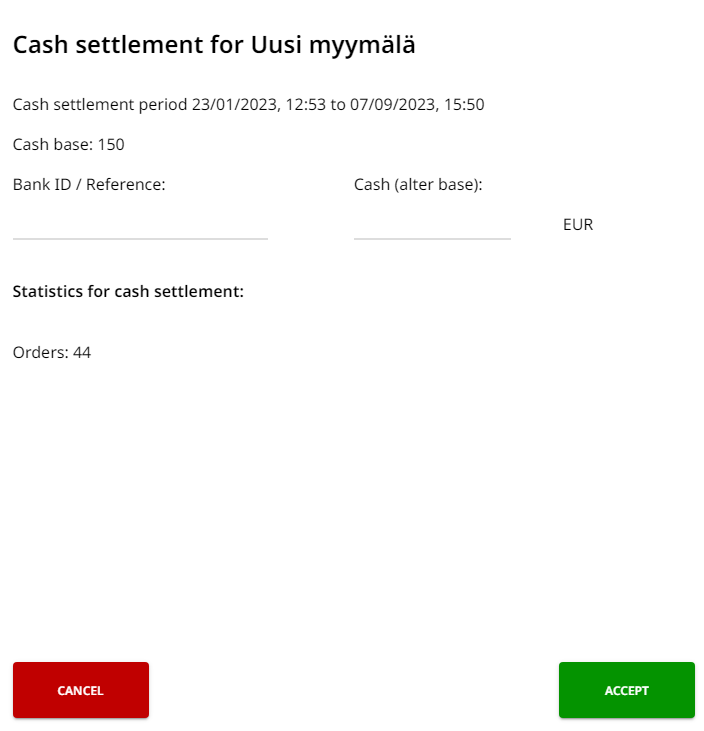
Cash Settlement window -
Enter the Bank ID/Reference (if applicable).
-
Enter the Cash (after base) (base deducted from the total).
-
Press Accept.
If the entered amount of cash is different from the amount calculated by POS, the POS program will display a message regarding this. After this it is possible to either accept the cash settlement by pressing Accept or select Recalculate.
Cash settlements can be viewed, and if necessary, corrected in the Back Office.