Sending a notification about order modification to Kitchen requires that the Allow order cancellation on Kitchen switch has been set to ON in Store Configurations.
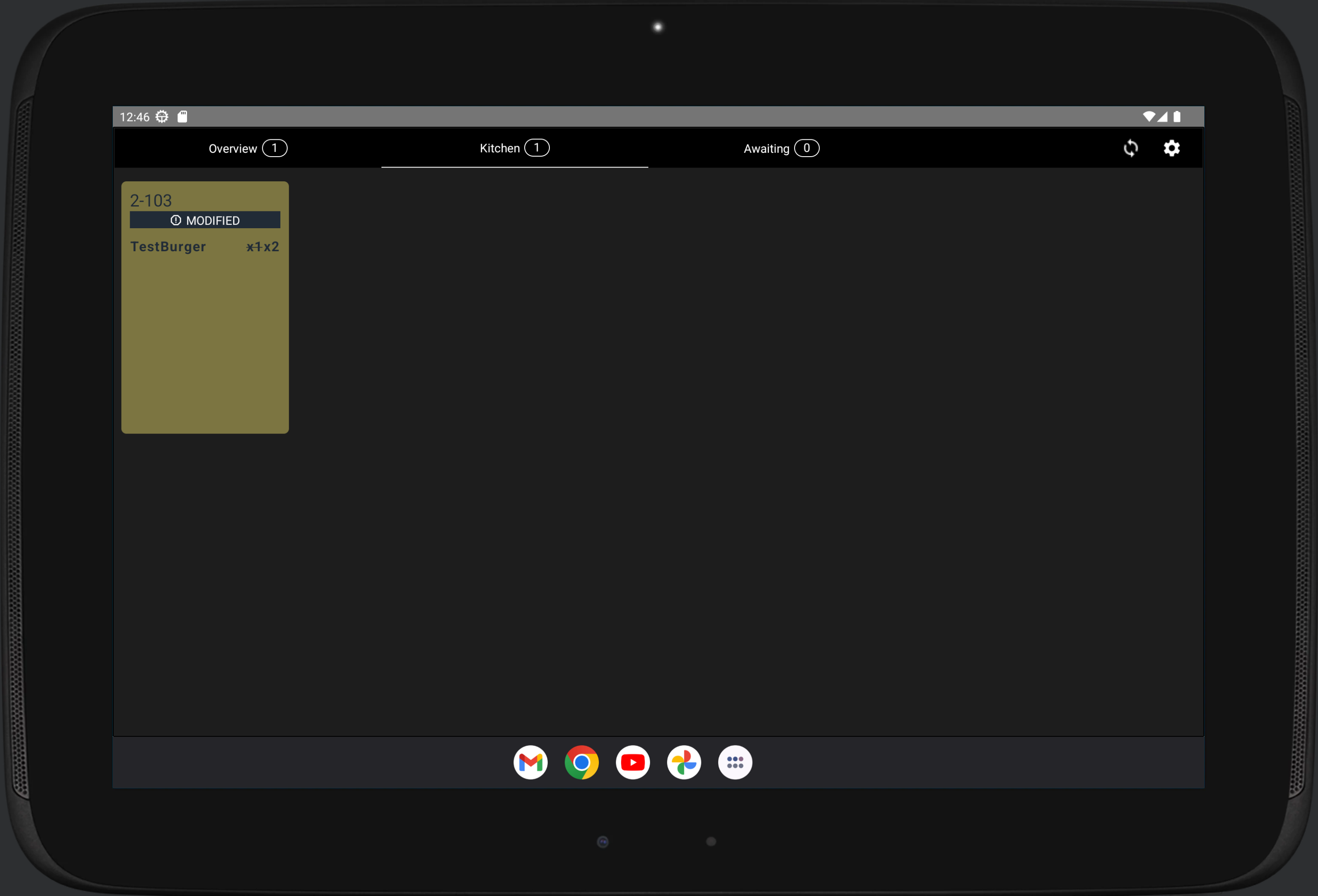
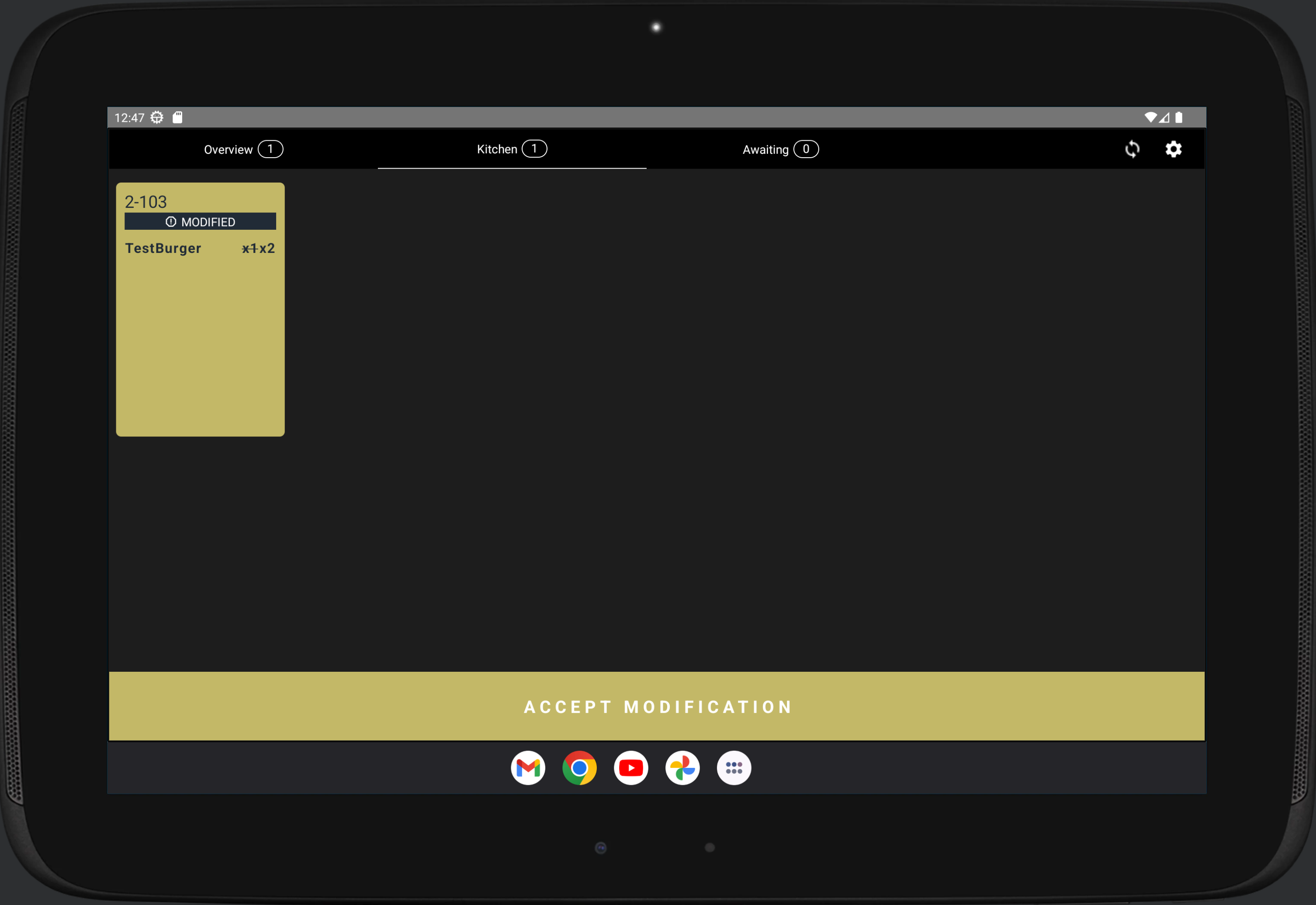
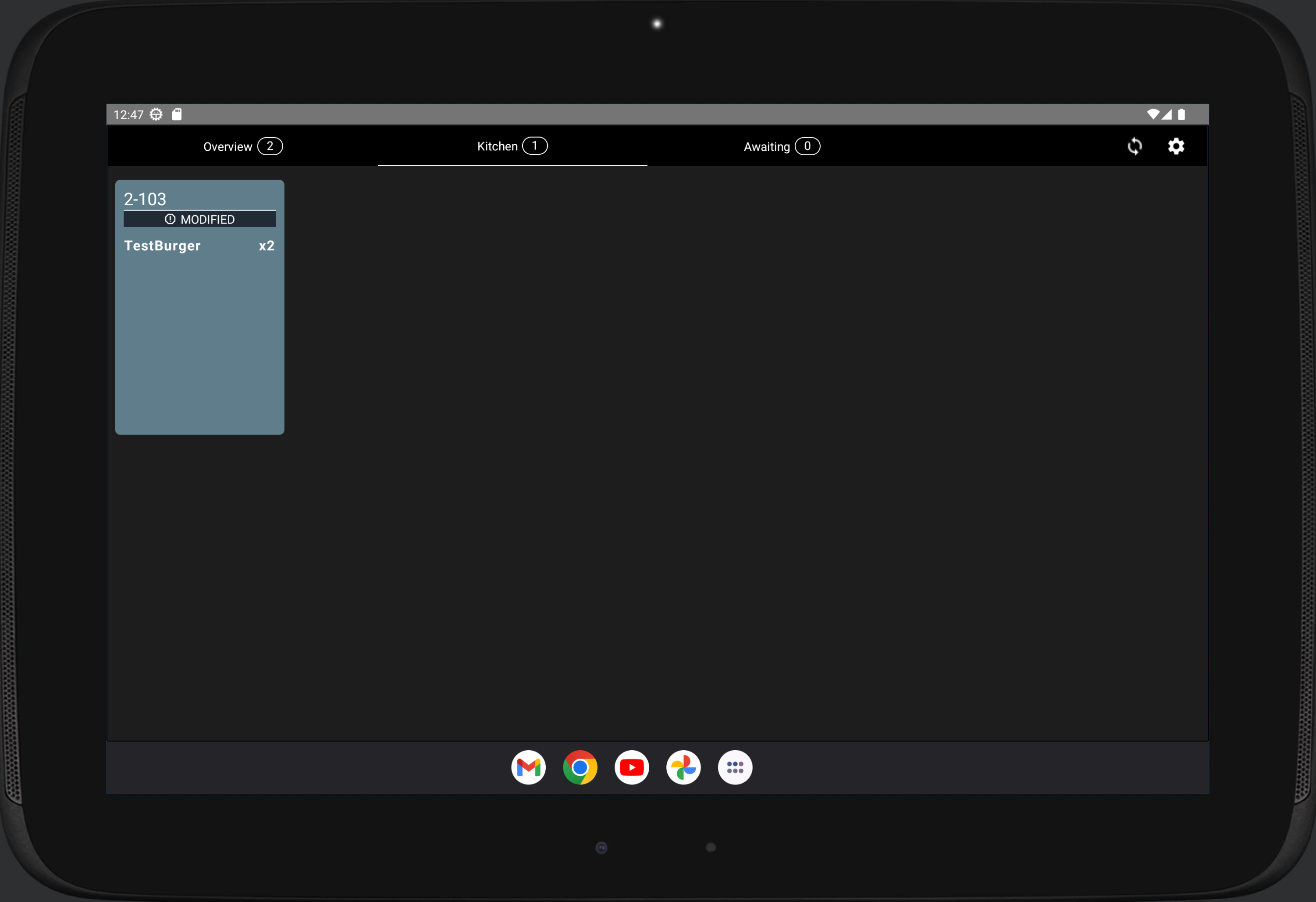
Orders sent to Kitchen can be modified by adding additional products or changing the product quantities in the order, and then sending the order again to Kitchen. If a Kitchen Tablet is used, Kitchen staff must also accept the modification by pressing the modified order and then pressing Accept modification.