
Receipts are always cancelled by clearing them: Press the Clear Receipt tile in the POS.
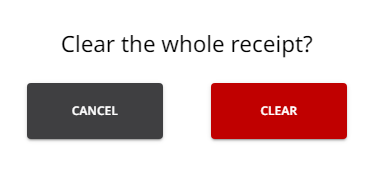
POS requests a confirmation for clearing the receipt; click Clear to confirm.
A receipt will not be cancelled if the Basket is emptied by deleting product rows one-by-one. It is important to always clear the receipt when there is no need to continue with the order currently in the Basket.
Orders can be also parked, if needed.